
How to Connect Airtable to HubSpot and Salesforce Without Losing Data
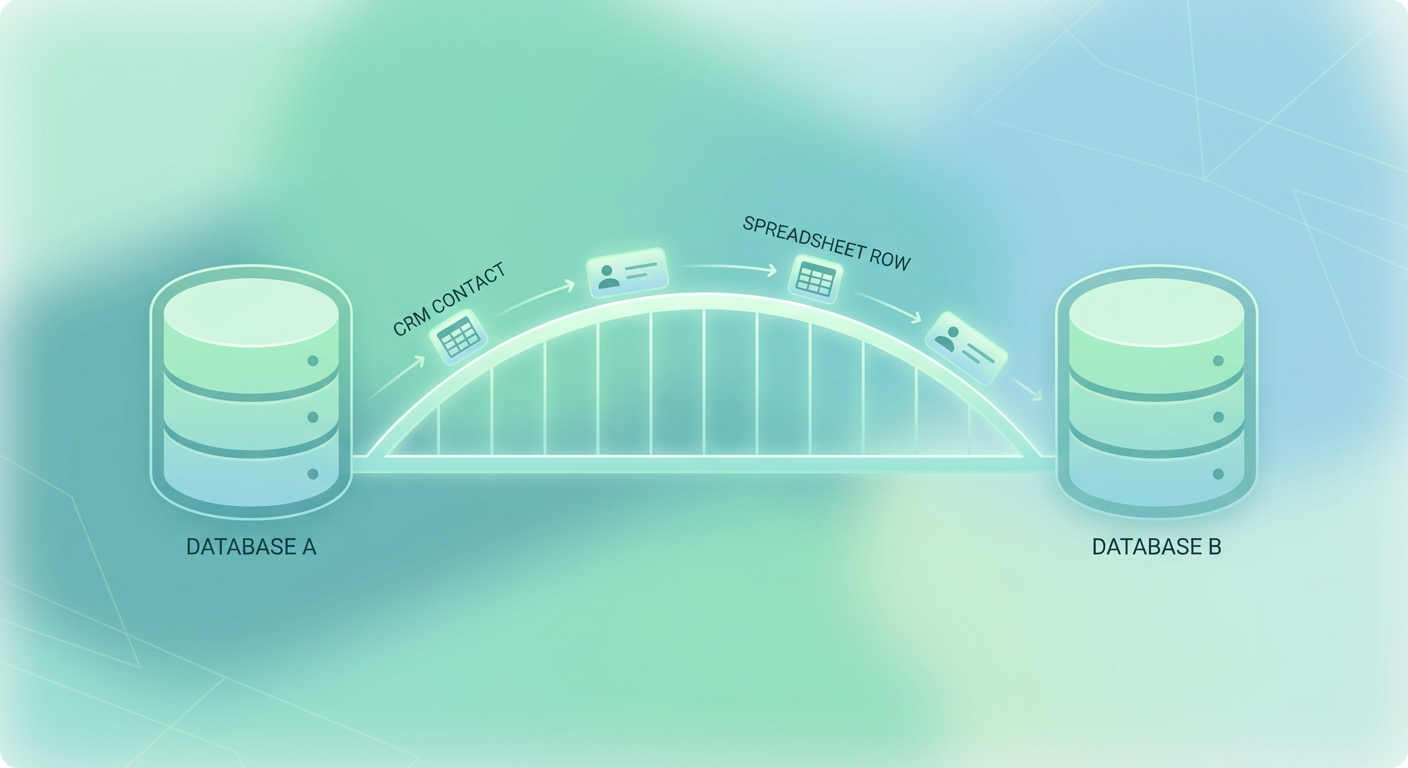
You know the drill. Export a CSV from Airtable. Open it in a spreadsheet. Fix the column headers so they match your CRM fields. Delete the rows that look like duplicates but you're not totally sure. Import to Salesforce or HubSpot. Get 47 merge conflicts. Spend the next hour figuring out which phone number is the real one — the one in Airtable from last Tuesday or the one in HubSpot from three months ago.
I've done this exact routine more times than I want to admit. It works if you only need to do it once. Nobody does it once.
Why Your Data Lives in Two Places
Airtable is where teams actually want to work. It's flexible. You can spin up a new field in seconds, drag records around, build views for different people on the team. It's the scratch pad, the intake form, the pipeline tracker that someone built because the CRM was too slow or too rigid to keep up.
The CRM — Salesforce, HubSpot, whatever you're running — is the system of record. It's where deals close, where reporting happens, where leadership looks when they want to know if the quarter is on track. Nobody is ripping out Salesforce because Airtable exists.
So you end up with both. Airtable for the messy early-stage work. CRM for the official pipeline. And between them, a gap that gets wider every week. New contacts go into Airtable first. Maybe they make it to the CRM a few days later. Maybe they don't. Fields get updated in one system and not the other. By the end of the quarter you're looking at two different versions of reality.
This is the Airtable CRM sync problem, and almost every team I talk to deals with some version of it.
The Three Sync Patterns That Work
There are really only three ways to keep Airtable and a CRM in sync. Everything else is a variation.
One-way push. Airtable is the source. Records flow into the CRM on a schedule or trigger. Simple. Works when Airtable is your intake layer and the CRM is downstream. Breaks the second someone updates a record in the CRM and expects it to flow back.
Bidirectional match. Both systems are live. You pick a key — usually email — and match records across systems. Whichever record was updated more recently wins. This is what most teams actually need for their Airtable Salesforce integration or Airtable HubSpot integration, and it's the hardest pattern to get right.
Agent-based sync. An agent reads the schema on both sides, figures out what maps to what, diffs the fields, and makes update decisions based on rules you define. More on this in a minute.
What Breaks With Zapier and Make
Zapier and Make are the default answer to "how do I connect Airtable to my CRM." And they work. For about three weeks.
Here's what goes wrong:
- Field mapping drift. Someone adds a new field in Airtable. The Zap doesn't know about it. Data stops flowing for that field silently. Nobody notices until a sales rep asks why half their contacts are missing job titles.
- No conflict resolution. If the same contact gets updated in both Airtable and HubSpot between sync cycles, Zapier just overwrites one with the other. There's no "which version is newer" logic unless you build it yourself. Most people don't.
- Silent failures. A Zap fails because HubSpot rate-limited the API. The error shows up in a log that nobody checks. Meanwhile, 200 records didn't sync and the team has no idea.
- Deduplication is your problem. Zapier will happily create a second contact in Salesforce because the email field had a trailing space. Or because the Airtable record used a personal email and Salesforce had the work email. Same person, two records, nobody catches it.
These tools are great for simple triggers. "When a form is submitted, create a row." That's a fine Airtable integration use case. But bidirectional sync between a flexible tool and a rigid CRM is not a simple trigger. It's a data quality problem wearing a workflow automation costume.
The Agent Approach
The pattern I've seen work best for an Airtable CRM sync treats the connection as a data problem rather than a workflow problem. Instead of "when X happens, do Y," you want something that can look at both systems, understand the shape of the data, and make intelligent decisions about what needs updating.
An agent-based sync works like this: it reads the schema from Airtable and the schema from your CRM. It matches records by email or another unique key. It compares fields and identifies what's different. Then it updates whichever side is stale — based on timestamps, based on rules you set, or based on which system you've designated as authoritative for that field.
The difference from a Zap is that the agent understands context. It doesn't just move data from A to B. It looks at the data, sees that the phone number in Airtable was updated yesterday and the one in Salesforce hasn't changed in four months, and makes the right call. When a new field appears in Airtable, it can map it to the closest CRM field or flag it for review instead of silently ignoring it.
This is what the Airtable to CRM Sync agent does. You point it at both systems and it handles the matching, diffing, and updating. No Zap maintenance. No CSV exports.
For teams that also need to fill in gaps — missing company info, outdated job titles, incomplete records — the Airtable Lead Enrichment agent pulls in data from public sources and writes it back to your Airtable records before they ever reach the CRM. Cleaner data going in means fewer problems coming out.
This Is Really a Data Quality Problem
Every Airtable integration question is secretly a data quality question. "How do I sync Airtable to HubSpot" really means "how do I stop having two conflicting versions of every contact." The sync mechanism matters less than the logic behind it.
If you're running a manual CSV process today, you already know it doesn't scale. If you're running Zapier and it mostly works, give it another quarter — the edge cases will start piling up. The teams that get this right treat the connection between Airtable and their CRM as a living system, not a one-time setup.
The bar is pretty simple. After a sync runs, every record should exist in both systems, the fields should agree, and nothing should be duplicated. That's it. However you get there is fine.
Try These Agents
- Airtable to CRM Sync — Match and sync records between Airtable and Salesforce or HubSpot
- Airtable Lead Enrichment — Fill in missing contact data before it reaches your CRM