
Automate Shopify Order Management with AI
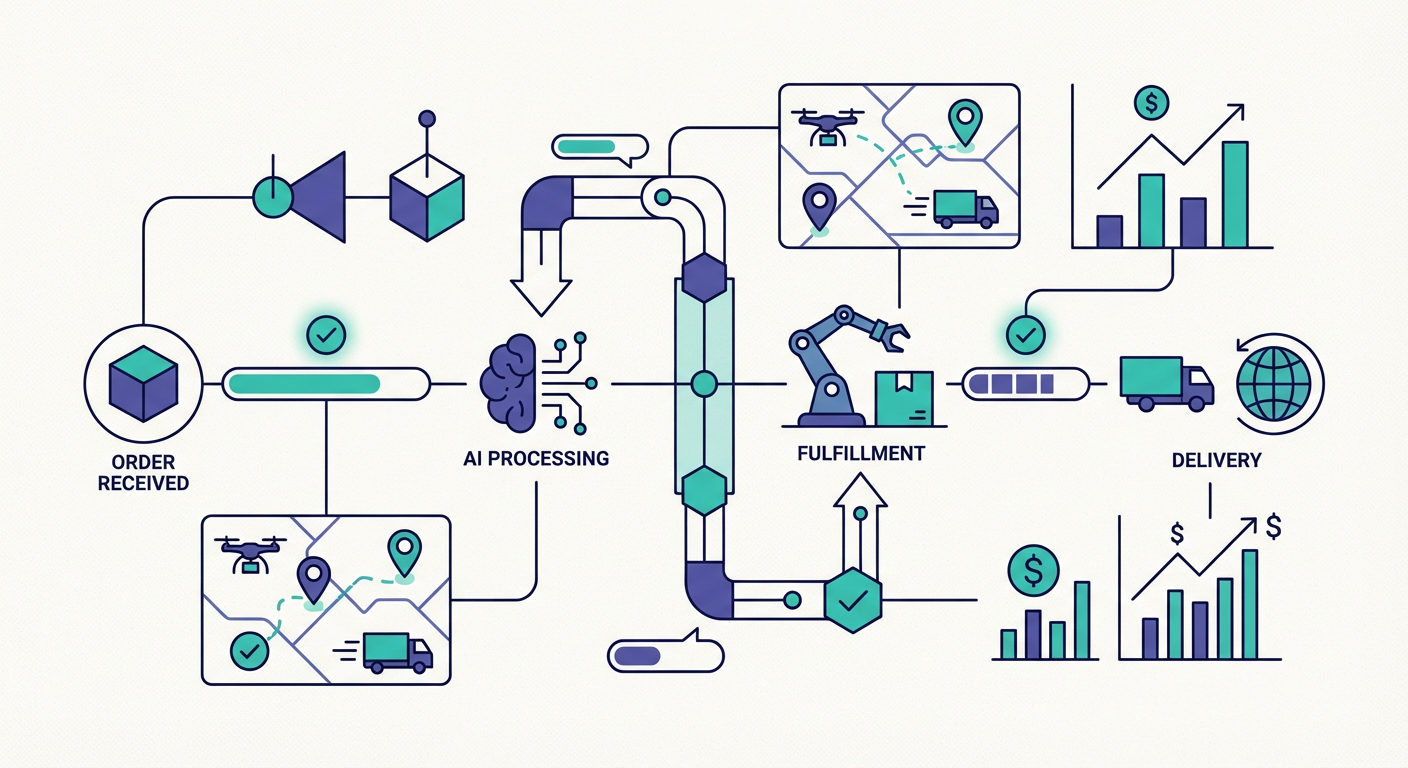
Our ops manager, Priya, had this ritual. Every morning at 8:15 she'd open Shopify admin, click Orders, filter by "unfulfilled," count the results, click into each one that seemed older than two days, switch to Analytics for yesterday's revenue, open a spreadsheet, type in the numbers, and then post a summary in the #ops Slack channel. By 8:45 she had a snapshot. By 9:00 she'd already forgotten half of it because a customer called about a missing package and blew up the rest of her morning.
This went on for months. The ritual was useful when it happened. The problem was that sometimes it didn't. Some mornings she ran it at 8:15. Some mornings a fire drill pushed it to noon. Most Fridays it just didn't happen because, well, Fridays. The information was valuable but the delivery mechanism was a human being who had other things to do.
We replaced the ritual with an agent three months ago. Same checks Priya was running, except now they run at 8:00 AM sharp, every single day, and the results are in Slack before anyone's first coffee. Priya got 30 minutes back. She spends them on actual operations stuff instead of data collection.
Why Flow Isn't Enough
Shopify Flow exists and I don't want to pretend it doesn't. For basic trigger-based stuff it's great. Tag an order when it hits a condition, fire a notification when stock drops, auto-archive old drafts. Good clean automation.
But there's a ceiling. Flow can't look at yesterday's orders, figure out which ones seem stuck, cross-reference fulfillment timelines, and tell you "hey, these four orders are probably going to generate support tickets tomorrow." That's not a trigger-based job. That's analysis. Flow does triggers. An agent does analysis.
The distinction matters because order management is mostly analysis. You want someone (or something) looking at the data every day and telling you what to pay attention to. The boring but valuable stuff:
- Count of new orders, split by paid/unfulfilled/partial/cancelled
- Orders sitting in "paid" status for more than 48 hours with no shipment
- Partial fulfillments where the remaining items have no tracking number attached
- Revenue compared to the same day last week
- Product volume changes that might signal something worth investigating
None of that is a trigger. All of it is "look at the data and tell me what's weird."
What the Morning Report Looks Like
I'll be concrete. Here's roughly what lands in our Slack every morning now.
The report opens with anything that needs attention. This is the "read this first" block. Orders that are paid but haven't moved in 48+ hours. Partial shipments with missing tracking. A cancellation count that's higher than the weekly average. If nothing's flagged, it says so. Most mornings it's one or two items. Some mornings it's zero, and that's a good day.
After the flags comes the numbers block. Total orders yesterday, revenue, average order value, comparison to last week. We log all of this to a Google Sheets row automatically. After a month of this we had a trend dataset that nobody had to build manually. Priya pulled it up in a quarterly review and the finance team was genuinely surprised we had week-over-week revenue data that wasn't from a third-party analytics tool charging us $200/month.
Then there's a product block. Top five products by order count for the day. The agent notes if anything spiked or dropped compared to its recent average. A product going from 3 orders/day to 15 orders/day might mean a campaign is working or might mean someone accidentally set the price to $1. Either way, you want to know about it before you find out from Twitter.
We built a monitoring prompt for this exact workflow. It generates the report, flags the problems, and logs the numbers to Sheets for tracking over time.
The Real Value: Catching Problems Early
Here's the thing about e-commerce operations that took me embarrassingly long to figure out. Most support tickets about orders aren't complaints about the product. They're complaints about the process. Where's my order? Why hasn't it shipped? I got the wrong item. My tracking number doesn't work.
Every one of those tickets has a precursor signal in the data. An order that sat in "paid" for three days without shipping will become a "where's my order?" email. Every time. You can see it coming if you're looking at the data consistently.
We measured this over a two-month period. About 6% of our orders had some kind of fulfillment hiccup. Each one that went unnoticed generated a support ticket averaging 12 minutes of rep time. At our volume that was roughly 8 tickets a day, or about 1.5 hours of support labor that existed purely because nobody caught the problem upstream.
After we started catching fulfillment delays in the morning report, the ticket volume for "where's my order?" dropped by about 60%. We didn't fix the fulfillment issues themselves (that's a warehouse problem, not a software problem). We just started pinging the warehouse at 8:30 AM instead of waiting for the customer to ping us at 2:00 PM. The customer got a proactive update. The support team got fewer angry emails. Everyone won.
Connecting the Dots Across Systems
The morning report is where it starts. But once you have an agent pulling Shopify data reliably, you start asking "what else can I do with this?"
We added a CRM sync pretty quickly. Sales and CS were working in HubSpot but had no idea which HubSpot contacts were actively buying on Shopify. Lifetime value in HubSpot was months out of date. We wired up a Shopify-to-HubSpot sync that pushes current spend data, order counts, and customer tags into HubSpot weekly. The CS team now filters by actual purchase behavior instead of whatever data was manually entered six months ago.
The support side also got better. When the morning report flags a delayed order, the next natural step is pulling up the customer's full profile so you can reach out proactively. The customer 360 prompt does that in one shot: name, email, full order history, lifetime value, addresses. A support rep can have the entire context in under a minute without opening Shopify admin at all.
Why This Works Better Than Dashboards
I'll be honest. Before we set up the agent we tried two different analytics dashboards. They had charts. They had filters. They were very pretty. Nobody checked them consistently.
The problem with dashboards is that they're pull-based. Someone has to open the dashboard, interpret the data, and decide what matters. An agent is push-based. It shows up in your Slack at 8 AM and says "here are the two things you need to deal with today." You don't have to remember to check anything.
The other difference is flexibility. Our rules change. Last month we tightened the fulfillment SLA from 48 hours to 36 hours for orders with express shipping. Updating that in the agent took one sentence in the prompt. Updating it in a dashboard would have meant reconfiguring filter logic. In a custom integration it would have been a code change.
If your store does more than maybe 30-40 orders a day, the morning reporting automation alone is worth setting up. Add fulfillment delay detection on top and you'll wonder how you managed without it.
Try These Agents
- Shopify Order Monitoring Dashboard -- Daily ops reports with unfulfilled orders, revenue, and product performance
- Shopify Bulk Order Status Reporter -- Pull all recent orders and flag stuck shipments automatically
- Shopify Order Lookup & Refund -- Look up orders and process refunds in one conversation
- Shopify Customer 360 View -- Get a full customer profile in seconds