
Automated Account Mapping: How to Find Every Contact at Target Accounts
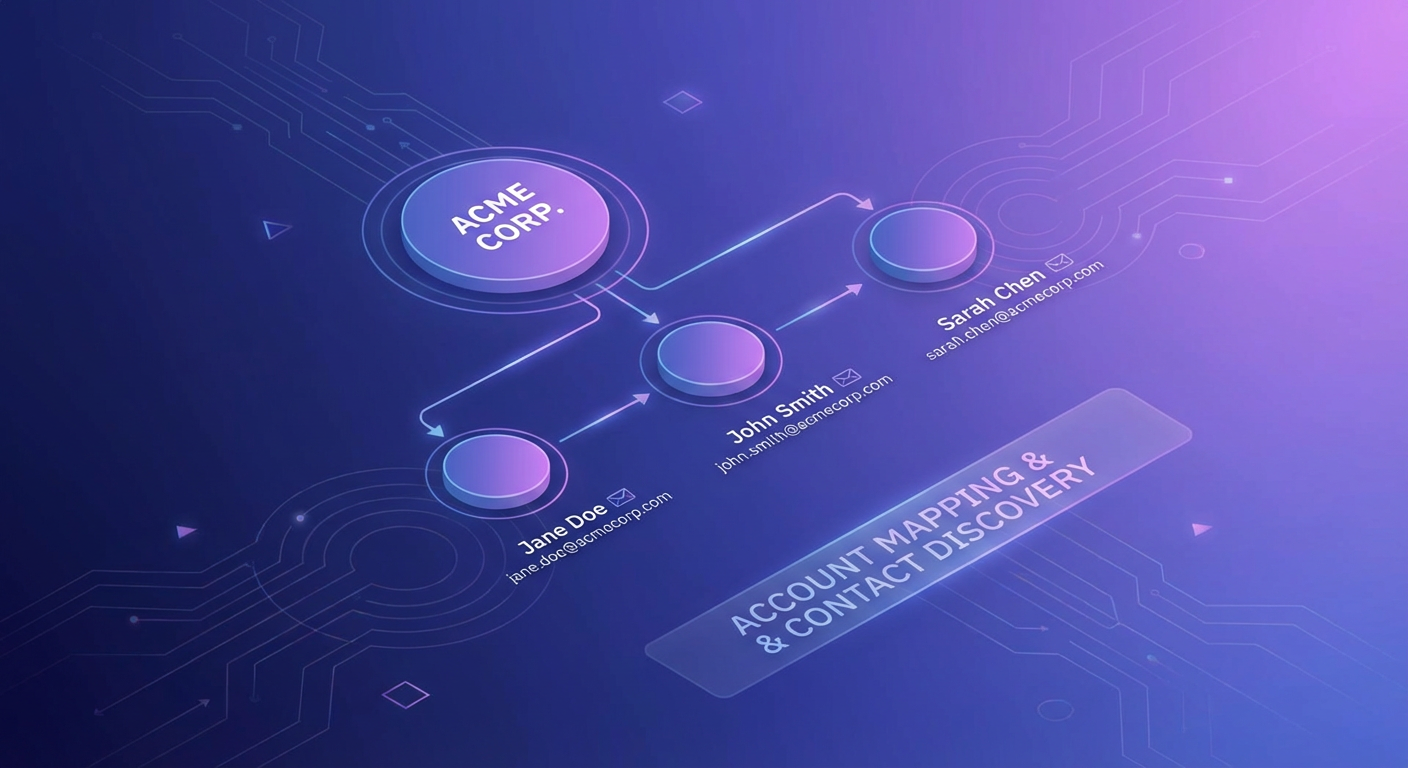
Account-based selling only works when you actually know who is at the account. That sounds obvious, but I watch sales teams stumble on this every week. They pick their top 50 target accounts. They research the company. They build a slide deck about why the account is a great fit. And then when it comes time to reach out, they email one person. Usually the wrong one.
Multi-threading is not a nice strategy to try someday. It is the difference between deals that close and deals that stall. Research from Gong shows that deals with more than three contacts engaged are twice as likely to close. Yet most reps still operate like they are running a singles tournament when they should be running a doubles match.
The reason is simple: mapping out every relevant contact at a company is tedious work. Finding the VP of Sales is easy. Finding the VP of Sales, the Head of Revenue Operations, the CFO, and the Director of IT who will need to approve the security review? That takes hours of LinkedIn crawling, email guessing, and verification. By the time you've mapped one account, you've spent half a day and you have 49 more to go.
What Account Mapping Actually Requires
A proper account map is not just a list of names. It is a structured view of who matters at a company, organized by their role in the buying process. For a typical B2B deal, you need:
The economic buyer who controls budget. Usually a VP or C-level executive. They approve the purchase order.
The champion who will push your deal internally. Often a director or senior manager who feels the pain your product solves every day.
The technical evaluator who will run a proof of concept. An engineer, IT leader, or ops person who needs to validate that your product works with their stack.
The blocker who can kill the deal. Often legal, procurement, or IT security. You need to know who they are even if you don't email them directly.
For each of these contacts, you need their name, email, title, department, seniority, and ideally some context on their recent activity. That is a lot of data per account. Multiply by 50 accounts and you're looking at hundreds of data points.
How Domain Search Changes the Game
Hunter's domain search is one of the most underrated tools in sales. Give it a company domain and it returns every email address it has found for that domain. But what makes it actually useful is the filtering.
You can filter by department: sales, marketing, IT, finance, legal, executive, management, HR, support, communication. You can filter by seniority: junior, senior, executive. That means instead of scrolling through hundreds of results, you can ask: "Show me the executive-level contacts in the finance department at acme.com." You get back two or three names. Exactly the people you need.
When you combine domain search with email verification, you get a verified contact list with confidence scores. You know which emails are safe to send and which ones are risky. No guessing.
The Manual Way vs. The Agent Way
The manual way looks like this. You open LinkedIn. Search for the company. Scroll through the employee list. Click on profiles that look relevant. Copy names. Open Hunter. Search by name and domain. Get an email. Open a verification tool. Verify the email. Paste into your CRM. Repeat 15 times per account. Spend 45 minutes to an hour per account. Do this for 50 accounts. Cancel your weekend plans.
The agent way looks like this. You tell the agent: "Map out the sales leadership, marketing leadership, and finance leadership at stripe.com. Verify the top 5 emails. Give me a prioritized outreach list." The agent runs Hunter domain search with department and seniority filters, verifies the most relevant contacts, googles the company for context, and hands you back a structured contact map with verified emails, titles, and outreach order recommendations.
One approach takes 40 hours. The other takes minutes.
What a Good Account Map Looks Like
I have seen a lot of bad account maps. A list of 20 names with no structure is not an account map. It is a phone book. Here is what a useful one includes:
Company context. What does the company do? How big are they? Any recent news like funding rounds, acquisitions, or product launches? This context shapes how you approach the account.
Email pattern. Most companies have a consistent email format. Hunter tells you the pattern, like {first}.{last}@company.com. This lets you predict emails for contacts who aren't in the database.
Prioritized contacts. Not everyone at the account is equally important. Your map should rank contacts by relevance to your deal. The economic buyer is number one. The champion is number two. The IT evaluator who hasn't been active on LinkedIn in two years? Put them at the bottom.
Verification status. Every email should have a deliverability status. Green for verified. Yellow for risky. Red for remove. Never send to a red contact.
Suggested outreach sequence. Who do you email first? Usually the champion, because they are most likely to respond and can introduce you to the economic buyer. Do not start with the CFO unless you have an unusually warm intro.
Scaling Account Mapping Across Your Entire Pipeline
The magic of using AI agents for account mapping is that the process is the same whether you are mapping 5 accounts or 500. You write one prompt that describes the roles you need at each company, the filters you want (seniority, department), and the output format you expect.
For larger lists, you can work through accounts in batches. Give the agent 10 company domains at a time. It runs domain search on each, applies your filters, verifies the top contacts, and outputs a structured list. In a morning, you can have a complete, verified contact database for your entire territory.
This is the kind of work that RevOps teams used to spend weeks on during territory planning. Now it is a Thursday afternoon task.
The Multi-Threading Advantage
Here is why all of this matters: multi-threaded deals close at dramatically higher rates. When your rep is talking to one person at an account, the deal lives or dies with that one relationship. If that person goes on vacation, changes jobs, or just gets busy, your deal stalls.
When your rep is connected to five people at the account, the deal has resilience. One contact goes dark? You have four others who can keep things moving. The champion leaves the company? You already have a relationship with the backup champion you identified during account mapping.
I have seen teams double their close rates just by going from single-threaded to multi-threaded engagement. The bottleneck was never the selling skill. It was the time required to find and verify five contacts per account instead of one. Remove that bottleneck with automated account mapping, and the close rate follows.
Start With Your Top 20
If this all sounds overwhelming, start small. Take your top 20 target accounts. The ones your team already has in pipeline or is planning to pursue this quarter. Run a domain search on each one with relevant department and seniority filters. Verify the emails. Build the map.
Then compare the results to what you had before. I promise you will find contacts you didn't know existed. Decision-makers your reps never reached out to. Departments that should have been included in the conversation but weren't.
That gap between your current contact coverage and the complete account map? That is your multi-threading opportunity. That is where the closed-won deals are hiding.
Try These Agents
- Hunter Domain Prospector — Build verified contact lists for any target company
- Hunter Contact Finder — Find specific contacts by name and company
- Email List Verifier & Cleaner — Clean your contact lists before outreach