
Building Automated Sales Decks: Google Slides Meets Your CRM
There is a dirty secret in sales: most reps use the same deck for every prospect. They change the company name on the title slide, maybe swap out the industry, and call it "personalized." The good reps, the ones who actually close, spend 1-2 hours before each meeting building a custom deck. They pull data from the CRM, research the company, find relevant pain points, and tailor every slide. It works, but it does not scale.
What if you could have the custom deck without the two hours? What if the deck built itself from your CRM data?
That is exactly what happens when you connect Google Slides to your CRM through an AI agent.
The Problem with "One Deck Fits All"
I have talked to dozens of sales teams about their presentation workflow. The pattern is always the same. Marketing creates a "master deck" with 30 slides. Sales picks maybe 10 of them. They update the prospect's name and logo. They present it. The prospect sits through slides about an industry they are not in, features they do not need, and case studies from companies nothing like theirs.
The numbers tell the story. Sales teams that use personalized presentations close at a significantly higher rate than those using generic decks. But personalization takes time. And time is the one thing your reps do not have when they are juggling 15 active deals.
The old approach was to build templates in Google Slides with placeholder text and write a Google Apps Script to populate them. But scripts break. Templates change. Nobody wants to maintain that code. The result is that most teams give up on automation and go back to copy-pasting.
How AI Agents Build Your Sales Deck
With an AI agent, the workflow looks like this:
Your rep says: "Build me a deck for the Acme deal."
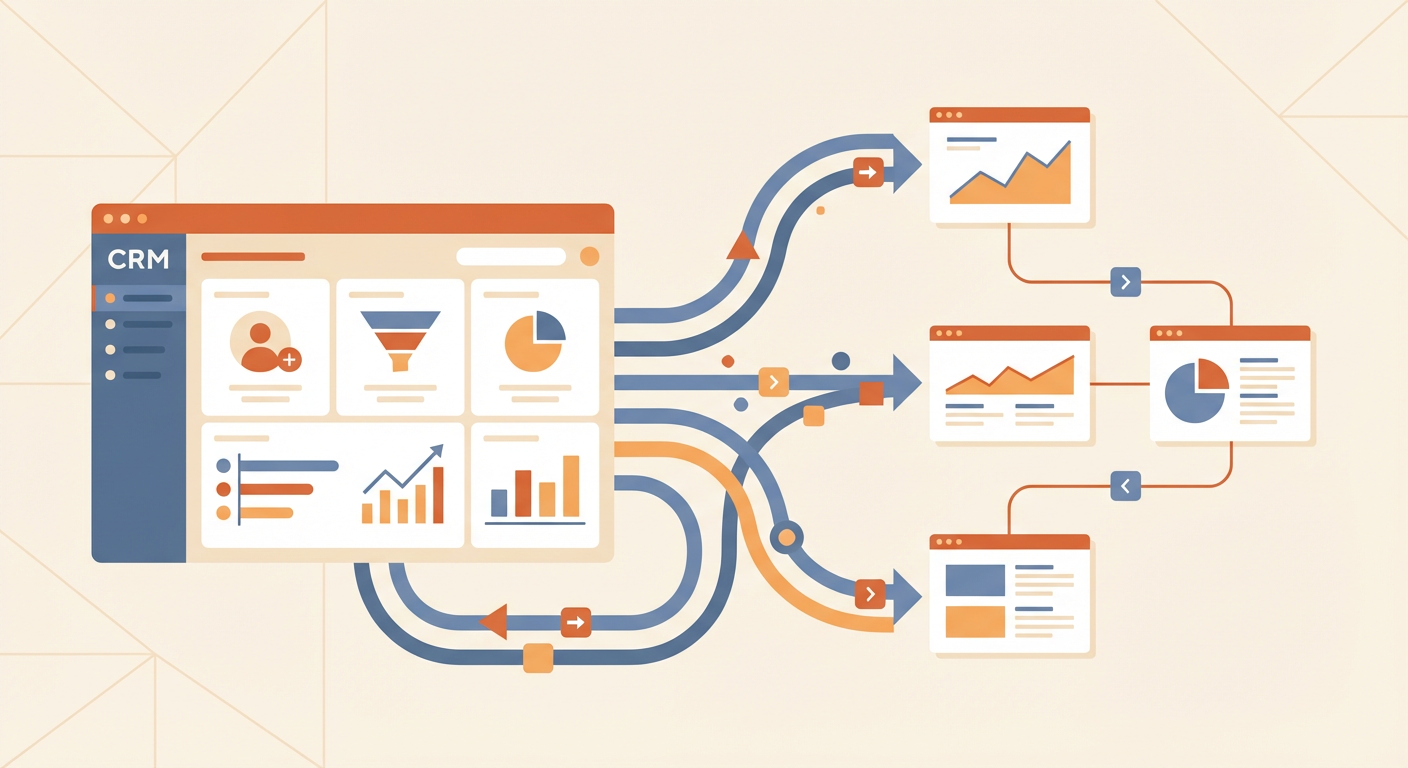
The agent does the rest. It pulls the deal from HubSpot, gets the deal amount, stage, and associated contacts. It grabs the primary contact's info, including their title, company size, and any notes your rep left. It searches the web for recent news about Acme, their industry challenges, and their competitive landscape.
Then it creates a Google Slides presentation. Not from a rigid template, but slide by slide. A title slide with the prospect's name and today's date. An "About Acme" slide with what it found online. A pain points slide tailored to their industry. A solution slide mapping your features to their needs. A next steps slide with a clear call to action.
The whole thing takes about 90 seconds. The rep reviews it, maybe tweaks a bullet point or two, and walks into the meeting with a deck that looks like they spent the weekend on it.
What Makes This Different from Presentation AI Tools
There are plenty of AI tools that generate presentations from text prompts. You type "make a presentation about cloud computing" and get 10 slides with stock images and generic bullet points. They look fine. They say nothing useful.
The difference here is data. An AI agent does not generate content from thin air. It pulls real data from your CRM, real news from the web, and real context about the specific deal. The slides are not generic. They are specific to this prospect, this deal, and this stage of the pipeline.
Your rep is not presenting AI-generated fluff. They are presenting their own deal data, formatted into slides.
The Technical Setup
Here is what you actually need to make this work:
- HubSpot tools: Get Deal, Get Contact, and optionally List Associations to find related companies
- Google Search: For company research and recent news
- Google Slides tools: Create Presentation, Create Slide, Insert Text, and optionally Create Image for logos
You connect these tools to your Cotera workspace and write a prompt. The prompt tells the agent what structure to follow, what data to pull, and how to format the output. Once it is set up, any rep on your team can use it.
The beauty is that when your deck structure changes, you update the prompt. Not the code. Not the template. Not the Apps Script that nobody remembers how to find. Just the prompt.
Beyond Sales Decks
Once you have this pattern working, the same approach applies to other presentation types. Quarterly business reviews for your biggest accounts. Board meeting updates pulled from your analytics. Customer onboarding presentations personalized with their specific use case and setup details.
The underlying pattern is always the same: pull data from one system, research and enrich it, and output a formatted presentation. The AI agent handles the orchestration. You handle the strategy.
I have watched teams go from spending 5-6 hours per week on presentation creation to spending 30 minutes reviewing and tweaking agent-generated decks. The time savings are real, and the quality goes up because every deck is built from fresh, real data instead of last quarter's template.
If your reps are still copy-pasting company names into a master deck and calling it personalization, it might be time to try something different.
Try These Agents
- Auto-Generate Sales Deck from CRM -- Build a personalized pitch deck from your HubSpot deal data
- Pre-Meeting Research -- Research any prospect before your meeting using Apollo and LinkedIn
- Auto-Generate Weekly Report Deck -- Automate your weekly reporting with template-based slide generation