
Google Ads Automation: AI Agents That Monitor Campaigns While You Sleep
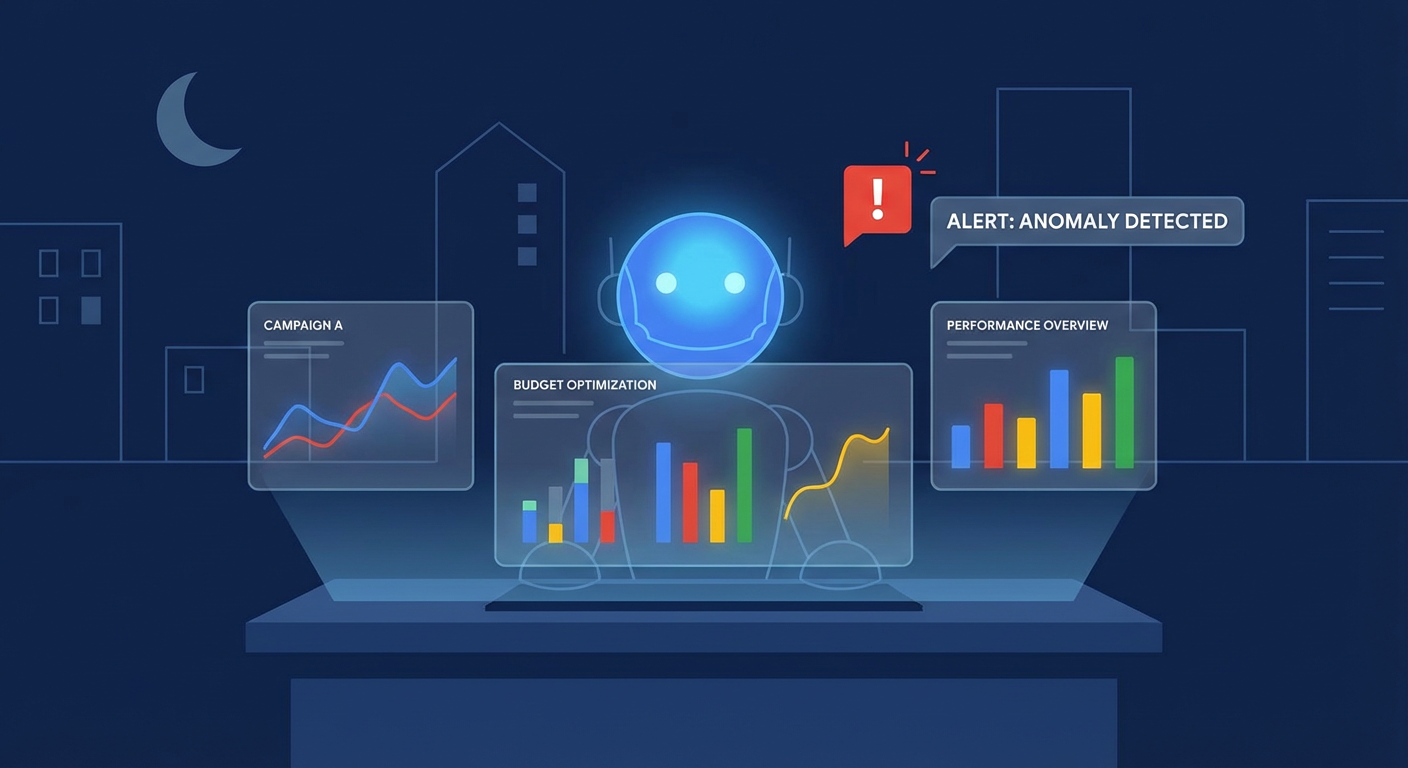
A few months ago, one of our customers told me about a weekend that cost them $6,000. A broad match keyword they'd added on Friday started matching to completely irrelevant search terms. By Monday morning, it had eaten through an entire week's budget with a conversion rate of exactly zero. The data was sitting in the Google Ads dashboard the whole time. Nobody was looking.
That's the core problem with Google Ads management. The campaigns run 24/7, but the humans watching them don't. Between meetings, weekends, holidays, and the general chaos of running a marketing team, there are long stretches where nobody is checking performance. And Google Ads, left to its own devices, will happily burn through your budget on whatever the algorithm thinks is relevant.
Google has its own automated bidding strategies, of course. Smart Bidding, Performance Max, automatically applied recommendations. But those automations optimize toward Google's definition of good performance, which may or may not align with yours. What you need isn't more algorithmic bidding. It's someone watching whether the automation is actually working, and flagging when it isn't.
What "Monitoring" Actually Means
When I say campaign monitoring, I don't mean checking the dashboard once a day. I mean systematic, rule-based detection of things that are going wrong. Things like:
- A campaign's CPA increasing by more than 30% compared to the previous period
- A campaign spending more than $100/day with zero conversions
- Impression share dropping below 50% on brand terms
- A keyword that usually costs $3/click suddenly costing $12/click
- Daily budget being exhausted before noon (meaning you're missing the afternoon)
A media buyer who's been running campaigns for a few years checks for these things instinctively. They glance at the dashboard, notice that something looks off, drill into the details. The problem is that instinctive checking doesn't scale. When you're managing 15 campaigns across 3 accounts, you're going to miss things. And the things you miss cost real money.
The Old Way: Rules and Scripts
Google Ads has had automation through Scripts for years. You can write JavaScript that runs on a schedule, checks certain conditions, and sends you an email. Plenty of PPC managers have libraries of scripts that alert on overspending or paused campaigns.
Scripts work fine for simple conditions. "Email me if daily spend exceeds $500." "Pause this keyword if CPC goes above $15." The issue is that scripts are rigid. They check exactly what you tell them to check, in exactly the way you specify. They can't tell you why something is happening, only that a threshold was crossed. And maintaining a library of scripts across multiple accounts is its own part-time job.
The other approach is third-party monitoring tools. There's a whole ecosystem of paid platforms that connect to Google Ads and send alerts. They work better than scripts but cost $100-500/month per account and still just tell you "CPA went up." You still need to figure out why.
What AI Agents Do Differently
An AI agent monitoring your Google Ads campaigns does something fundamentally different from a script or a dashboard. It reads the data, reasons about it, and explains what it found.
Here's a concrete example. A script tells you: "Campaign 'Brand - US' CPA is $45 (threshold: $30)." That's useful but incomplete. An AI-powered campaign monitor tells you: "Campaign 'Brand - US' CPA increased from $28 to $45 this week. The increase is concentrated in the ad group 'Brand Exact,' where the keyword 'yourcompany pricing' matched to search terms like 'yourcompany reviews complaints.' These low-intent searches drove 80 clicks at $3.20 each with no conversions, adding $256 to your cost without results. Recommend adding 'complaints' and 'reviews' as negative keywords."
Same alert. Radically different usefulness. The agent doesn't just detect the anomaly. It investigates it.
This works because the agent can run multiple queries against the Google Ads API in sequence. It pulls campaign metrics, identifies the problem campaign, drills into ad group data, then into keyword data, then into search term data — all using GAQL queries. It chains these lookups together the same way a human analyst would, except it does it in 30 seconds instead of 30 minutes.
What to Monitor (and Why)
Not everything in your Google Ads account needs monitoring. Some metrics fluctuate daily and that's fine. The key is monitoring the metrics that indicate real problems when they move.
CPA anomalies. The single most important metric to monitor. If your average CPA across campaigns is $25 and a campaign suddenly hits $60, that's not noise. Something changed — a new competitor, a keyword match type catching bad traffic, a landing page that broke. CPA spikes are almost always caused by something specific and fixable.
Budget pacing. Not just "are we spending our budget" but "are we spending it at the right rate?" If you set a $500 daily budget and you've spent $400 by noon, your ads are turned off for the most expensive (and often most valuable) part of the day. A spend tracking agent that checks pacing daily catches this before it becomes a pattern.
Zero-conversion campaigns. Easy to miss when you have 20+ active campaigns. A campaign that has spent $300 this week with zero conversions is either targeting the wrong audience, running bad creative, or sending traffic to a broken landing page. All three are fixable, but only if you notice.
Impression share on brand terms. If your brand campaign impression share drops below 80%, competitors are showing up when people search for your company name. That's a competitive signal worth acting on immediately.
The Reporting Connection
Monitoring and reporting are two sides of the same coin. Monitoring catches problems in real-time. Reporting gives you the weekly and monthly view of how things are trending.
A weekly performance report that an AI agent generates and posts to Slack gives the marketing team a consistent view of campaign health. Not a dashboard that requires someone to log in. A formatted summary that shows up in the channel where decisions get made. The report includes week-over-week comparisons, top and bottom performers, keyword insights, and a short list of recommended actions.
The reporting agent and the monitoring agent work well together. The monitoring agent catches acute problems in near real-time. The reporting agent shows the bigger picture — trends, patterns, gradual shifts that wouldn't trigger an alert but matter strategically.
Multi-Account Monitoring
For agencies and multi-brand companies, the monitoring challenge multiplies. You might have ten accounts under a Manager (MCC) hierarchy. Each one needs the same level of attention, but the total campaign count might be 100+. No human is monitoring all of those effectively.
This is where the multi-account audit approach becomes valuable. The agent discovers all accounts under the MCC, pulls performance data for each, ranks them by efficiency, and identifies which accounts need immediate attention. Instead of checking ten dashboards, you read one summary that tells you "Accounts B and F need attention — B has a CPA spike and F has two campaigns spending with zero conversions."
Why Use an Agent for This
The argument for automating Google Ads monitoring is pretty simple: your campaigns run all the time and you don't. The gap between "campaigns running" and "humans watching" is where money gets wasted. Scripts and basic alerting tools close part of that gap. AI agents close most of it, because they don't just detect problems — they investigate and explain them.
The time investment to set up an AI monitoring agent is about 10-15 minutes. The ongoing time to review its findings is about 5 minutes per day. Compare that to 30-60 minutes of manual checking, and the math is clear. But the bigger value isn't time saved. It's problems caught. The keyword that went sideways over the weekend. The campaign that hit its budget cap at 10am. The CPA that crept up 5% every day for two weeks until it was 30% over target.
These are the things that cost real money when they go unnoticed. An agent notices.
Try These Agents
- Google Ads Campaign Monitor — Automated monitoring with Slack alerts for CPA spikes and wasted spend
- Google Ads Weekly Performance Report — Full weekly digest with campaign metrics and keyword analysis
- Google Ads Spend Tracker — Daily budget pacing checks with Google Sheets logging
- Google Ads Multi-Account Audit — Cross-account performance comparison for agencies and multi-brand teams