
Shopify + CRM: Sync Customer Data Automatically
I watched our customer success manager, Jen, almost botch a renewal call last week. She pulled up the HubSpot contact to prep: $450 lifetime value, two orders, tagged as a low-priority account. She was going to de-prioritize the conversation and batch it with her other low-touch renewals.
Then, on a hunch, she opened Shopify and searched the same email. Eight orders. $3,200 in the last six months. The customer had tripled their spend since the HubSpot data was last updated. The HubSpot number was from November, when our Zapier sync broke and nobody noticed.
Jen caught it because she's thorough. But I keep thinking about how many times we didn't catch it. How many calls did we under-prepare for? How many customers got the "low priority" treatment when they were actually our best buyers? I genuinely don't know, and that's what bothered me enough to fix it.
Two Systems, One Customer, Zero Communication
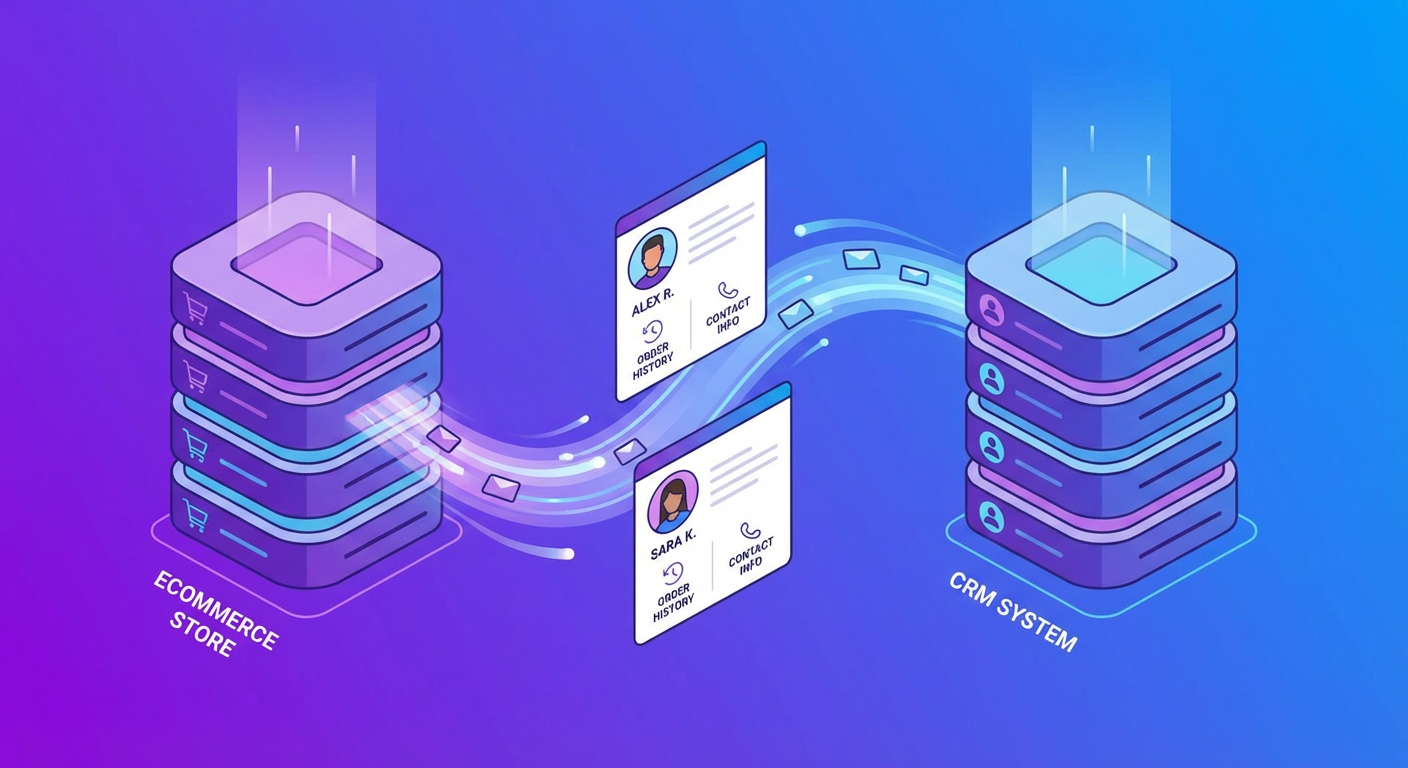
Here's the fundamental problem. Shopify knows everything about how your customers buy. Spend totals, order frequency, product preferences, shipping addresses, and it updates all of this in real time with every transaction. Your CRM knows everything about your relationship with those customers. Deal stages, meeting notes, lead scores, who owns the account. Both databases are correct individually. Together they're a mess, because they don't share information without help.
Most teams I've talked to try one of three things. A native connector (like HubSpot's Shopify integration), a Zapier/Make workflow, or they just ignore the problem and manually spot-check when it matters.
The native connectors handle the easy case fine: new Shopify order creates a HubSpot deal. New customer creates a contact. But ask it to calculate lifetime value across 30 orders, handle email mismatches between systems, or detect duplicate contacts, and it falls apart. Zapier workflows are similar. They're great at "when X happens, do Y" and terrible at "look at these two datasets and figure out who matches who."
The manual approach is what most people actually do, honestly. Your CS team occasionally checks Shopify before a big call. Your sales team guesses whether a lead has purchase history. It works until it doesn't, and you don't find out it didn't work until the call with Jen almost happened.
What an Agent Does That Connectors Can't
An AI agent approaches the sync differently. Instead of waiting for a trigger (new order, new customer), it actively reads both systems, matches records based on context, and makes smart decisions about what to update.
I'll walk through how ours works because I think the specifics matter more than the concept.
First, it pulls a batch of customers from Shopify. We run it against our top 200 by lifetime spend, but you could filter by recent buyers, specific tags, whatever makes sense for your business. For each customer it grabs the full profile: name, email, total spent, order count, last order date, Shopify tags, default shipping address.
Then it tries to match each one to a HubSpot contact. Email is the primary key. This works about 90% of the time. For the other 10%, it tries name matching, flags ambiguous cases, and moves on. A Zapier flow would either create a duplicate or silently fail here. The agent says "I found two possible matches for this person, here they are, you decide."
For confirmed matches, it updates the HubSpot contact with the Shopify data. Lifetime value, order count, last order date, average order value, tags. And here's the important part: it only touches Shopify-sourced fields. It won't overwrite deal stage, lead owner, lead source, or anything else your team manually manages. I learned this lesson the hard way when an early version of our sync overwrote three deal stages and my sales lead was not happy about it.
After each update, the agent drops a note on the HubSpot contact: "Synced from Shopify on [date]. LTV updated from $450 to $3,200. Order count updated from 2 to 8." Audit trail. Super helpful when someone asks "why did this number change?"
We built a Shopify + HubSpot sync prompt that does this whole workflow. Takes about ten minutes to configure.
The Fields That Actually Matter
You don't need to sync everything from Shopify into your CRM. Some fields are genuinely useful for sales and CS. Others are noise. Here's what we sync and why.
Lifetime spend is the big one. It's the single number that changes how your CS team treats an account. A $200 customer and a $5,000 customer need different levels of attention, and if your CRM can't tell the difference, your team is guessing.
Order count tells you something different from spend. Twelve orders at $100 each is a very different customer than one order at $1,200. The first is a repeat buyer you want to keep happy. The second might be a one-time large purchase.
Last order date is your churn indicator. A high-LTV customer who hasn't ordered in 90 days is probably shopping somewhere else. A new customer who ordered three times in two weeks is growing fast. Neither insight exists if the field is months stale.
Shopify tags are underrated. Lots of stores tag customers as VIP, wholesale, first-time buyer, or other segments. Those tags are useful for CRM list building and targeted campaigns.
We skip syncing anything the sales team owns. No deal stages, no pipeline positions, no lead scores. The sync adds purchase data. It doesn't overwrite relationship data.
The Edge Cases That Break Zapier Flows
I want to spend a minute on matching because this is where every simple integration fails and where an agent earns its keep.
One customer uses their personal email on Shopify and their work email in HubSpot. A trigger-based sync creates a duplicate contact. An agent flags the mismatch based on name similarity and asks a human to confirm. We caught four of these in our first run.
Two HubSpot contacts have the same email (it happens more often than you'd think, usually from form submissions and manual entry). The agent spots the duplicate and flags it for your team to merge instead of updating both contacts and making the data problem worse.
A Shopify customer has no HubSpot contact at all. Maybe they bought through the website and never entered your sales pipeline. The agent can create a new contact or add them to a review queue, depending on what you want. We only auto-create contacts for customers above $500 lifetime value. Everyone else goes on a list for the CS team to review weekly.
Then there's stale data detection. The agent compares what Shopify says the lifetime value is against what HubSpot currently shows. If HubSpot says $450 and Shopify says $3,200, that's not just an update. That's evidence that something broke in your sync pipeline and has been broken for months. The agent notes the discrepancy so you can investigate.
Running It Regularly
A one-time sync fixes the current mess. A weekly sync prevents the next one. We run ours every Monday morning. Takes the agent a few minutes to process ~200 customers. The output is a Slack message: "Synced 187 contacts. 4 unmatched (review needed). 12 had significant LTV changes."
After six weeks of this, our CRM went from "roughly correct if you squint" to "actually trustworthy." The CS team stopped spot-checking Shopify before calls. The sales team could filter by recent purchase activity and get real results. Marketing built a segment for "customers who spent $1,000+ in the last quarter" that was based on actual data instead of whatever number existed from the last manual audit.
That's the real payoff. Not the sync itself, but the downstream confidence. When your team trusts the data, they use it. When they don't trust it, they ignore it and go check Shopify manually, which is where we started.
Try These Agents
- Shopify + HubSpot Customer Sync -- Sync customer data with smart matching and conflict detection
- Shopify Customer 360 View -- Build a complete customer profile from Shopify data
- Shopify Order Lookup & Refund -- Look up orders and process refunds without switching tabs
- Shopify Order Monitoring Dashboard -- Daily ops reports with order status, revenue, and flagged issues