
How to Automate Google Analytics Reports with AI Agents
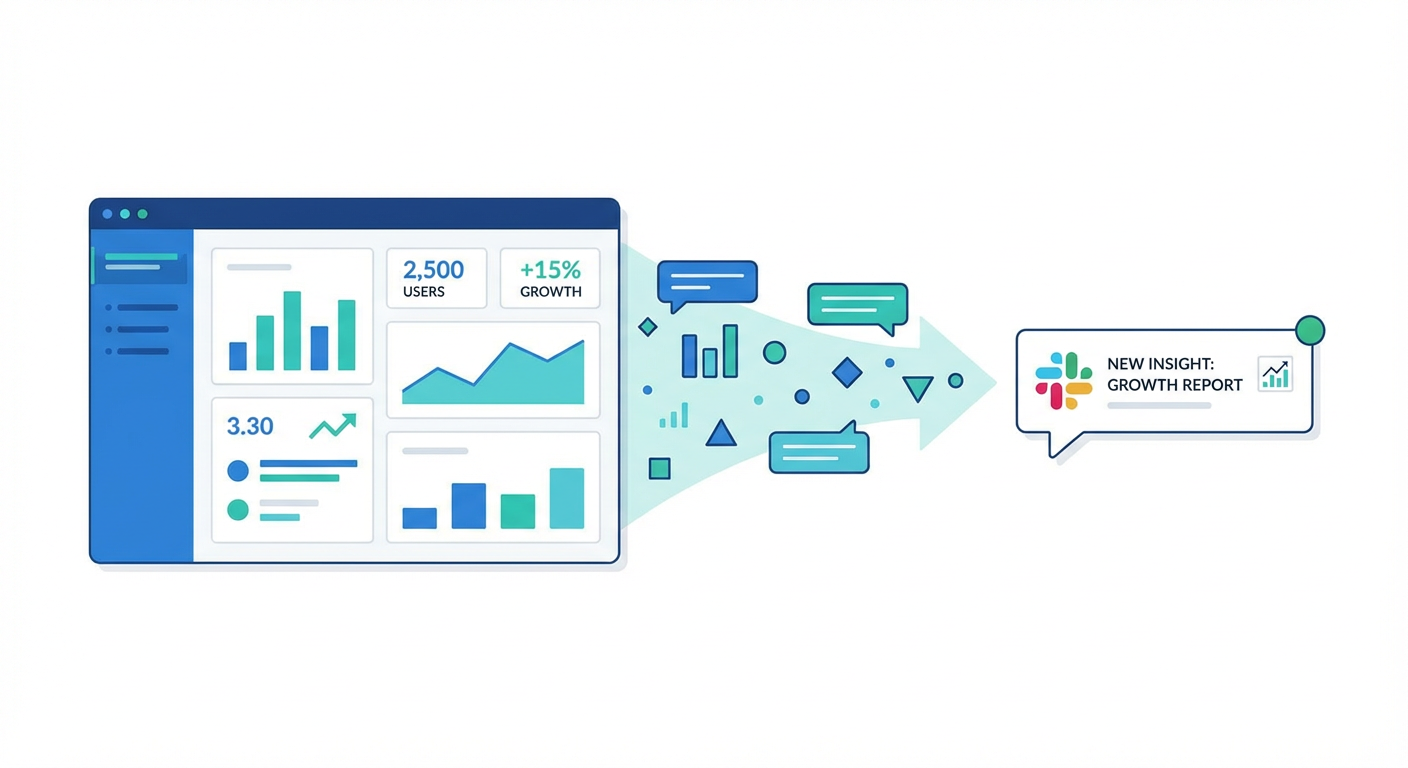
Every Monday morning, someone on the marketing team opens Google Analytics, navigates through a few reports, screenshots the interesting-looking graphs, pastes them into Slack with some commentary like "traffic is up 12% week-over-week," and moves on with their day. The whole ritual takes 45 minutes to an hour. Sometimes longer if the stakeholders have follow-up questions that require more digging.
I know this because I have been that person. And I have watched dozens of marketing teams do the same thing. The irony is that GA4 already has the data organized. The API is well-documented. The metrics are consistent week after week. The only reason a human is involved is because nobody has bothered to connect the data source to the delivery mechanism. We are the glue between a database and a Slack channel, and we are not very good glue.
The Manual Reporting Tax
Here is what the typical weekly analytics process actually looks like:
- Open GA4, navigate to the right property
- Check traffic overview for the week
- Check traffic sources to see where visitors came from
- Look at device breakdown
- Check top pages
- Compare to last week, try to remember what the numbers were
- Take screenshots or export CSVs
- Write a summary in Slack or email
- Answer three follow-up questions that require going back to GA4
That is an hour minimum, every week, from someone whose time is better spent on actual marketing work. Multiply it across the team and it is hundreds of hours a year spent on reporting that could be completely automated.
The numbers do not change format. The questions are the same every week. The output is a structured summary. This is exactly the kind of task that should not involve a human at all.
What AI Agents Actually Do Here
An AI agent with access to the Google Analytics Data API can do everything in that list above, plus things you probably were not doing because they took too long.
What does the agent actually do? It hits the GA4 Data API, grabs the key stuff — users, sessions, page views, bounce rate, session duration — and slices the data by source, device, and geography. Week-over-week comparison is built in. The output lands in Slack or a Google Sheet or wherever you actually read things, already formatted and ready.
The interesting bit is what happens next. Since the agent is reading structured data (not eyeballing screenshots), it catches things you would have missed. A 30% drop in referral traffic since last Tuesday. Mobile bounce rate creeping up while desktop stayed flat. Organic search from Germany suddenly doubling. Normally this kind of investigation adds another 20 minutes to the process, so most teams just skip it. The agent surfaces it for free.
The GA4 Weekly Performance Report prompt is exactly this workflow. Hand it your GA4 property ID, point it at a Slack channel, done.
Beyond Weekly Reports
Once you have the basic reporting automated, the more interesting applications open up.
Realtime monitoring during launches. Picture this: you just pushed a campaign live and the Slack channel is full of "is it working?" messages. Instead of having someone camp on the GA4 realtime dashboard hitting refresh, an agent grabs the live numbers, pulls yesterday's data for the same time window, and posts a comparison to the team. "Active users are 2x yesterday's baseline, 80 of them on the campaign landing page." That is useful. A screenshot of a green line going up is not. The GA4 Realtime Campaign Monitor prompt handles this.
Traffic source deep dives. Everyone checks total sessions. Almost nobody checks whether those sessions are any good. Is your paid traffic bouncing at 80% while that random product review referral has a 25% bounce rate? You would only know if you pulled source-by-quality data, and who has time for that? Well, the agent does. The GA4 Traffic Source Analysis prompt runs three different report cuts and surfaces both the waste and the opportunity.
Stitching GA4 and Google Ads together. This one drives me a little crazy. Google Ads shows you cost and clicks. GA4 shows you sessions and engagement. The two live in completely separate dashboards. Manually combining them means CSV exports and VLOOKUP nightmares. An agent pulls both APIs, matches campaigns by name, and spits out metrics like "cost per engaged session" that neither platform can show you alone. The GA4 + Google Ads Cross-Platform Analytics prompt wires this up.
Why This Works Better Than Dashboards
I can already hear someone saying "just build a Looker dashboard." And yes, dashboards exist. They are great for ad hoc exploration. But they have a fundamental problem for recurring reporting: nobody looks at them.
I have worked with teams that built beautiful, comprehensive GA4 dashboards. After the first two weeks of excitement, usage drops to one or two people checking them sporadically. The dashboard does not come to you. It sits there waiting, and busy people do not visit things that sit there waiting.
An AI-generated report delivered to Slack at 9am Monday solves the distribution problem. It is in the channel where people already are. It is formatted with the specific numbers and callouts that matter. It does not require anyone to remember to look at it. And because it includes analysis (not just numbers), it actually drives conversation. "Organic traffic from India tripled this week" is more likely to spark a useful discussion than a dashboard with 40 charts.
Why Use an Agent For This
The GA4 Data API is powerful but nobody would call it friendly. Building a traditional automation means writing code, wrestling with OAuth, hardcoding report configs, and maintaining the whole thing when requirements change. Want to add a metric next quarter? Time to open the codebase again.
Agents sidestep all of that. You describe what you want in English. The agent figures out which API calls to make, which dimensions to use, how to order the results. Need to tweak the analysis? Edit the prompt, not the code. Want to pull GA4 data alongside Slack or HubSpot data? The agent just uses both tools in the same run.
That is the real value here. The GA4 data was always there, sitting behind an API. Agents make it usable by people who will never write an API call and should not have to.
Try These Agents
If you want to automate your Google Analytics reporting, these prompts are ready to go:
- GA4 Weekly Performance Report - Automated weekly summary delivered to Slack
- GA4 Traffic Source Analysis - Deep dive into which channels drive quality traffic
- GA4 Realtime Campaign Monitor - Live monitoring during launches and campaigns
- GA4 + Google Ads Cross-Platform Analytics - Correlate ad spend with on-site behavior