
How to Automate Deal Pipeline Updates
Our VP of Sales used to spend every Monday morning on what he called "the pipeline inquisition." He'd open Salesforce, look at every deal that hadn't been updated in two weeks, and Slack each rep asking "is this deal still alive?" The reps would scramble to update their deals before the team standup at 10 AM. By Tuesday, the data was stale again.
This ritual accomplished nothing except teaching reps to update Salesforce on Monday mornings to avoid getting Slacked. The pipeline was accurate for about four hours per week. The other 36 working hours? Garbage data, garbage forecasting, garbage board slides.
Why Pipeline Data Goes Stale
The problem is structural. Reps are coin-operated — they get paid to close deals, not to update CRM fields. Moving a deal from "Proposal Sent" to "Negotiation" generates zero revenue. The thing that generates revenue is actually negotiating, which is what the rep would rather be doing instead of clicking around in Salesforce.
So deals sit in the wrong stage for weeks. Close dates drift past without getting pushed out. Dead deals linger because nobody wants to admit they're dead. And the pipeline becomes a work of fiction that the entire sales org pretends is accurate during forecast meetings.
The fix isn't "hold reps more accountable." We tried that. Twice. It works for about three weeks and then entropy wins. The fix is to automate the updates so the pipeline stays current without requiring rep discipline.
Call-Based Pipeline Updates
Most deal stage changes correspond to something that happened on a call. The prospect agreed to a technical evaluation? That's a stage change. They asked for pricing? Stage change. They said "we need to think about it"? That's a stage that should definitely not move forward but also shouldn't be marked closed.
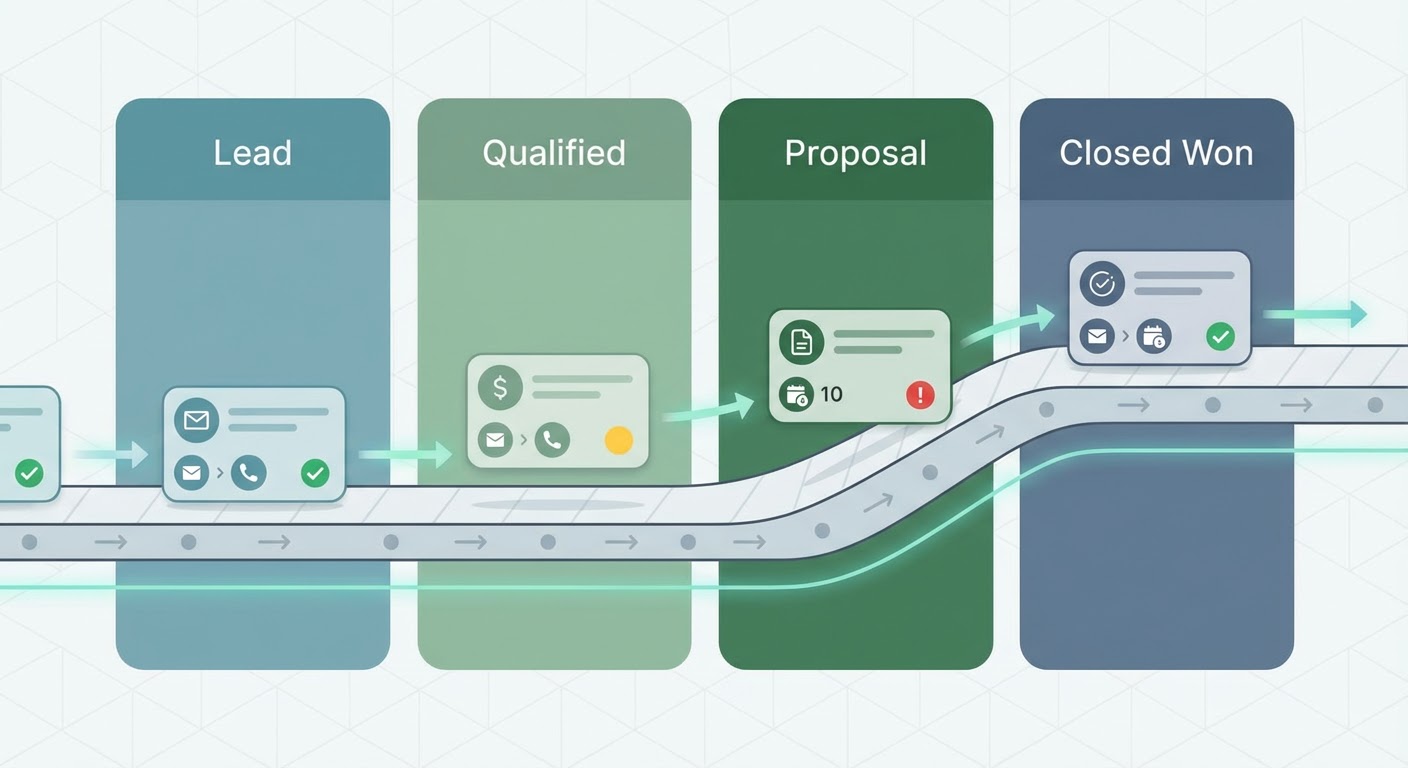
A Gong Salesforce deal updater picks up on these signals. It listens to recorded calls and identifies moments that correspond to pipeline changes. "Prospect requested a proposal with three pricing options" → suggest moving to Proposal stage and adding a note. "Prospect said they're also evaluating two other vendors" → add competitive tag. "Prospect asked about contract terms" → strong buying signal, suggest moving to Negotiation.
The rep still approves each update — the agent suggests, the human confirms. This matters because there's nuance in sales conversations that automation can miss. But the gap between "agent suggests an update the rep confirms in 10 seconds" and "rep has to remember, navigate to Salesforce, and manually update five fields" is enormous.
Pipeline Hygiene Rules
Some pipeline updates don't need a call. They need a calendar. If a deal's close date is in the past and the deal isn't marked as closed-won or closed-lost, something is wrong. If a deal hasn't had any activity (email, call, meeting) in 21 days, it's probably dead or stuck.
Set up automated pipeline hygiene rules. Deals past their close date get flagged for review. Deals with no activity for three weeks get a warning notification to the rep. Deals that have been in the same stage for longer than the average stage duration get highlighted in pipeline reviews.
A HubSpot deal pipeline reviewer runs these hygiene checks automatically and surfaces the deals that need attention. Instead of the Monday morning inquisition where the VP manually reviews every stale deal, the agent generates a "pipeline health report" that says "17 deals need attention: 5 past close date, 8 no activity in 21 days, 4 stuck in same stage for 6+ weeks."
For Pipedrive users, a Pipedrive deal pipeline tracker does the same thing. Different CRM, same concept — automated monitoring that catches pipeline decay before it ruins your forecast.
The Forecasting Payoff
Clean pipeline data is the prerequisite for accurate forecasting. Full stop. No AI forecasting model, no machine learning pipeline analysis, no statistical approach can overcome garbage input data. If your deals are in the wrong stages and your close dates are fictional, your forecast will be fictional too.
When we automated our pipeline updates, our forecast accuracy went from "within 40% of actual" to "within 15% of actual" in one quarter. That's not because we got an AI crystal ball. It's because the deals were finally in the right stages and the close dates were finally realistic. The forecast was just reading the pipeline data — the data was finally worth reading.
The secondary benefit is that pipeline reviews become productive. Instead of spending the first 20 minutes of a review call cleaning up data, managers can spend the full time on strategy. Which deals need executive involvement? Where are we stuck? Which competitor keeps coming up? Those conversations happen when the pipeline is trustworthy. When it's not, the whole meeting is data janitoring.
Start Small
Don't try to automate everything at once. Start with two rules: flag deals past their close date, and flag deals with no activity in 21 days. Those two rules alone will surface 80% of the pipeline problems. Once your team sees the value, add call-based stage updates and more sophisticated hygiene checks.
The reps will resist at first. They always do. Then they'll realize the automated updates mean fewer Monday morning Slack messages from the VP asking "what's happening with Acme?" and they'll become the biggest advocates.
Try These Agents
- Gong Salesforce Deal Updater — Call-based deal stage updates
- HubSpot Deal Pipeline Reviewer — Automated pipeline health monitoring
- Pipedrive Deal Pipeline Tracker — Pipeline tracking for Pipedrive users
- Google Sheets Salesforce Pipeline Export — Export pipeline data for analysis