
How to Track Competitor Pricing Changes
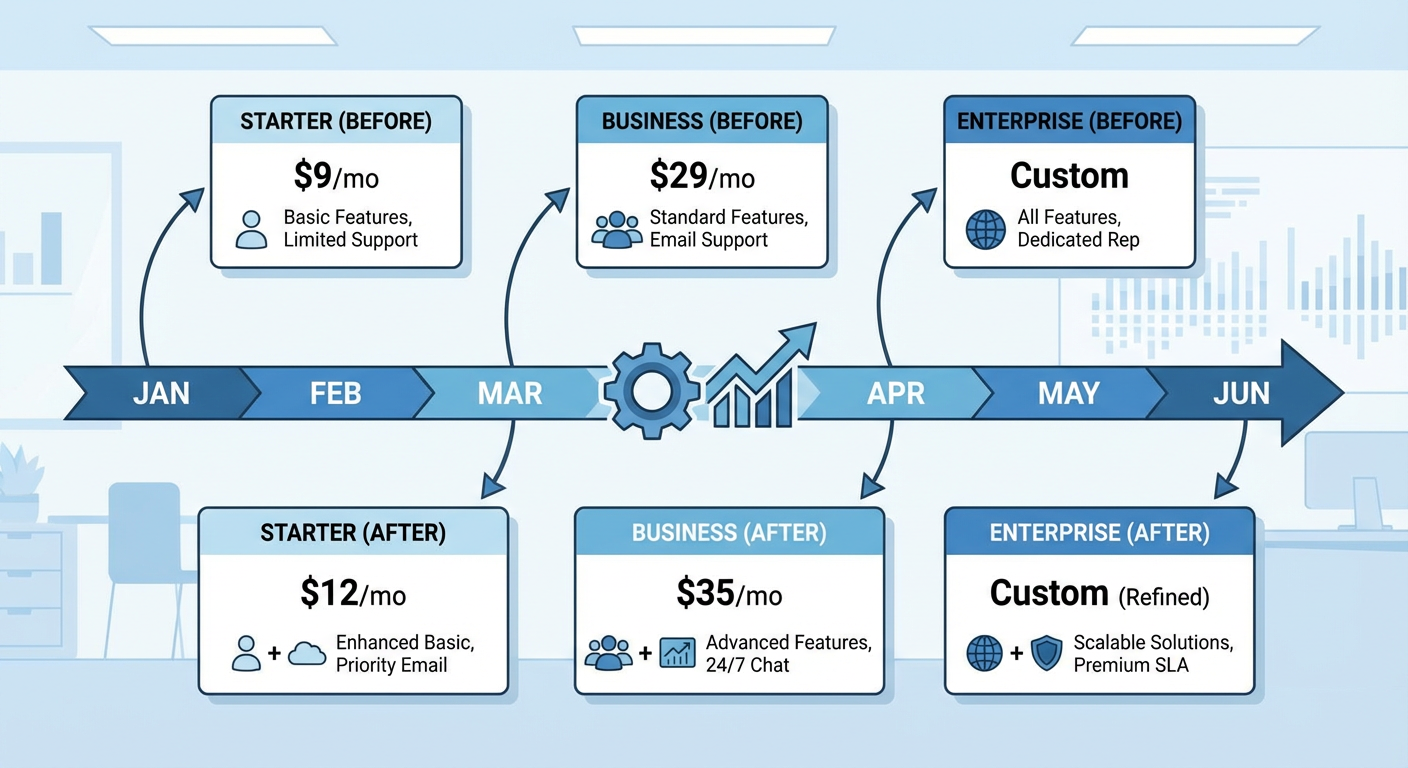
Last spring, one of our competitors quietly killed their $29/month starter plan on a Tuesday evening. No announcement, no blog post, no email to customers. Just gone. I found out about it eleven days later when a prospect asked me why we were "so much more expensive" compared to their new $49 entry point. By then, three of our deals in pipeline had already been told by their sales team that "our pricing starts lower" — which was no longer true. Eleven days of lost positioning because nobody on my team was watching a URL.
That experience rewired how I think about competitor price tracking. Static snapshots during quarterly planning don't cut it. Pricing pages change on random Tuesdays. And every change is a signal you're either reading in real time or discovering too late.
The Wayback Machine: Your Free Pricing Archive
Before you set up any monitoring, go build yourself a baseline. The Wayback Machine at web.archive.org has probably been crawling your competitors' pricing pages for years. Type in competitor.com/pricing and scroll through the calendar view.
What you're looking for isn't just the current price. You want the trajectory.
- When did they last change pricing? Six months ago? Two years? Companies that reprice frequently are actively experimenting. Companies that haven't touched pricing in three years are either stable or asleep.
- Did tier names change? A rename from "Professional" to "Growth" usually means a repositioning, not just a copywriting decision.
- Did features move between tiers? This is the sneaky one. The headline price stays the same, but suddenly the API access that was in the mid-tier got moved to the top tier. That's a stealth price increase.
- Did entire tiers appear or disappear? Adding a tier signals a new market bet. Removing one means something wasn't working.
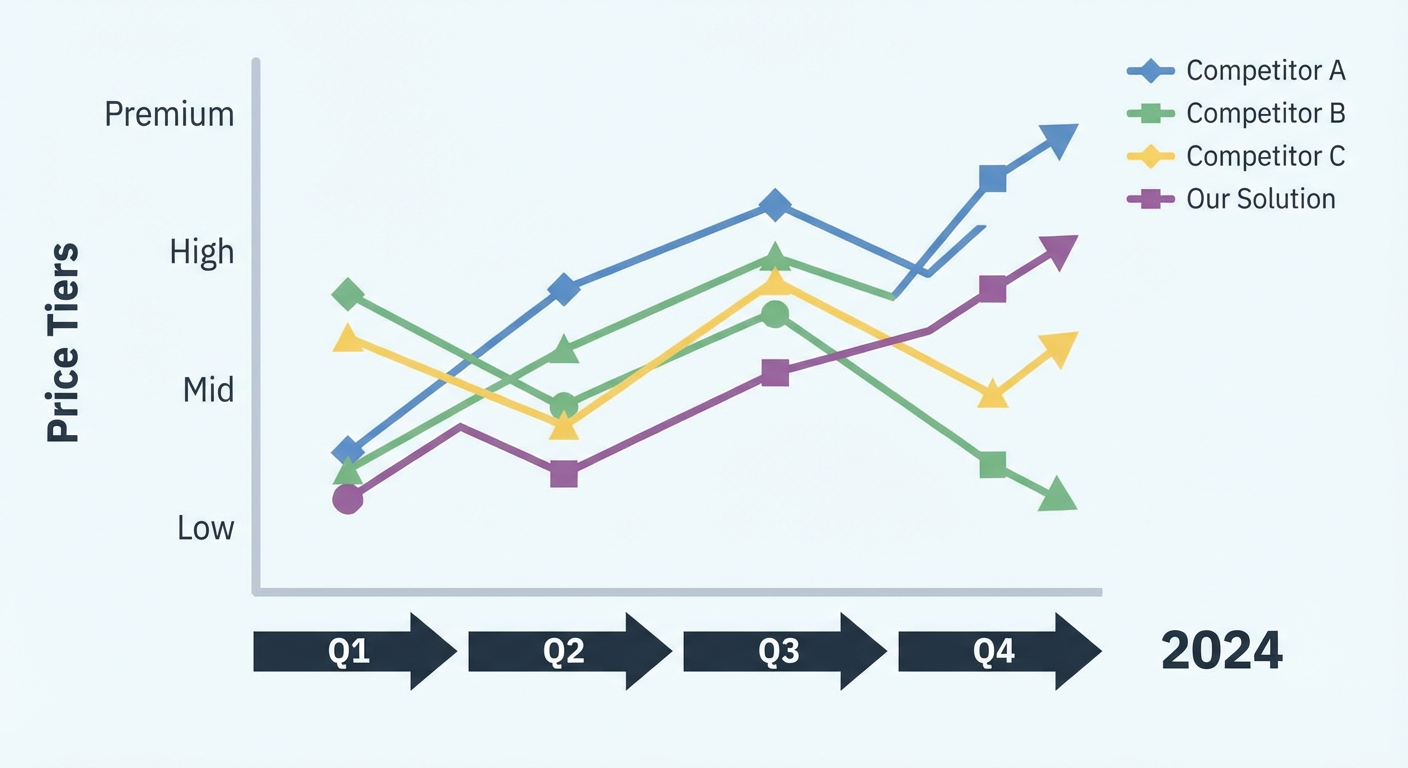
I spent an entire Saturday afternoon last year going through Wayback snapshots for five competitors across 18 months of history. Tedious, yes. But I came out with a timeline that showed three of them had independently moved upmarket over the same period — raising entry prices and adding enterprise features. That pattern wasn't visible from any single snapshot. It only showed up in the time series.
The Wayback Machine won't catch every change (it doesn't crawl on a schedule you control), but it gives you the historical foundation that makes everything else more useful.
Manual Monitoring That Actually Works
Once you have your baseline, you need a system that tells you when something changes. Here are the methods I've actually used, ranked by effort.
Visualping or ChangeTower. These are competitor price monitoring tools that watch a URL and email you when the page content changes. Point them at competitor pricing pages. Set the check frequency to daily. The free tier of Visualping gives you a few pages — enough to cover your top two or three competitors. When something changes, you get a screenshot comparison with the differences highlighted. It takes about four minutes to set up per competitor.
Manual screenshot comparisons. Old school but it works. Take a full-page screenshot of each competitor's pricing page on the first of every month. Save them in a shared folder with the date in the filename. When you take next month's screenshot, put them side by side. Human eyes catch things that automated diff tools sometimes miss — like a new "most popular" badge shifting from one tier to another, or a subtle change in the comparison table's feature ordering.
The pricing changelog spreadsheet. Keep a shared doc with columns for: competitor name, date of change, what changed, your interpretation of what it means. This sounds basic because it is. But six months of entries in this spreadsheet becomes the most valuable competitive intelligence document in your company. I've pulled up ours in board meetings and it always gets the room's attention. People don't realize how much movement there is until they see it logged.
What Pricing Changes Actually Signal
Catching the change is only half the job. The other half is reading what it means. Not every price increase is the same. Not every new tier tells the same story.
Price increase, no new features. They believe demand is inelastic at their current volume, or they're under board pressure to improve unit economics. If they just raised a funding round, it's almost certainly the latter. Investors want to see the path to profitability, and the easiest knob to turn is price.
Price decrease or new discount structure. This one is interesting because it can mean opposite things. Sometimes it's desperation — growth has stalled and they're buying volume. Other times it's a deliberate land-and-expand play. Look at what else changed. Did they also add usage-based pricing on top of the lower base? That's a volume play with expansion built in. Did they just drop prices with nothing else? That might be panic.
New tier added. They're going after a segment they weren't serving before. A new "Startup" tier below their existing plans means they want earlier-stage companies. A new "Enterprise" tier above means they're chasing bigger deals. Either way, they're widening the funnel, and you should think about whether that new segment overlaps with yours.
Tier removed or merged. Something wasn't converting. When a company drops from four tiers to three, it's because the eliminated tier was causing decision paralysis or attracting the wrong customers. This is useful intel for your own pricing — if a competitor tried a specific tier structure and abandoned it, maybe don't copy it.
Feature moved to a higher tier. This is the subtlest signal and it's easy to miss. The price didn't change but the value per dollar shifted. It usually means that specific feature was driving too many customers to downgrade or stay on the lower tier instead of upgrading. They're fixing their monetization, not their pricing.
Why Use an Agent for Competitor Pricing Monitoring
Doing all of this manually is completely possible. I did it manually for over a year. But here's what eventually happened: I'd miss a month. Then two months. Then the spreadsheet went stale and nobody trusted it, so nobody looked at it, so nobody updated it. The manual system died not because it was bad but because it was boring.
A competitor pricing analyzer agent takes the boring part away. It pulls pricing data from public pages, structures it into consistent comparisons, and tracks changes between runs. Instead of remembering to check five pricing pages every month, you get a report that says "here's what changed and here's what it might mean." The interpretation still requires your brain, but the data collection doesn't.
Pair it with a market intelligence agent and you start connecting pricing changes to other moves — did they raise prices the same quarter they posted 15 new engineering jobs? That's a company investing in product while monetizing harder. Did they drop prices right after a round of layoffs? Different story entirely. Pricing changes in isolation are interesting. Pricing changes in context are actionable.
The companies that consistently win on pricing aren't the ones with the best price. They're the ones who know what everyone else is charging, when it changed, and why. That's not genius. It's just paying attention.
Try These Agents
- Competitor Pricing Analyzer — Track and compare competitor pricing, tiers, and packaging changes
- Market Intelligence Agent — Full-spectrum competitor research covering hiring, reviews, keywords, and news
- SEO Competitor Analyzer — Uncover what keywords competitors rank for and where the content gaps live