
How to Build a Competitor Monitoring Dashboard That People Actually Use
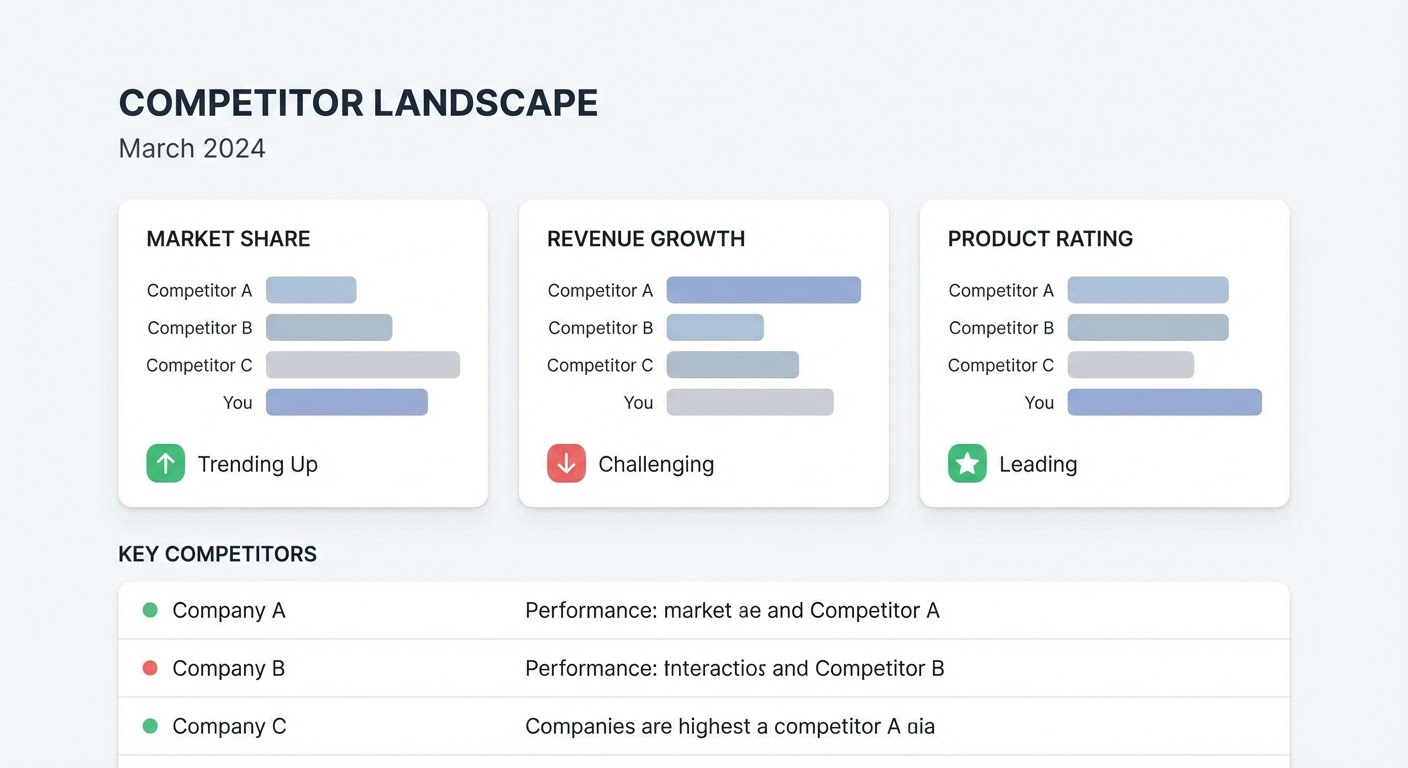
I've built four competitor monitoring dashboards in my career. Three of them died. Not because they were bad — they were impressive. Beautiful data visualizations, dozens of metrics, automated refreshes from multiple APIs. Nobody opened them after the first two weeks.
The fourth one lives in a Google Sheet. It has maybe twelve rows and six columns. People check it every Monday because it answers exactly one question: what changed this week?
That's the lesson. A competitor monitoring dashboard isn't a data engineering project. It's a communication tool. And communication tools only work if they're simple enough that busy people use them without being told to.
The Spreadsheet Beats the Platform (Usually)
Before you object, I know there are fancy competitive intelligence platforms with built-in dashboards. Klue, Crayon, Kompyte. They're good products. They also cost $20K-$80K per year and require someone to administer them full-time.
For most B2B companies with three to five competitors, a spreadsheet does 90% of what those platforms do. Not 50%. Ninety percent. The platforms win on automatic data collection and alert routing, but you can replicate most of that with free tools feeding into a shared Google Sheet.
Here's what your spreadsheet needs. Each row is a competitor. Columns are: company name, last pricing change (date and what changed), latest product update, recent content theme, G2 rating trend, and "notable this week" (a free-text field where you write whatever seems worth knowing). That last column is the most valuable because it captures the stuff that doesn't fit categories.
What to Put on the Dashboard (and What to Leave Off)
The temptation is to track everything. Website traffic estimates, social follower counts, employee headcount, tech stack changes, domain authority, backlink growth. You can find data for all of this. You should ignore most of it.
Track things that change your behavior. Pricing moves change your sales positioning. Feature launches change your competitive battlecards. Content themes tell you where a competitor is investing their narrative. G2 review trends tell you where they're weak. Those four things matter. Everything else is trivia unless you're in a specific situation where it becomes relevant.
Traffic estimates are the most tempting distraction. SimilarWeb says Competitor B got 15% more traffic this month. So what? That number doesn't tell you why, doesn't tell you whether it converted, and doesn't change anything you're doing. Save traffic analysis for your quarterly deep dives when you can pair it with context.
The Weekly Review That Makes It Work
A dashboard without a review cadence is just a spreadsheet that collects dust. Someone on your team — marketing, product marketing, or a competitive intelligence lead if you have one — owns a 15-minute Monday review.
The review process: open the dashboard, check the automated data feeds (Google Alerts, G2 notifications, RSS updates), update each row with anything notable, write a three-line summary in Slack. Done. Fifteen minutes. If it takes longer than that, your dashboard has too many metrics.
The three-line summary format I use: "Competitor A did [thing]. Competitor B is [trend]. Nothing notable from the others." That's what executives and sales reps actually read. Not the dashboard itself. The summary.
Some weeks the summary is "nothing changed." That's fine. Knowing nothing changed is also intelligence. It means your competitors aren't moving and you have breathing room. I've seen teams panic because they hadn't checked competitors in a month and assumed they'd missed something. They hadn't. Markets move slower than anxiety suggests.
Automating the Data Collection
The manual part of maintaining a competitor monitoring dashboard is the data entry. If someone has to visit five competitor websites every Monday and type in what they find, the dashboard dies by week three. I've watched this happen multiple times.
Automate the inputs. Set up a competitor traffic report in Google Sheets that pulls traffic and engagement data automatically. Connect Google Alerts to a dedicated email folder or Slack channel that the dashboard reviewer scans. Use G2's built-in alert system for review notifications. Subscribe to competitor blog RSS feeds in any reader.
The "notable this week" column stays manual on purpose. That's where judgment lives. An automated system can tell you Competitor B published three blog posts about AI this week. A human reviewer adds: "they're clearly positioning for the enterprise AI buyer segment, which is our territory." That interpretation is the whole point of competitive intelligence.
When to Graduate to a Real Platform
The spreadsheet stops working in three situations.
First, when you have more than seven or eight competitors worth tracking. At that point, the spreadsheet gets unwieldy and the Monday review takes 45 minutes. You need something that scales.
Second, when your sales team is large enough that they need self-serve access to competitive intel during live calls. A spreadsheet can't serve battlecard content in real-time. A platform can.
Third, when you need audit trails. Who updated what, when. What the dashboard showed last quarter. If your competitive intelligence program has compliance or reporting requirements, you need version history that's more robust than Google Sheets' revision log.
Until you hit one of those thresholds, keep the spreadsheet. I've seen 200-person companies run perfectly good competitive intelligence programs out of a shared Google Sheet with six columns. Don't upgrade because you think you should. Upgrade when the spreadsheet actually breaks.
Why Use an Agent for This
The Google Sheets competitor traffic report solves the hardest part of dashboard maintenance: getting fresh data into the spreadsheet without someone doing it manually. It pulls competitor traffic metrics directly into your sheet on a schedule. No APIs to configure, no code to write.
The market intelligence agent handles the synthesis that makes the "notable this week" column easier to fill. Instead of scanning five different feeds yourself, the agent reads across sources and surfaces what actually changed. You still write the interpretation, but the agent does the reading.
And the brand monitoring agent catches the mentions that no RSS feed or Google Alert picks up. Industry forums, niche publications, social threads where customers compare you to competitors by name. That's often where the most honest competitive intelligence lives — not in press releases but in unfiltered customer conversations.
Build the simple dashboard. Automate the inputs. Do the weekly review. That's the whole system.
Try These Agents
- Google Sheets Competitor Traffic Report — Automated competitor data directly in your spreadsheet
- Market Intelligence Agent — Multi-source competitive signal synthesis
- Brand Monitoring — Competitor mention tracking across niche channels
- Competitor Pricing Analyzer — Pricing page monitoring and change detection