
How to Automate Cold Email Outreach
I sent 1,200 cold emails over three weeks in Q3 last year. Got four replies. Two were people asking to be removed from my list. One was a bounce notification that somehow dodged my verification step. The fourth was a VP of Sales at a fintech company who wrote back "lol no." That one stung a little because I'd spent twenty minutes personalizing her email.
The problem wasn't the volume. The problem was that I'd automated the wrong parts. I had Instantly firing sequences on autopilot, Apollo pulling contact data, and a Google Sheet tracking everything. The machine could send. What the machine couldn't do was tell me why I was emailing someone on a specific day with a specific message. I'd automated the delivery but not the thinking.
Six months later, that same setup — Instantly plus Apollo plus a research layer on top — runs at a 12% reply rate. Same tools. Same budget. The difference is what happens before the email gets written.
The Parts of Cold Email That Should Be Automated
I've broken cold outreach down into its component parts more times than I'd like to admit. Some of those parts are brainless data shuffling. Others are the reason you're getting paid.
Let the machine handle:
- Pulling prospect lists off trigger events — who just raised money, who changed jobs, whose tech stack shifted
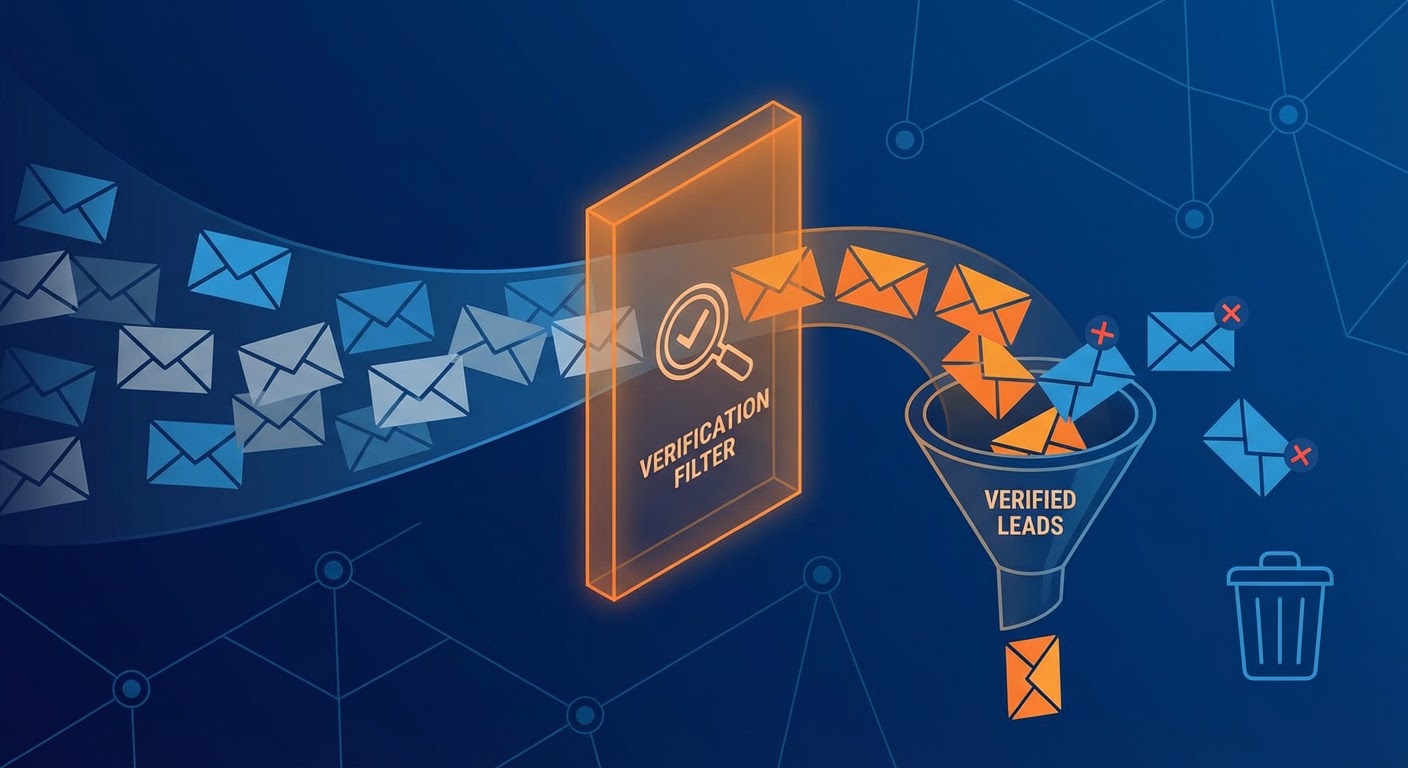
- Scrubbing and verifying emails so your bounce rate doesn't torch your domain
- Spacing out follow-ups so you're not manually setting reminders
- Rotating inboxes and warming new domains (tedious, error-prone, perfect for automation)
- Assembling a research brief per contact — their company's revenue, headcount, last three news hits
Keep your hands on:
- The actual first line. If you didn't write it, the prospect can tell.
- Deciding which problem to lead with for this specific human
- Knowing when a sequence is dead and it's time to try a completely different angle
- Responding to replies — that's a conversation, not a workflow
Here's my rule of thumb: if the task is about moving information between systems, automate it yesterday. If it requires you to make a judgment call about another person, that's still your job.
Setting Up Cold Email Automation That Gets Replies
Under the hood, most cold email tools do the same thing. Load contacts, write a sequence, set timing, hit go. Where they differ is deliverability plumbing and how granular your controls are. Here's what I've landed on after burning through three setups.
1. Your Main Domain Is Sacred — Don't Touch It
I see people make this mistake constantly. They send cold email from their primary company domain, get flagged as spam, and then wonder why their marketing team's nurture campaigns are landing in junk folders too. Buy two or three lookalike domains (yourcompany.io, getyourcompany.com, whatever) and set up fresh Google Workspace or Outlook accounts on each. Warm them for three weeks minimum before sending a single cold email.
Most cold email automation tools handle domain warming automatically now. Instantly, Smartlead, and Lemlist all have built-in warming networks. Use them. A burned domain takes months to recover, and your marketing team will be very unhappy with you.
2. Build Lists From Signals, Not Filters
This part is where I see most cold outreach campaigns go sideways before a single email sends. Someone opens Apollo, picks an industry, picks a headcount range, picks a title, exports 2,000 contacts, and starts mailing. They've built a phone book and called it a prospect list.
Good lists come from trigger events:
- Company just raised a Series B (they have budget and are hiring)
- Someone new started in the role you sell to (they're evaluating tools)
- A competitor's customer left a negative review on G2 (they might be looking)
- Their job postings mention a problem your product solves
The trigger is your license to email. It's the difference between "Hey, I saw your name on a list" and "Hey, I noticed you just hired three SDRs — are you building out outbound?" One of those gets deleted. The other gets a reply.
3. Write Sequences That Acknowledge Reality
A cold email sequence is not five versions of the same ask. Assume every previous email was seen and ignored. Because it probably was. Your prospect glanced at the subject line, decided "not now," and moved on. Write accordingly.
- Email 1: Specific observation about their company + one sentence about what you do + a question. No attachments, no links, no essays.
- Email 2 (3 days later): Reference a result you got for a similar company. Keep it under 60 words.
- Email 3 (5 days later): Different angle entirely. Maybe a piece of content, maybe a different pain point, maybe a different person at the company on CC.
- Email 4 (7 days later): Breakup email. Short. "Seems like this isn't a priority right now. If that changes, here's where to find me."
That's four total. I know people who run 9-touch sequences and I genuinely don't understand what email number 7 is supposed to accomplish that emails 1 through 6 didn't. If someone ghosted you four times, they're not playing hard to get. They're not interested. Move on.
4. Monitor Deliverability Like It's a Production System
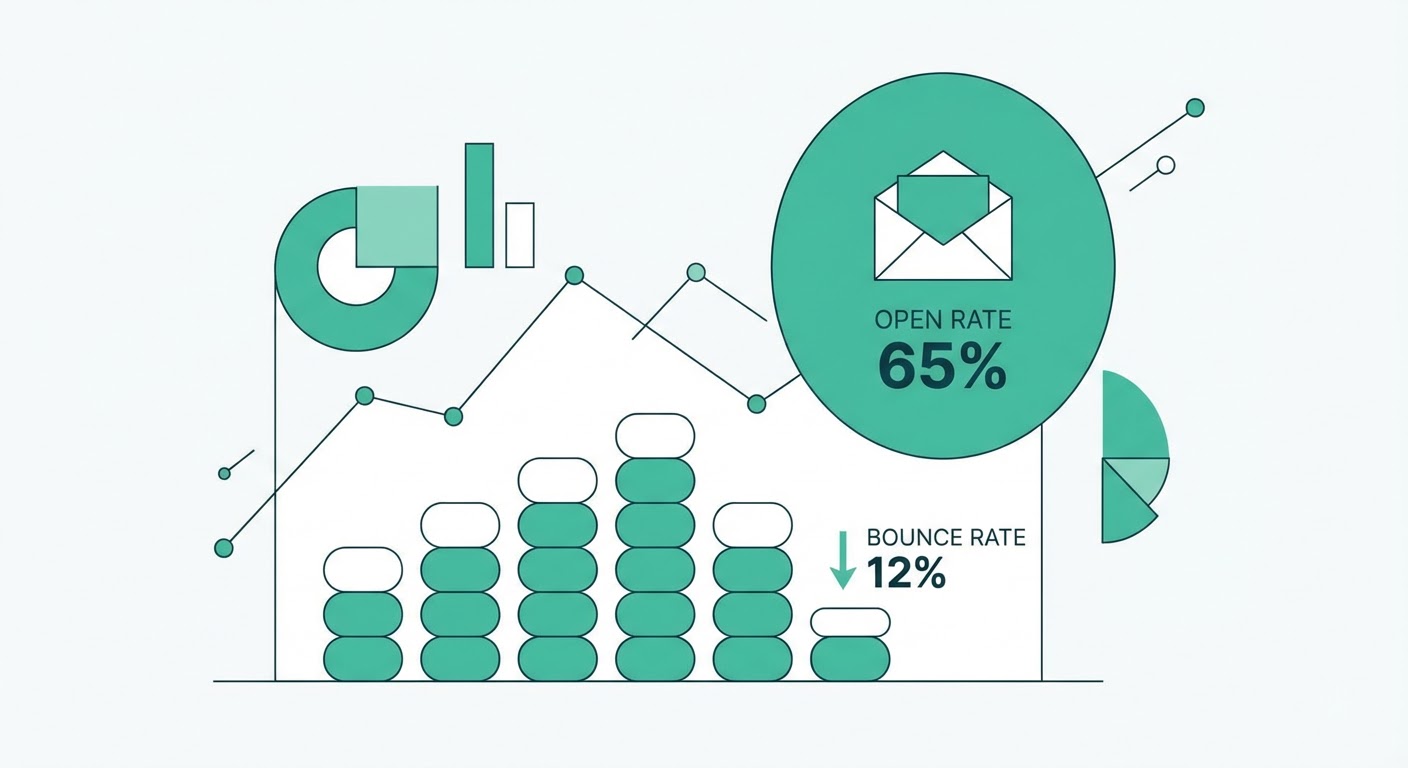
Cold email automation tools give you open rates, click rates, reply rates. The one most people ignore is the bounce rate. If it creeps above 3%, something is wrong with your list quality or your verification step. Above 5% and your domain reputation is taking damage.
Check these numbers daily for the first two weeks of any new campaign. Not weekly. Daily. A deliverability problem that runs unchecked for seven days can take thirty days to fix.
Other things to watch:
- Open rates below 40% usually mean your subject lines are bad or your emails are hitting spam
- Reply rates below 2% on a well-targeted list mean your copy is the problem
- Unsubscribe rates above 1% mean your targeting is the problem
5. Connect Replies to Your CRM Immediately
A prospect replies to your cold email at 10:14 AM. You don't see it until 4 PM because the reply went to your third sending inbox and you only check it once a day. By the time you respond, they've already booked a demo with someone else who answered faster.
I've seen this happen more times than I can count. Set up forwarding or use your tool's built-in CRM sync. Positive replies should hit HubSpot (or Pipedrive, or whatever you use) within minutes. The gap between "they replied" and "someone on your team responds" is where warm leads go cold.
Why Use an Agent
Every step I described above involves at least two tools that don't talk to each other. Apollo has the contacts but doesn't know about your CRM's existing data. Instantly sends the emails but doesn't know why you picked these prospects. Your CRM tracks deals but can't tell you which cold email sequence generated them.
An agent glues it all together. It grabs prospects from Apollo, checks your CRM for existing contacts so you don't email someone your AE closed last month, assembles a quick research brief per prospect, and loads everything into your sending tool. One workflow instead of four tabs and a prayer.
I've been using the Instantly + Apollo Cold Outreach agent for about three months now. It cut my campaign setup time from two hours to about fifteen minutes. For teams on Lemlist, the Lemlist + Apollo Outreach Builder does the same job. Smartlead users have the Smartlead + Apollo Campaign Builder.
What changed for me wasn't just the time savings. It was the consistency. Before, I'd set up campaigns when I had time, which meant some weeks I'd launch two and some weeks I'd launch zero. Now it's a Tuesday morning routine — run the agent, review the list it built, tweak my copy, launch. Every week. The pipeline stopped being lumpy because the prospecting stopped being sporadic.
The Short Version
Cold email automation is not about sending more emails. It is about removing the data work between you and a well-targeted, well-timed message. Separate your sending domains. Build lists from trigger events instead of static filters. Write four emails, not nine. Watch your deliverability numbers daily. And connect everything to your CRM so replies don't die in an inbox you forgot to check.
The tools are good enough. The question is whether you're automating the right parts.
Try These Agents
- Instantly + Apollo Cold Outreach -- Build and launch cold email campaigns with Apollo prospect data piped directly into Instantly
- Lemlist + Apollo Outreach Builder -- Combine Apollo prospecting with Lemlist's multi-channel sequences for personalized outreach at scale
- Smartlead + Apollo Campaign Builder -- Set up Smartlead campaigns with Apollo contact data, automated warmup, and inbox rotation