
How to Automate Sales Prospecting
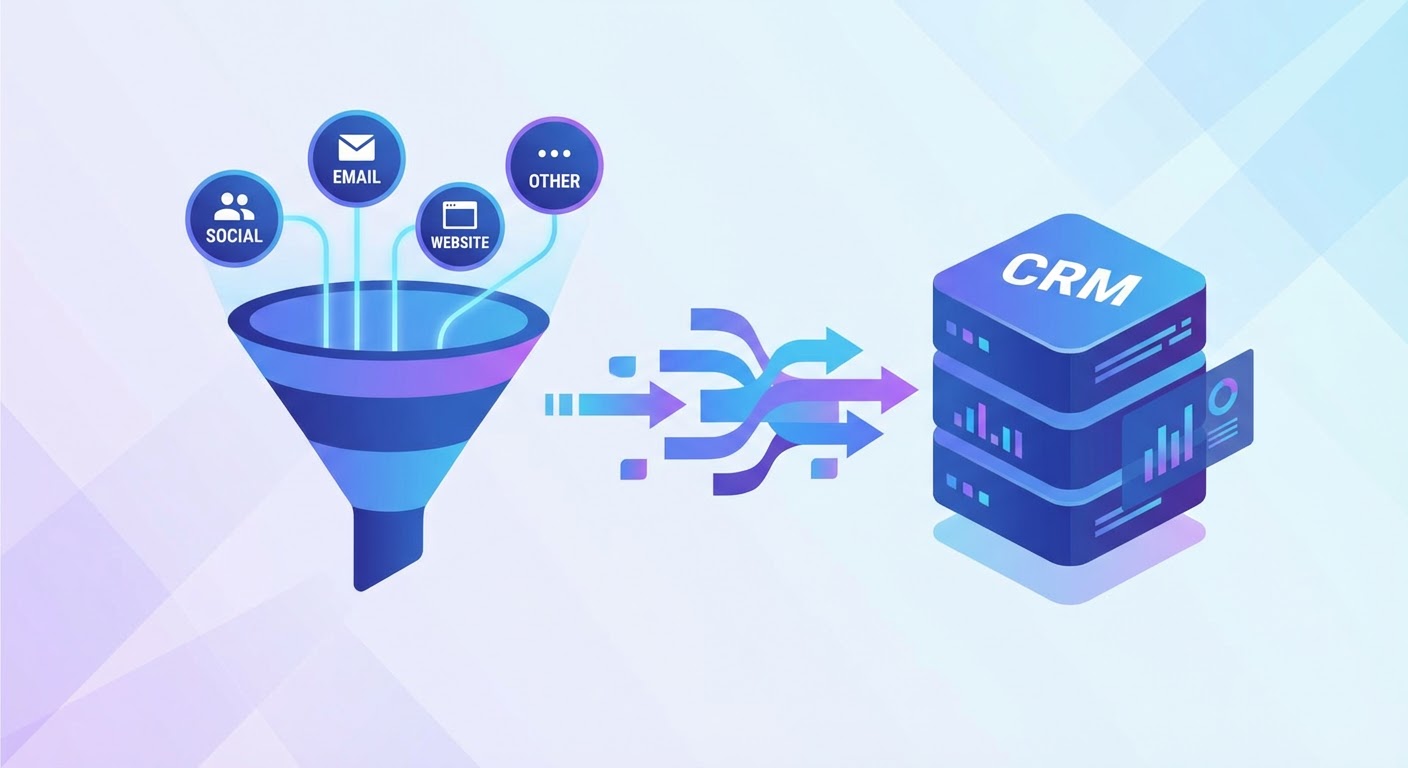
Every Monday used to look the same for me. Apollo tab, LinkedIn tab, HubSpot tab, Google Sheets tab. Search for companies. Click profiles one by one. Copy an email address. Switch tabs. Paste. Switch back. Check if this person still actually works there or if their LinkedIn says "Open to Work" now. Rinse, repeat, hate your life. By noon I'd have maybe 30 prospects loaded and a creeping suspicion that I was the most expensive data entry clerk in the building.
That Monday routine now takes about eight minutes. And honestly? The data is cleaner because I'm not half-assing records 25 through 30 because my brain checked out.
Most people hear "sales prospecting automation" and picture some spambot firing 500 identical emails into the void. That's not what I'm talking about. I'm talking about automating the copy-paste-verify-deduplicate grind. The mind-numbing parts. You still pick the accounts. You still write the hooks. You still decide what to say. The machine just stops you from wasting your mornings on work a spreadsheet macro could do.
What Actually Gets Automated (And What Shouldn't)
The prospecting workflow has about six steps. Some of them are pure data labor. Others require your brain. Knowing the difference is the whole game.
Automate these:
- Company search and filtering by ICP criteria (industry, size, funding stage, tech stack)
- Contact lookup and email verification
- CRM entry and deduplication
- Enrichment — pulling LinkedIn activity, recent news, whether they just posted a job for the role your product replaces
- Routing leads to the right rep (territory, segment, round-robin, whatever your system is)
Keep these manual:
- Deciding which accounts to prioritize this quarter
- Writing the actual first message (or at least the hook)
- Reading a prospect's LinkedIn posts to find a real reason to reach out
- Making the call on whether a company is genuinely a fit or just looks like one on paper
The reps I see struggling with automated prospecting are the ones who automated the thinking parts and left the data entry manual. They'll spend 45 minutes writing a personalized email to someone who left the company two months ago because they never bothered to verify the contact data first.
Building Your Automated Prospecting System
You don't need five tools and a Zapier flow with 23 steps. You need a clear sequence that matches how you actually prospect, with machines handling each handoff.
Step 1: Write your ICP down in searchable terms. "Mid-market SaaS" doesn't mean anything to a database. "B2B SaaS, 50-500 employees, Series A to C, headquartered in North America, uses Salesforce" does. Get specific or your automation spits out garbage. Garbage in, garbage pipeline.
Step 2: Pull companies and contacts together, not separately. This is where I used to lose an hour easily. Search one tool for companies, open another tool to find people at those companies, open a third to verify emails. Three tools, three logins, three browser tabs fighting for your attention. Chain them together so one search gives you the company, the VP of Sales at that company, and a verified email. One pass.
Step 3: Enrich before you load. Before anything touches your CRM, enrich it. Pull their latest LinkedIn post. Check if the company was in the news recently. See if they're hiring for roles that suggest they need what you sell. This enrichment is what makes your outreach personal later. Without it, you're just another cold email.
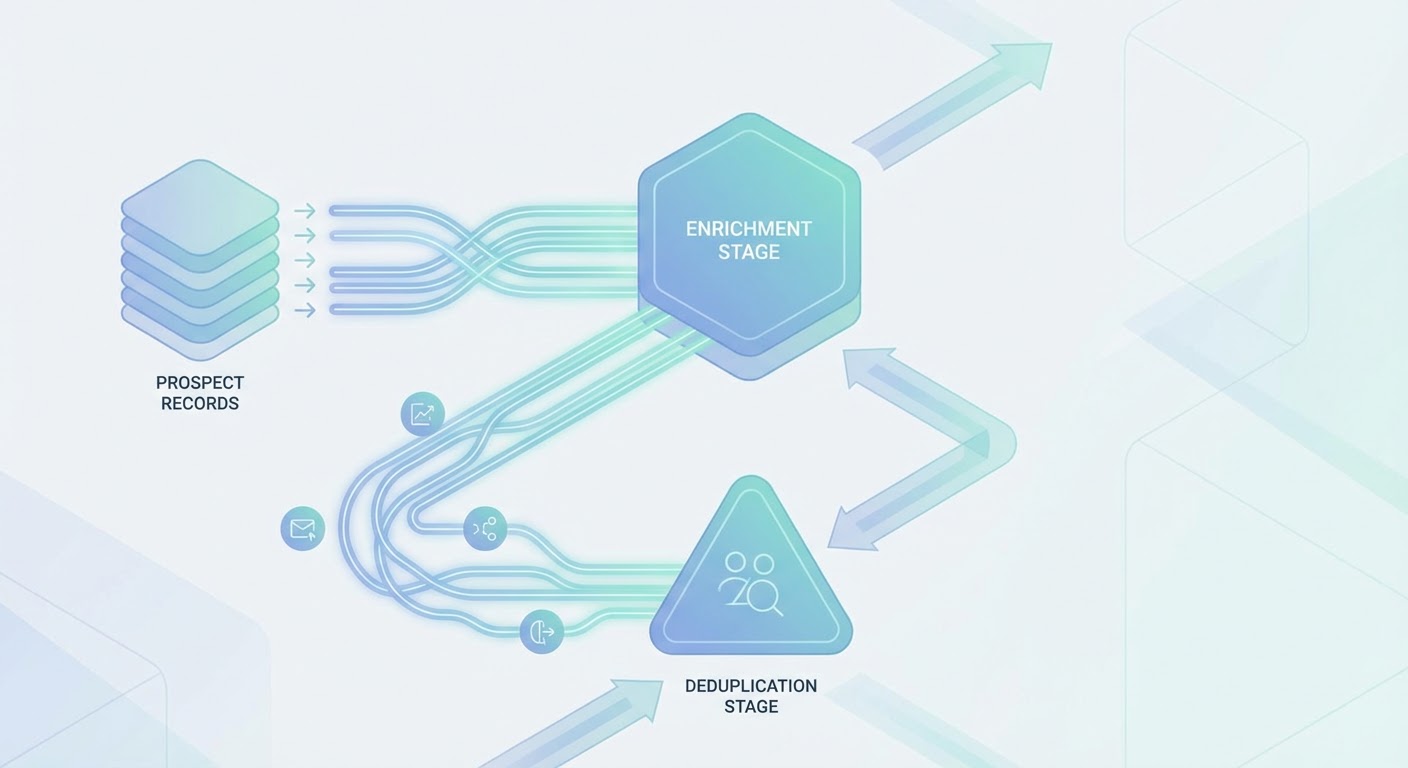
Step 4: Deduplicate and push to CRM. This sounds boring because it is boring. It's also where deals die. I sat in on a pipeline review once where three reps on the same team had all been emailing the CFO at the same company from three different sequences. Nobody had checked HubSpot first. Embarrassing for the team, annoying for the CFO. Automate the dedup and routing so your CRM catches duplicates before they become awkward conversations.
The Part Nobody Talks About: Data Decay
Here's a number that should scare you. B2B contact data decays at roughly 30% per year. People change jobs, companies get acquired, email domains change. If you built a prospect list six months ago and haven't touched it, almost a fifth of it is wrong.
Manual prospecting handles this accidentally because you're looking at each record individually. When you automate, you need to build re-verification into the process. Run your existing lists through enrichment quarterly. Flag contacts where the job title changed. Remove bounced emails before they tank your sender reputation.
The teams that complain about automated prospecting producing "low quality leads" are almost always teams that automated the initial build but never automated the maintenance. Your list is a garden. Stop planting seeds and walking away.
Common Mistakes That Kill Your Automation
I've watched maybe a dozen teams try to set up sales prospecting automation in the last year. The ones that failed usually hit one of these three walls.
Going too broad on ICP filters. If your automated search returns 10,000 companies, you haven't defined your ICP — you've defined your TAM. Narrow it down until the list is small enough that you'd be comfortable calling every company on it. For most B2B teams, that's 200-500 companies per quarter, not 10,000.
Skipping the enrichment step. Sending a cold email that says "I see you're the VP of Marketing at Acme Corp" is barely personalization. That data is on their LinkedIn profile. Real personalization requires enrichment data: what did they post about last week, did their company just raise a round, are they hiring for a role your product replaces? Without enrichment, your "automated" outreach reads like spam.
Automating outreach volume instead of outreach quality. You can send 500 emails a day with Instantly or Smartlead. But if every email is a template with a first-name merge tag, you've automated yourself into the spam folder. The reps who get results from automated prospecting use it to do more research per prospect, not more prospects per hour.
Why Use an Agent for This
I timed one of our SDRs doing this manually last quarter. Three hours and forty minutes to get 30 contacts into HubSpot with decent enrichment data. That was before lunch. She hadn't sent a single email or made a single call yet. Her entire morning was data prep.
With an AI prospecting agent, that same 30-contact list comes back in about ten minutes. Apollo search, contact pull, email verification, LinkedIn enrichment, news scan, CRM dedup — it chains the whole thing together. She shows up to a loaded pipeline with research notes already attached.
For the CRM part specifically, the Apollo to HubSpot pipeline builder is what I point people to. It searches Apollo, enriches, creates HubSpot contacts and deals, and checks for dupes before writing anything. The tab-switching era is over.
Where this really pays off is consistency. A human SDR does good research on the first five prospects, decent research on the next ten, and starts cutting corners after that because they're tired. An agent gives you the same depth on prospect number 50 as prospect number 1.
Stop Treating Prospecting Like a Task
This isn't a set-it-and-forget-it situation. Your ICP changes. Your market shifts. The enrichment signals that mattered six months ago might be irrelevant now. Treat your prospecting automation like you'd treat any piece of infrastructure — check on it, adjust it, make sure it's still pointed at the right targets.
But if your reps are still burning their mornings on Apollo-to-HubSpot copy-paste marathons? You're paying talented salespeople to do data entry. Fix that.
Try These Agents
- AI Sales Prospecting — Automate prospect research, enrichment, and outreach list building from a single prompt
- Apollo to HubSpot Pipeline Builder — Search Apollo for ICP matches and push enriched contacts straight into HubSpot
- Outbound Sales Automation — Build and launch outbound sequences with personalized messaging at scale
- Apollo Prospect List Builder — Build clean prospect lists from Apollo data exported to Google Sheets