
How to Build Prospect Lists Automatically
I spent an entire Sunday building a prospect list of 200 accounts. LinkedIn Sales Navigator, company websites, Crunchbase, spreadsheet. Eight hours. By Monday morning, my SDR told me 40 of the companies were too small for our product, 30 had already been contacted by another rep, and 15 didn't exist anymore (acquired, shut down, or renamed). I had a 57% usable rate on a list I burned a weekend building.
That was the last list I built by hand. The process of finding companies, looking up contacts, checking against your CRM for duplicates, and qualifying against your ICP is fundamentally automatable. Humans are terrible at repetitive research tasks at scale. Computers are great at them.
Define Your ICP First (Seriously)
I know you want to skip this section. Don't. Every failed prospect list I've seen traces back to a vague ICP definition. "Mid-market SaaS companies" isn't specific enough. You need filters that a machine can apply.
Industry: SaaS, specifically B2B SaaS in the sales and marketing technology space. Size: 50-500 employees. Geography: US and Canada. Funding: has raised at least a Series A. Tech stack: uses Salesforce or HubSpot as their CRM. Revenue: $5M-$100M estimated.
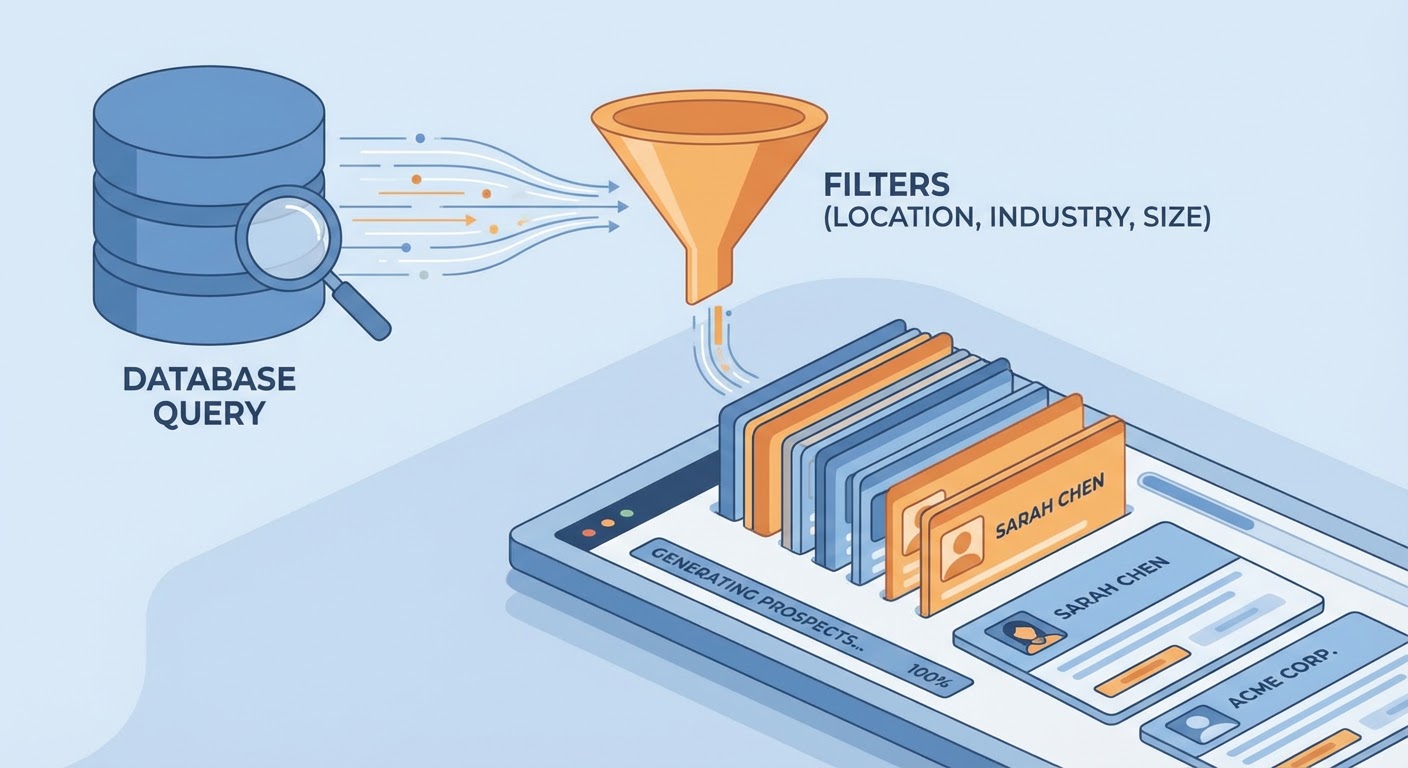
That level of specificity turns list building from "find me some companies" into "query this database with these six filters." The more precise your ICP, the more automation can do for you.
The Automated List Building Stack
An Apollo prospect list builder is the fastest path from ICP definition to prospect list. Define your filters, let it query Apollo's database, and get back a list of companies and contacts that match. The output is ready for outreach — names, titles, verified emails, company data. No manual research required.
For a Google Sheets-based workflow, a Google Sheets lead list builder takes your ICP criteria and builds the list directly into a spreadsheet. I like this approach when I want to review and filter the list before importing to my CRM. The sheet becomes a staging area where I can eyeball the results and remove anyone who obviously doesn't fit before the data enters our system.
Crunchbase lead prospector is best when funding data matters. If your ICP includes "recently funded companies" or you want to target companies in specific funding stages, Crunchbase has the best data. The agent queries Crunchbase for companies matching your criteria and enriches each result with funding details, investor names, and growth signals.
Deduplication Is the Part Everyone Forgets
You build a beautiful list of 500 prospects. You import it to your CRM. Three days later, five reps are emailing the same person because the list contained contacts already in your system and nobody checked. This happens way more than anyone admits.
Before importing any automated list, run it against your existing CRM data. Check for duplicate companies by domain. Check for duplicate contacts by email. Check for companies already assigned to another rep's territory. An Attio lead import and deduplication agent handles this cleaning step — it matches against your existing database and flags overlaps before they become territorial disputes.
I've made this mistake personally. Imported a list without deduplication, and two reps contacted the same VP of Sales at a target account on the same day with different pitches. The prospect responded to both emails with "do you guys talk to each other?" We did not win that deal.
Enrichment as Part of List Building
The best automated lists come pre-enriched. Instead of building a list and then separately enriching each contact, combine both steps. The prospect list builder finds companies matching your ICP, pulls contact information, and attaches company data in one workflow.
Pre-enriched lists let SDRs skip the research step entirely. The rep opens a record and sees: company name, revenue range, tech stack, recent funding round, prospect name, title, verified email, LinkedIn URL, and a brief company description. Everything they need to personalize the first email is already there.
The old workflow was: get a list of company names → research each company → find contacts → verify emails → add to CRM. That's four separate steps with manual effort at each one. Automated list building compresses it to: define ICP → run the builder → review output → import. One step of human effort instead of four.
How Many Lists Do You Need?
New lists every quarter is about right for most teams. Your ICP shouldn't change dramatically month to month, and churning through lists too fast means you're skimming contacts rather than working them properly. A rep working a well-targeted list of 100 accounts will generate more pipeline than one blasting through 1,000 poorly targeted contacts.
The exception is event-based lists. A competitor just raised prices? Build a list of their customers who might be open to switching. A new regulation just passed in your industry? Build a list of affected companies. These trigger-based lists have higher response rates because the outreach is timely and relevant.
Try These Agents
- Apollo Prospect List Builder — Automated list building from Apollo data
- Google Sheets Lead List Builder — Build lists directly in Google Sheets
- Crunchbase Lead Prospector — Funding-focused prospect list building
- Attio Lead Import Deduplication — Clean and deduplicate before importing