
How to Check Any Competitor's Website Traffic (Free Tools + What the Numbers Mean)

Last quarter I sat in a board meeting where our VP of Marketing said "they're crushing us in traffic." I pulled up SimilarWeb on my phone. Turns out "crushing us" meant they had 3x our visits — but 70% of it was branded search and a Portuguese blog post that went viral for reasons nobody could explain. We were actually winning on the keywords that mattered.
That's the thing about checking competitor website traffic. Getting the number takes 90 seconds. Understanding what the number means takes a bit longer.
SimilarWeb: Start Here, It's Free
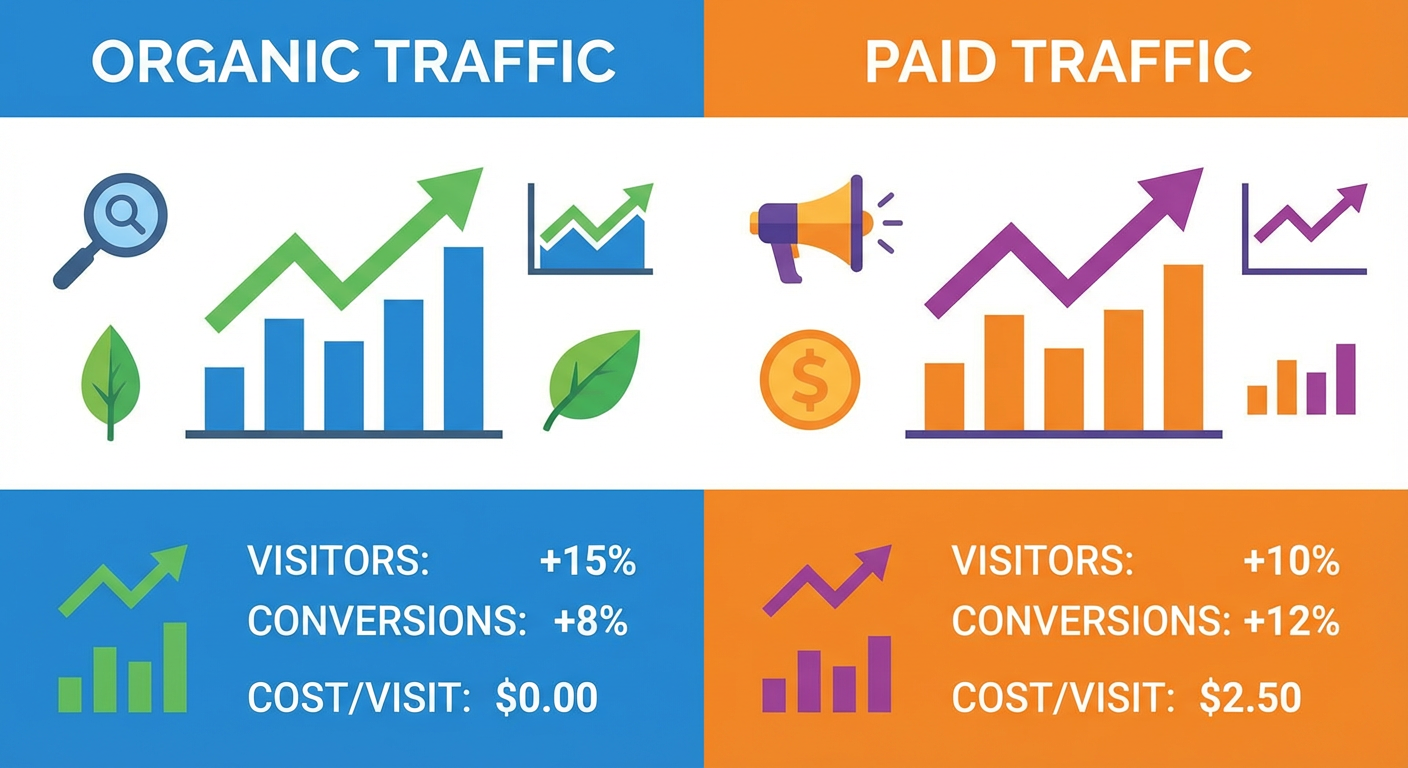
Go to similarweb.com and type in your competitor's domain. No account needed for the basics. You'll see total estimated monthly visits, a traffic trend graph going back several months, the channel split across organic, paid, direct, referral, social, and email, plus top countries and referring sites.
Now the important disclaimer: these numbers are estimates, not gospel. I've compared SimilarWeb data against actual Google Analytics on sites I own. For anything above 100k monthly visits, the estimates land within a reasonable range. Below 10k? You might as well flip a coin.
But the ratios and trends hold up well. When SimilarWeb says a competitor doubled traffic in six months, they probably doubled. When it says 55% organic and 25% paid, those proportions track reality even if the raw visit count is off. Treat the absolute numbers as directional, not precise.
Three Other Free Tools Worth Opening
Ahrefs has a free traffic checker that zeroes in on organic search specifically. It calculates from actual keyword ranking positions instead of panel data, so for organic traffic it's often tighter than SimilarWeb. Trade-off: you only see organic, not the full picture.
SEMrush's free tier shows limited competitor data. Their paid "Traffic Analytics" feature is genuinely the best tool for this specific job, but you can get a decent starting read without paying. I used the free tier for months before upgrading.
Google Trends won't show you traffic numbers at all. What it will show you is whether your competitor's brand is gaining or losing mindshare relative to yours. Plug in both brand names, set the timeframe to 12 months, and the lines tell a story that raw visit counts can't.
Reading the Numbers Without Getting Fooled
Here's where most people stop too early. They see "500k monthly visits" and either panic or celebrate, and both reactions are wrong.
Dig into the source. If 400k of those 500k visits come from people googling the competitor's brand name, their organic reach on keywords you'd actually compete for might only be 2x yours. That branded traffic is valuable to them but irrelevant to your strategy.
Think about traffic quality too. I'd rather compete against a site pulling 500k visits from random blog posts about tangentially related topics than one pulling 50k visits entirely from "best [your product category]" searches. The second company is eating your lunch even though their total number is 10x smaller.
Always look at the trajectory. A competitor sitting at 100k visits but climbing 20% month-over-month will pass a flat-lined competitor at 500k within a year. The trend line matters more than today's snapshot, every time.
And never check one competitor alone. Pull up three to five at once. When one's growing while the rest shrink, they're taking share. When everyone's climbing, the market itself is expanding. Single-competitor analysis misses context that multi-competitor comparison makes obvious.
Why an Agent Beats Manual Checking
Checking one competitor's traffic once is a 90-second task. Monitoring five competitors monthly, cross-referencing traffic channels with keyword data, and catching trend shifts before they become obvious? That's a job.
A website traffic checker agent pulls traffic estimates across multiple competitors simultaneously and flags the changes worth paying attention to. Combine it with an SEO competitor analyzer to connect the dots between traffic growth and the specific keywords fueling it.
The point isn't to obsess over the scoreboard. It's to know when the score changes — and why — before everyone else in your space figures it out.
Try These Agents
- Website Traffic Checker — Estimate competitor website traffic and break down their channel mix
- SEO Competitor Analyzer — Uncover what keywords competitors rank for and where the content gaps live
- Market Intelligence Agent — Full-spectrum competitor research covering hiring, reviews, keywords, and news
- Competitor Keyword Research — Find keyword gaps and steal ranking opportunities from competitors