
How to Find Your Competitor's Customers (6 Methods That Work)
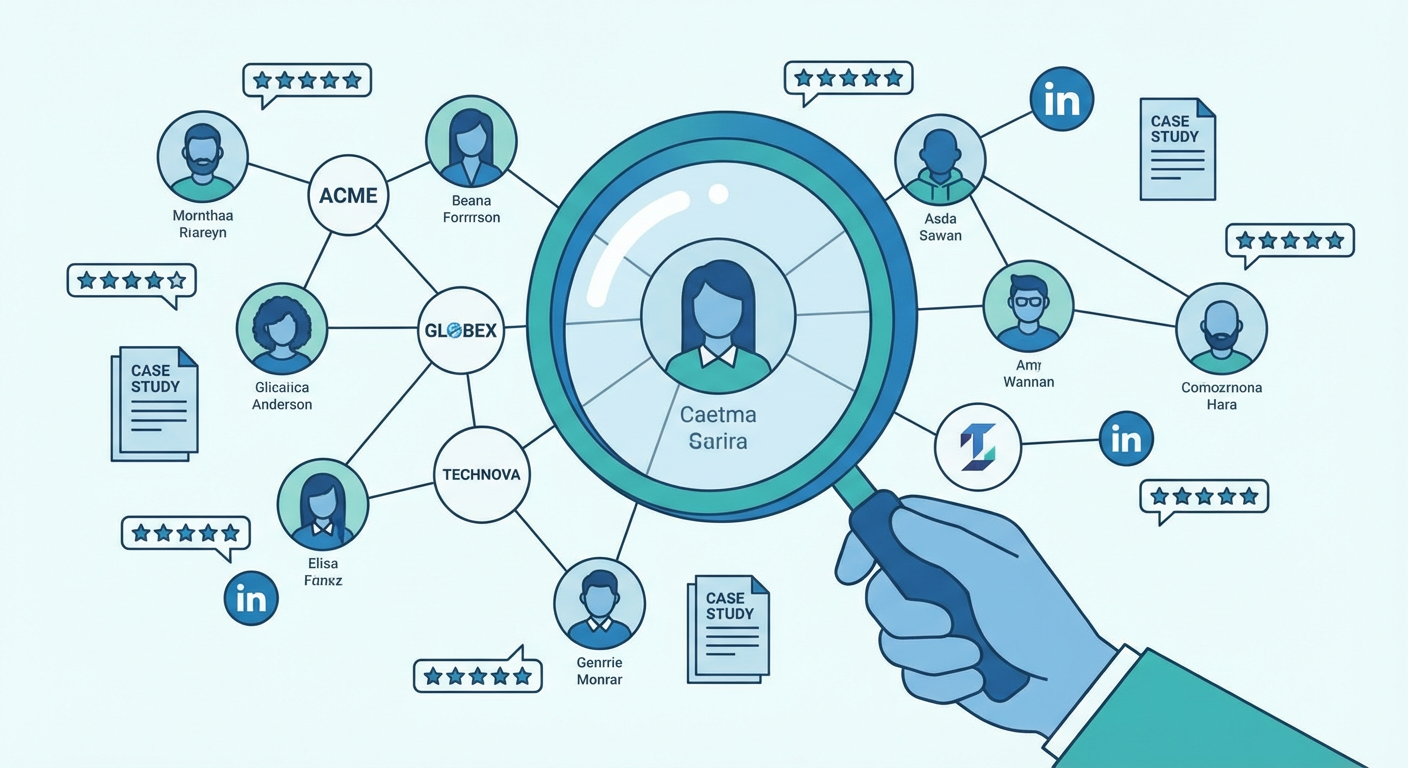
Who buys from your competitor? Sounds like it should be confidential. It's not. The information is scattered across review sites, case study pages, LinkedIn profiles, and job boards, all public, all free. Nobody bothers to collect it because it takes some legwork, which honestly is what makes it valuable. The teams that DO collect it end up with a hit list of accounts that already buy in their category. Way better than cold prospecting into the void.
G2 and Review Sites: Your Competitor's Customer List in Disguise
I spend a weird amount of time on G2. Not for the star ratings. For the reviewer profiles. Every G2 reviewer lists their company size, industry, and job title. That's your competitor's customer demographics, self-reported by actual buyers.
Filter reviews by company size. If 80% of a competitor's G2 reviews come from enterprise companies, you now know who they sell to. If the reviews skew "small business" with 1-50 employee companies, different story entirely.
But the real gold is in the review text. People write things like "we switched from [your product] because..." or "we evaluated four tools and picked this one because..." or "at our 200-person company, we use this for..." These are buying signals and switching triggers, volunteered for free.
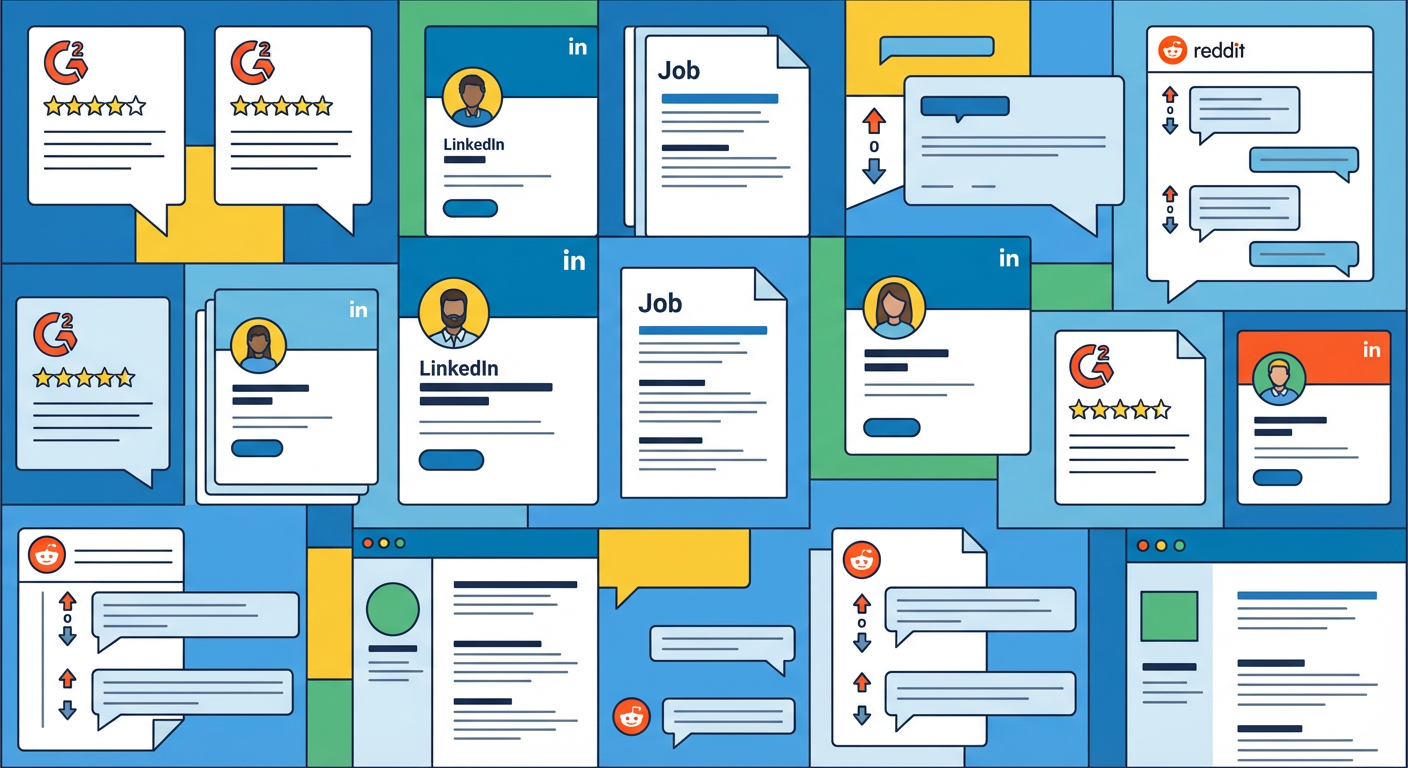
Capterra and TrustRadius have similar reviewer data. I cross-reference all three because different buyer types show up on different platforms. Enterprise buyers are more active on TrustRadius. SMB buyers cluster on Capterra.
Case Studies and Logo Bars
This one is embarrassingly obvious but people skip it. Go to your competitor's website. Click "Customers" or "Case Studies." There's your list.
Case studies give you the company name, industry, size, what problem they were solving, and how they use the product. That's a complete customer profile handed to you voluntarily. The competitor published it because they're proud of the account. You should read it because that account is probably a good fit for you too.
The logo bar on their homepage is the speed-run version. Those are the logos they think will impress buyers. All Fortune 500 logos? They sell enterprise. Mix of recognizable startups and mid-market names? That's their sweet spot.
LinkedIn: Three Sneaky Searches
LinkedIn gives you three ways to find competitor customers, and none of them require Sales Navigator.
First: search for the competitor's product name in the Skills section of profiles. People list tools they use as skills. The profiles that come back are current or recent users, and their employers are customers.
Second: search the competitor name in Experience descriptions. People write "implemented [competitor product] across the revenue team" or "managed our [competitor] instance." Each match is a confirmed customer.
Third: look at who engages with the competitor's LinkedIn posts. If the same 15 VP-level people from different companies consistently like and comment, those are customers or very warm prospects.
Job Postings From Other Companies
This is my favorite trick. When companies hire, they list required tool experience. Search for your competitor's product name on LinkedIn Jobs or Indeed.
"3+ years experience with [competitor product] required" means the company posting that job is a customer. Do this search and you'll often find 50-100 companies that use the product. That's a rough customer list, generated from public job data.
The volume also tells you market penetration. Search for "Salesforce experience" and you'll get tens of thousands of results. Search for "[smaller competitor] experience" and you might get 80. That ratio tells you where each product sits in adoption.
Reddit and Community Intel
Search "[competitor name]" on Reddit and read what comes back. People ask for alternatives (they're thinking about switching). People share what they pay (pricing intel). People describe their setup (technical requirements). People complain (churn signals).
Product Hunt launch pages have comment sections where early customers share feedback. Industry Slack groups have channels dedicated to tool discussions. Hacker News threads about competitors often include "we use this at [company]" comments.
Why Use an Agent for Customer Research
Doing this manually for three competitors means checking six review sites, reading case studies, running LinkedIn searches, scanning job boards, and monitoring Reddit. That's a full day, minimum, and the data goes stale within weeks as competitors win and lose accounts.
A market intelligence agent watches all of these sources at once. It flags new case studies, fresh reviews, job postings mentioning competitor products, and social mentions. You can also run a competitor pricing analyzer alongside it to see not just who buys from the competition, but roughly what they pay and how happy they are about it.
Your competitor's customer list isn't locked in a vault. It's sitting on the open internet, spread across a dozen sources. Go collect it.
Try These Agents
- Market Intelligence Agent — Full-spectrum competitor research covering hiring, reviews, keywords, and news
- Competitor Pricing Analyzer — Track and compare competitor pricing, tiers, and packaging changes
- SEO Competitor Analyzer — Uncover what keywords competitors rank for and where the content gaps live
- PPC Competitor Analysis Tool — Spy on competitor ads across Google, Meta, TikTok, LinkedIn, and Reddit in minutes