
How to Track Competitor SEO Rankings Automatically
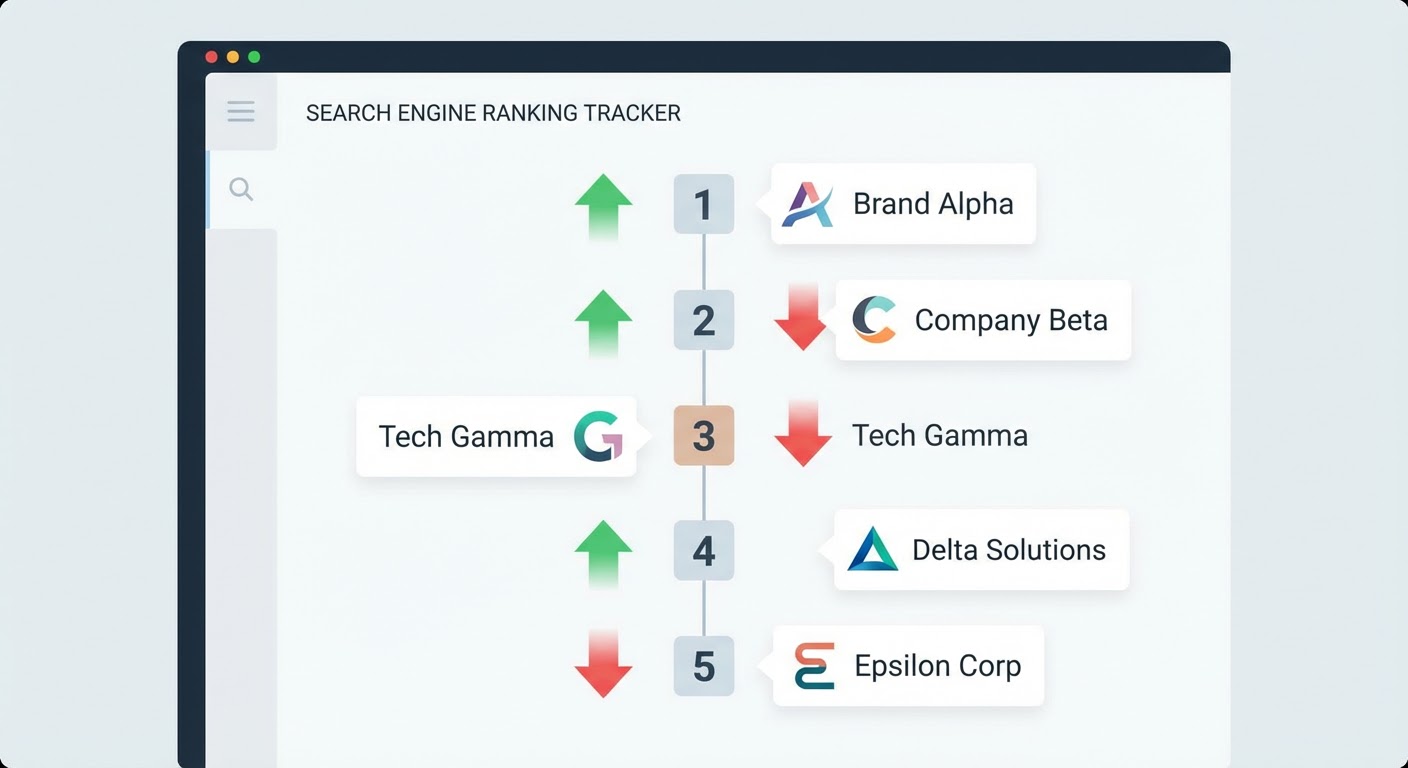
I used to check competitor rankings by hand. Every Monday morning. Open an incognito window, type in a keyword, count where we appeared, count where Competitor A appeared, count where Competitor B appeared, write it in a spreadsheet. Do this for 25 keywords. It took 90 minutes and by the end I wanted to throw my laptop out the window.
The kicker? My data was wrong half the time. Google personalizes results based on location, search history, and device. My incognito window in San Francisco showed different rankings than what a prospect in Chicago would see. I was building competitive intelligence on quicksand.
Automated rank tracking solves both problems: the time drain and the data accuracy. Here's how to set it up without blowing your budget.
Why Manual Rank Checking Doesn't Work
Beyond the time issue, there are three technical reasons manual checking fails.
Google localizes results. A search for "CRM software" in Austin, Texas shows different results than the same search in Boston. If your customers are spread across multiple regions, you need tracking from multiple locations. Sitting at your desk googling things only tells you what Google shows you.
Rankings fluctuate throughout the day. Google runs experiments constantly. Your competitor might rank #3 at 9 AM and #5 at 2 PM on the same keyword. A single daily check captures one snapshot of a moving target. Automated tools typically check multiple times and report the average, giving you a more stable picture.
You can't eyeball trends. Was your competitor's ranking #4 last week and #3 this week? You won't remember unless you logged it. Automated tracking stores historical data, so you can see trends over months — which is where the real competitive insight lives. A one-week ranking change is noise. A three-month ranking trend is signal.
Choosing What to Track
Don't track everything. Track what matters. I've seen companies set up monitoring for 5,000 keywords across 10 competitors. That produces 50,000 data points per check. Nobody can process that volume. It becomes a data lake that everyone avoids.
Start with your revenue keywords. The 20-30 terms that actually drive business. If you sell project management software, your revenue keywords might be "project management tool," "team collaboration software," "task management app," and variations of those. Not "what is project management" — that's educational traffic, not buying traffic.
For each revenue keyword, track yourself and your top three competitors. That's 4 entities across 25 keywords: 100 data points per check. Manageable. Reviewable. Actionable.
Add a secondary tier of 10-15 "watch keywords" — terms you want to rank for but don't yet. Tracking competitors on these tells you whether the opportunity is growing or shrinking. If a keyword's competitive difficulty is increasing because more companies are investing in content for it, that affects your content strategy.
The Free and Cheap Options
Google Search Console shows your own rankings and impressions, but not competitors'. It's useful as a baseline for your own SEO performance. Free, accurate, and already connected to your site. Check it weekly for ranking drops on your money keywords.
SimilarWeb free shows traffic estimates and top organic keywords for any domain. It won't show ranking positions, but it'll tell you which keywords drive the most traffic to competitors. If Competitor B gets 15% of their organic traffic from a keyword you rank #12 for, that's a keyword worth investing in.
Ahrefs and SEMrush both offer rank tracking in their standard plans ($99-199/month). They'll monitor your keyword list, track your position and competitors' positions daily, and alert you to significant changes. Both are good. Pick whichever one your team already uses so you don't fragment your SEO tool stack.
For free rank checking, tools like SerpRobot and WhatsMySERP let you check positions for a limited number of keywords daily. Not as polished as the paid options but they work for small keyword lists.
Setting Up the Tracking System
Step one: build your keyword list. Export your top-converting keywords from Google Search Console (sort by conversions or goal completions, not impressions). Add any keywords from your paid search campaigns that have high conversion rates — those convert in paid, so they'll convert in organic too. This is your revenue keyword list.
Step two: add your competitors. In most rank tracking tools, you define a "project" with your domain, add competitor domains, and the tool tracks everyone simultaneously. I add three competitors: the one we lose to most in sales, the one with the most organic traffic in our space, and the fastest-growing one. Different perspectives, different insights.
Step three: set up alerts. Most tools let you configure notifications. I use two alert types: "competitor overtook us on a money keyword" and "we dropped more than 5 positions on any tracked keyword." The first catches competitive threats. The second catches technical problems (broken pages, lost backlinks, indexing issues) that affect rankings.
Step four: schedule a monthly review. The alerts handle urgent changes. The monthly review handles trends. Pull up the ranking report, look at the trajectory over the last 30 and 90 days. Are you gaining ground overall? Losing it? Where are the biggest shifts?
What the Data Actually Tells You
Raw ranking positions aren't interesting by themselves. The trends and patterns are what matter.
A competitor consistently gaining 1-2 positions per month across multiple keywords is investing in SEO. They're building content, earning links, or both. If left unchecked, they'll overtake you on your money keywords within a few months. This is the signal to increase your own SEO investment.
A competitor that suddenly jumps 10+ positions on several keywords probably did something specific: launched a major piece of content, earned a big backlink, or made a technical improvement. Investigate what they did. Can you do something similar? Sometimes the answer is as simple as "they published a comparison page we don't have."
A competitor whose rankings are declining across the board might have been hit by a Google algorithm update, lost a major backlink source, or made a technical mistake. This is an opportunity window. While they're struggling, invest in the keywords they're losing ground on.
Why Use an Agent for This
The SEO competitor analyzer runs the tracking automatically and surfaces changes worth your attention. Instead of logging into Ahrefs or SEMrush weekly to check dashboards, you get the highlights — who moved, where, and by how much. The boring keyword-by-keyword scanning happens in the background.
The competitor keyword research agent goes beyond position tracking to find keywords competitors rank for that you don't. These gap keywords represent content opportunities. When the agent identifies that Competitor A ranks for 50 keywords related to "sales automation" and you rank for 12 of them, that's 38 pieces of content you could create to capture traffic they're currently getting alone.
For the traffic perspective, the Google Sheets competitor traffic report puts estimated traffic data alongside ranking data. Rankings tell you position. Traffic estimates tell you impact. A #1 ranking on a keyword with 50 monthly searches matters less than a #5 ranking on a keyword with 5,000 searches. The traffic context helps you prioritize which ranking battles to fight.
Try These Agents
- SEO Competitor Analyzer — Automatic rank tracking with change alerts for your keyword set
- Competitor Keyword Research — Find keyword gaps between you and competitors
- Google Sheets Competitor Traffic Report — Traffic and ranking data in a shared spreadsheet
- Website Traffic Checker — Quick traffic estimates for any competitor domain