
How to Track Competitor Website Changes (Without Checking Manually)
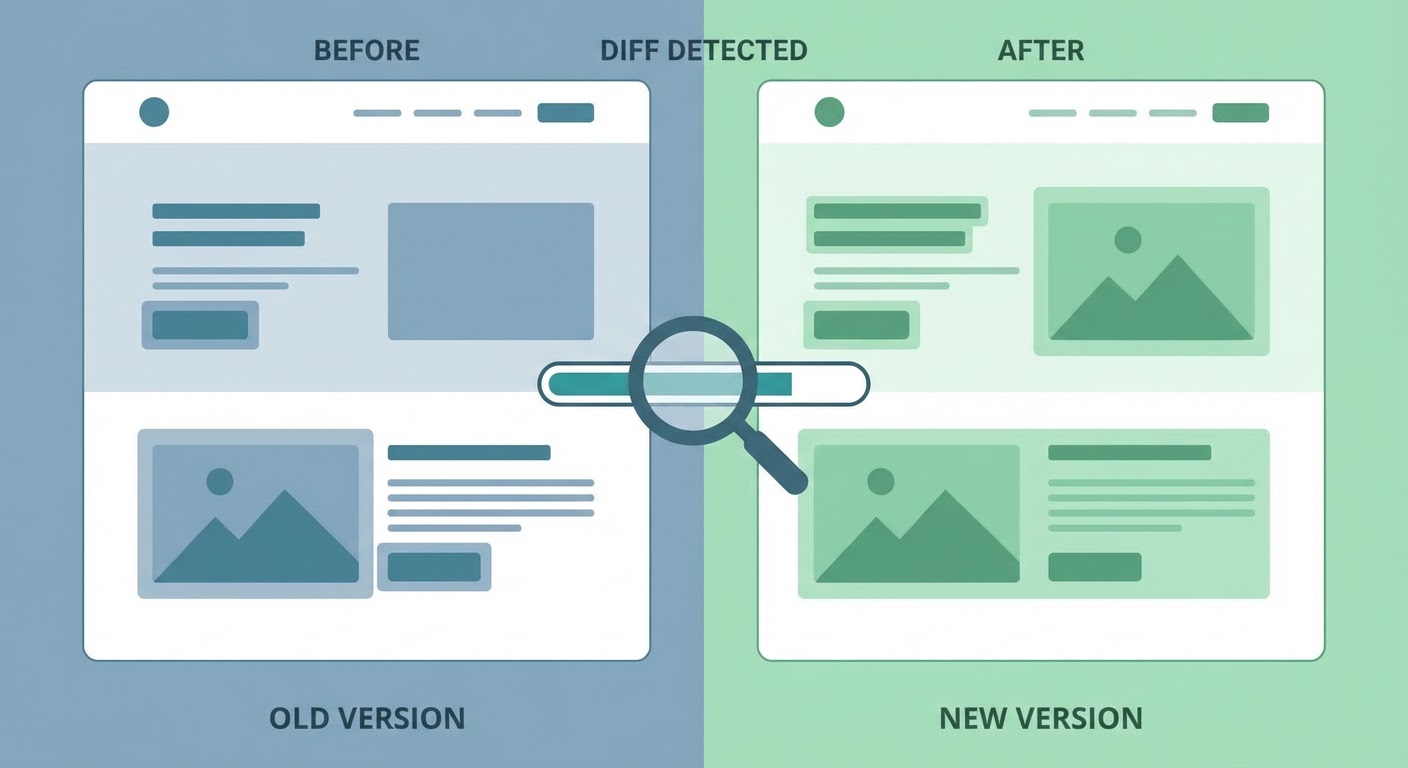
I once missed a competitor's complete pricing restructure because nobody on our team noticed they updated their website. They dropped their entry price by 30%, added a new mid-tier plan, and changed the feature gating on their enterprise tier. We found out three weeks later when a prospect told us during a sales call. "Yeah, I was comparing you guys, and Competitor B is now cheaper for what we need." Embarrassing.
That's when I started monitoring competitor websites like a hawk. Not by visiting them manually every day — by setting up systems that yell at me when something changes.
The Pages Worth Watching
Not every page on a competitor's site matters. Focus your monitoring on the pages that signal strategic decisions.
Pricing pages are number one. Any change to pricing — new tiers, different feature bundling, price increases or decreases — is a direct competitive event that affects your sales conversations. I check competitor pricing pages before any big deal because I've been burned by stale info too many times.
Product/features pages are next. New feature announcements, removed features, changed feature descriptions. When a competitor quietly removes a feature from their website, that's either a sunset or a rebrand. Either way, it's worth knowing.
The "About" and "Team" pages catch leadership changes. New C-suite hires signal strategic shifts. A new CRO means they're investing in sales. A new CTO after the old one left means a tech stack transition is coming. A bunch of new faces on the team page means they just did a hiring push.
And the homepage. Homepage copy changes slowly at most companies, so when it does change, someone made a deliberate decision. A shift from "the platform for small teams" to "built for growing companies" tells you they're moving upmarket.
Free Monitoring Tools
Visualping is the one I use most. Free tier gives you five pages monitored with daily checks. Set it on the five most important competitor pages (pricing, features, homepage, about, careers) and you get email alerts when anything changes. The alerts show you exactly what changed — highlighted diffs, screenshots, the whole thing.
Changedetection.io is open source and you can self-host it for unlimited pages. More technical to set up, but if you want to monitor 50 pages across 10 competitors, this is how you do it without paying per-page fees. I ran it on a cheap VPS for about $5/month and monitored every competitor's pricing page plus their careers pages.
Google Alerts still works for catching new pages. Set up alerts for "site:competitor.com" and you'll get pinged when Google indexes new pages on their domain. Won't catch changes to existing pages, but will catch new blog posts, new product pages, new case studies.
The Wayback Machine isn't a monitoring tool but it's invaluable for historical research. Want to see how a competitor's pricing page looked six months ago versus today? Wayback Machine probably has a snapshot. I use it when I suspect a competitor changed their messaging and want to confirm what they used to say.
What Changes Tell You
A pricing page update is the most obvious signal, but the subtler changes tell better stories.
When a competitor changes their homepage headline, someone in marketing made a bet about positioning. Track these over time and you see the positioning evolution. One competitor I watch went from "Sales automation" to "Revenue operations" to "AI-powered revenue intelligence" over 18 months. That's three distinct strategic pivots you can track just by watching their homepage.
Career page changes reveal growth plans. A sudden spike in open engineering roles means they're building something new. Sales roles mean they're expanding go-to-market. If all the new roles are in a specific geography, they're expanding to that market.
Brand monitoring catches the broader online presence changes — new review profiles, new social accounts, new directory listings. The website is just one surface. When a competitor launches a new G2 category listing or starts showing up on Capterra, those are expansion signals that website monitoring alone won't catch.
The Agent Approach
A market intelligence agent combines website monitoring with broader competitive research. Instead of just flagging "this page changed," the agent adds context: why did it likely change, what does it mean for your positioning, and what should you do about it.
Social listening alerts complement website monitoring by catching the conversations around changes. When a competitor updates their pricing, customers talk about it on Twitter and Reddit. The website change is the event; the social conversation is the reaction. Both matter.
The simplest setup that works: Visualping on competitor pricing and feature pages, a weekly manual check of their homepage and careers page, and an agent running in the background to catch everything else. Total time commitment is maybe 10 minutes a week, and you never get surprised by a prospect quoting a competitor's new pricing at you again.
Try These Agents
- Brand Monitoring — Cross-platform competitor presence tracking
- Social Listening Alerts — Conversations around competitor changes
- Market Intelligence Agent — Website monitoring with strategic context
- News Intelligence Monitor — Competitor news and announcement tracking