
LinkedIn Automation Tools in 2026: What Actually Works (And What Gets You Banned)
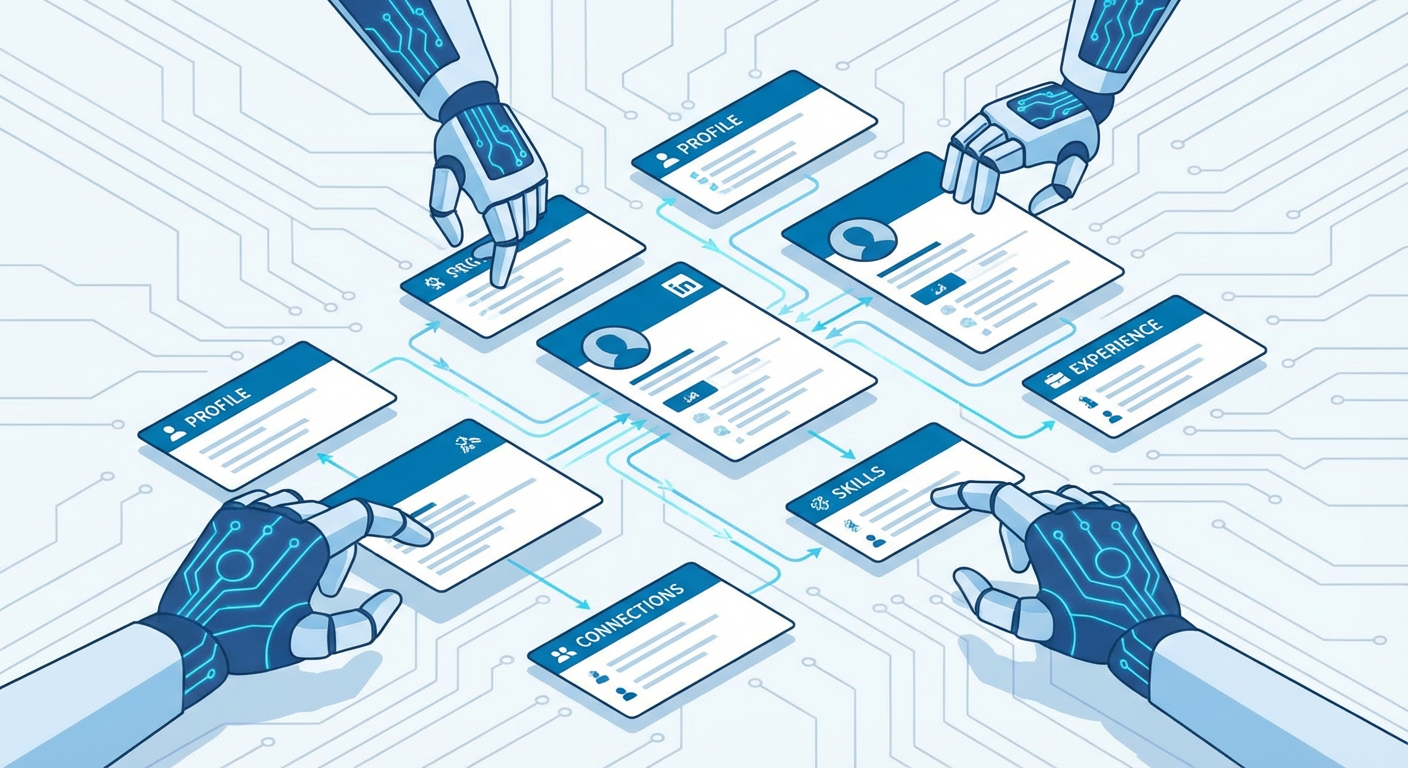
There are roughly 47 LinkedIn automation tools on the market right now. I counted. Some of them will save your sales team 10 hours a week. Others will get your entire company page restricted and your CEO's profile suspended. The difference isn't always obvious from the landing page.
Anya ran growth at a B2B analytics company. She tried three different LinkedIn automation tools in six months. The first one worked great for 19 days. The second one lasted 11. The third one got her boss's account flagged, which was a fun conversation. By the time she found something that actually stuck, she'd burned through $2,400 in subscriptions and damaged two LinkedIn profiles that took months to recover.
Her story isn't unusual. The LinkedIn automation market is a mess — crowded, confusing, and full of tools that work great right up until they don't.
The Three Categories of LinkedIn Automation
Every LinkedIn automation tool falls into one of three buckets. Knowing which bucket you're looking at before you swipe your credit card will save you a lot of pain.
Browser extensions run inside your Chrome browser and click buttons on LinkedIn pages on your behalf. Dux-Soup, LinkedHelper, and the original Linked Automator pioneered this approach. You install them, set some parameters, and they literally navigate LinkedIn as you, clicking "Connect," typing messages, visiting profiles. Your browser has to be open. Your computer has to be on. If your laptop goes to sleep at 2 PM, your automation stops at 2 PM.
Cloud-based platforms run on servers. Expandi, Phantombuster, Octopus CRM, Zopto. They don't need your browser open. They simulate browser sessions in the cloud — sometimes using your LinkedIn cookies, sometimes cycling through dedicated IP addresses. Set up your campaigns and they run around the clock. More reliable than extensions, but you'll pay for it: $99-299/month per seat.
AI agents are the newest category. Instead of automating clicks, they pull data through LinkedIn's official APIs and public sources — analyzing profiles, tracking engagement, building outreach sequences. No browser simulation. No fake clicks. No stealing your cookies. The tradeoff: they can't actually log into LinkedIn as you, so you're still the one clicking "Connect."
Each wave fixed the last one's problems and created fresh ones.
Browser Extensions: The Original Sin
Dux-Soup launched in 2016. The idea was simple. LinkedIn shows you who viewed your profile. If you view 500 profiles a day, some percentage of those people will view yours back, and some of those will connect. Automate the profile viewing, and you've got a lead gen machine.
It worked. For years, honestly. LinkedIn's detection was slow. The extension space grew. By 2020, there were a dozen Chrome extensions that could auto-visit profiles, send connection requests, and fire off follow-up messages.
Then LinkedIn started fighting back.
Rafael managed a sales team of eight. They all ran Dux-Soup simultaneously. In February 2024, LinkedIn restricted five of the eight accounts in a single week. Not temporary restrictions. Full-on "your account is under review" locks that took 3-6 weeks to resolve. Two of those accounts never fully recovered their connection request acceptance rates.
The problem with browser extensions is architectural. They inject JavaScript into LinkedIn's DOM. LinkedIn can detect that injection. They look for unusual click patterns, impossibly fast navigation, identical time delays between actions (humans don't wait exactly 23 seconds between each profile view). The extensions try to randomize timing, but LinkedIn's detection has gotten good enough to catch most of them within 2-4 weeks of heavy use.
Current browser extension risk level: high. I don't recommend them unless you're running very conservative limits, like 20-30 actions per day, and you're fine with the profile being restricted periodically. Some people use them and never get caught. Some people get caught on day three. It's a coin flip that gets less random the more you do.
Cloud Platforms: Better Infrastructure, Same Fundamental Problem
Expandi is probably the best-known cloud LinkedIn automation tool. It runs dedicated browser sessions in the cloud, assigns unique IP addresses per account, and has smart limits built in. Phantombuster takes a different approach, offering modular "phantoms" that each do one specific task: scrape a Sales Navigator search, send connection requests from a CSV, extract emails from profiles.
These tools are genuinely more sophisticated than browser extensions. Expandi's warmup feature gradually increases your daily activity over 2-3 weeks, mimicking a real user ramping up their LinkedIn usage. Phantombuster's scheduling lets you run scrapers at realistic times. Zopto added reply detection so it stops sequences when someone responds.
But they share the same underlying vulnerability. They're pretending to be you on LinkedIn. Whether the fake session runs in your Chrome browser or on a server in Virginia, LinkedIn sees activity that doesn't match real human behavior.
Tomás used Expandi for his recruiting firm. He loved it for seven months. Built a pipeline of 2,000+ candidates, had reply rates of 34% on his connection messages. Then in month eight, Expandi's IP range got flagged by LinkedIn. His account wasn't restricted, but his connection request acceptance rate dropped from 60% to about 15% overnight. LinkedIn started showing his requests lower in recipients' inboxes. He didn't even know that was possible.
Cloud platform risk level: moderate. Better than extensions, but you're still one LinkedIn detection update away from trouble. Budget $150-300/month per seat and accept that you might lose 2-4 weeks of access if you get caught.
AI Agents: A Different Approach Entirely
Here's where the market is moving, and where I think it should have started. Instead of automating actions inside LinkedIn, AI agents work outside of LinkedIn. They pull data through APIs, analyze it, and tell you what to do.
A LinkedIn Content Tracker monitors what your competitors and prospects are posting, what's getting engagement, and what topics are trending in your target market. No browser automation. No profile visits. No risk.
The difference is philosophical. Extensions and cloud tools try to scale bad behavior — more requests, more profile visits, more messages. Agents flip that around. They figure out who's worth contacting, what those people actually care about, and help you write a message that references something specific. Then you hit send yourself.
Priya switched her team from Phantombuster to AI agents in Q4 last year. Their volume dropped dramatically. They went from sending 400 connection requests per week to about 60. But their acceptance rate went from 28% to 71%. Their response rate on first messages went from 8% to 23%. Total meetings booked actually went up by 15%.
Fewer messages, better aim. Turns out that math works in your favor almost every time.
What LinkedIn Actually Detects
LinkedIn's Terms of Service prohibit automated interaction with the platform. Full stop. But they enforce it selectively, inconsistently, and sometimes seemingly at random. Here's what we've seen actually trigger detection.
Connection request velocity matters more than total volume. Sending 20 requests in one hour is riskier than sending 40 spread across a day. LinkedIn looks at burst patterns.
New accounts get watched more closely. An account created three months ago that suddenly starts sending 50 connection requests a day will get flagged faster than a 10-year-old account doing the same thing.
Identical messages trigger spam detection. If you send the exact same connection note to 200 people, LinkedIn will notice by person 50 or so. Even small variations, like changing the first name, aren't enough. Their text similarity detection is better than most people think.
Low acceptance rates compound the problem. If fewer than 20% of your connection requests get accepted, LinkedIn starts throttling you. The tools that blast random people hurt you twice: once when the message gets ignored, and again when LinkedIn notices the pattern.
Profile completeness matters, weirdly. Accounts with incomplete profiles, no photo, and fewer than 100 connections get restricted faster when using automation. LinkedIn treats them as potential bots.
The Cost Breakdown Nobody Talks About
Browser extension: $15-50/month. Plus the cost of recovering a restricted account, which is zero dollars but 3-6 weeks of lost productivity and pipeline. Plus the cost of a ruined LinkedIn profile with low trust scores.
Cloud platform: $99-299/month per seat. A team of five on Expandi runs about $1,500/month. That's $18,000/year. For that money, you get steady automation that works until it doesn't, plus the ongoing anxiety of wondering if this is the month LinkedIn cracks down.
AI agents: varies, but typically $50-200/month. You lose the ability to auto-send connection requests (you have to click "Connect" yourself). You gain the ability to actually know who you're connecting with and why.
The hidden cost nobody calculates: what happens to your brand when someone receives your automated, clearly-templated LinkedIn message. Diana got one from a SaaS company that started with "I noticed your impressive work in" followed by a blank where the personalization was supposed to go. The template broke. She screenshotted it, posted it on LinkedIn, and it got 4,300 reactions. That company's SDRs reported a noticeable dip in response rates for the following month.
What We Actually Recommend
For most B2B teams, the answer isn't one tool. It's a combination.
Use AI agents for the research, the targeting, and the message drafting. Let them figure out who's worth reaching out to and what to say. A LinkedIn Outreach Builder can draft personalized messages based on someone's actual profile, recent posts, and company news. An Engagement Analyzer tells you who's actively engaging with content in your space, which means they're probably more receptive to outreach.
Use LinkedIn's native tools for the actual outreach. Sales Navigator if you can afford it, regular LinkedIn if you can't. Send the messages yourself. Click connect yourself. It takes more time per message, but each message is worth something.
Use a CRM to track it all. HubSpot, Salesforce, even a spreadsheet. The AI agents do the thinking. You do the clicking. The CRM remembers what happened.
Anya eventually landed on this approach. Her team sends about 40% fewer messages than they did with full automation. They book about 20% more meetings. And nobody's gotten restricted since.
The LinkedIn automation tools market will keep growing. New tools will launch promising to crack LinkedIn's detection. Some will work for a while. But the fundamental tension remains: LinkedIn doesn't want you automating interactions on their platform, and they're getting better at stopping it every quarter.
The tools that last are the ones that don't fight LinkedIn. They work with whatever data LinkedIn makes available, help you decide who to talk to and what to say, and leave the actual talking to you. That's not a limitation. For most teams, that's the whole point.
Try These Agents
- LinkedIn Content Tracker — Monitor competitor and prospect LinkedIn activity, posts, and engagement trends
- LinkedIn Outreach Builder — Generate personalized LinkedIn messages based on profile data, posts, and company news
- LinkedIn Engagement Analyzer — See who's engaging with content in your target market and what they respond to
- LinkedIn Person Finder — Find the right people at target companies without Sales Navigator