
PostHog Event Tracking: Setup, Best Practices, and Automation
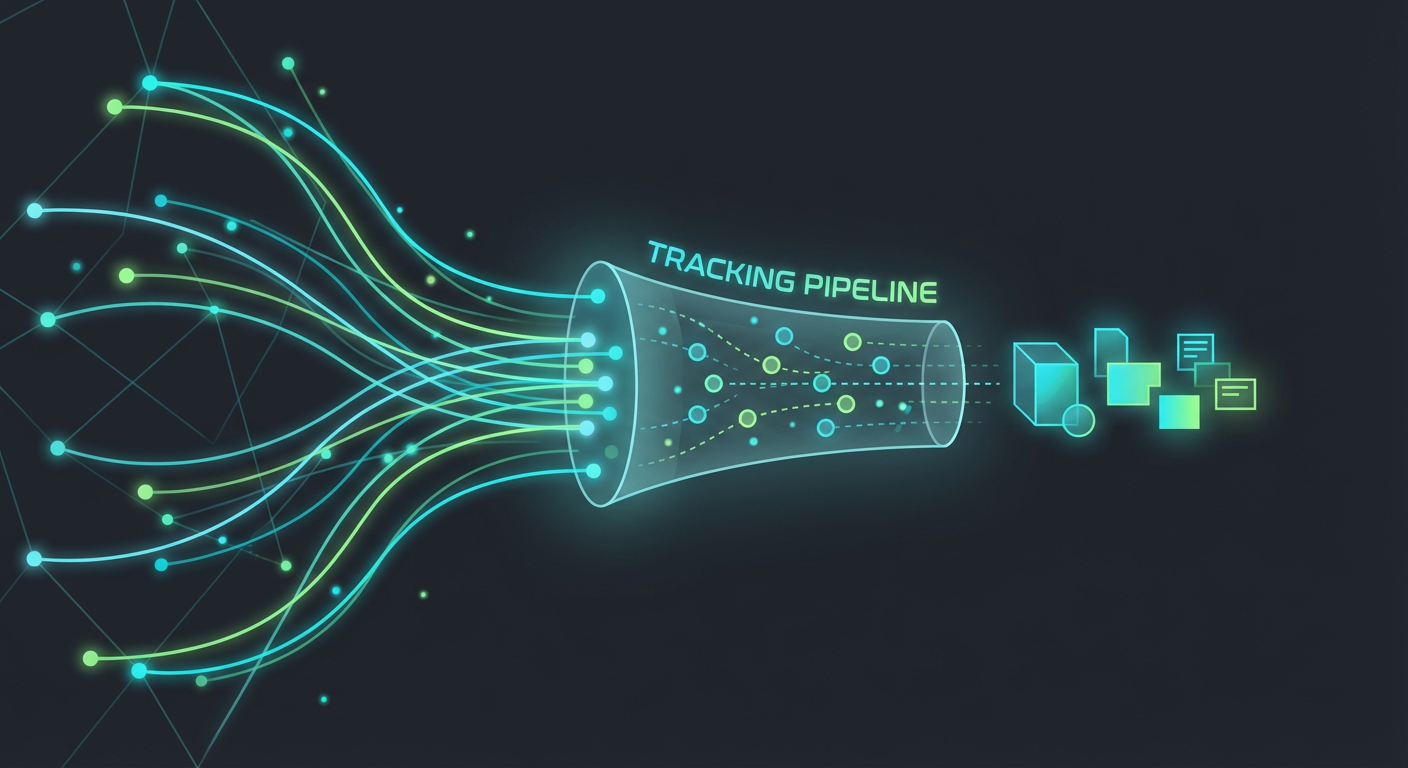
I've worked with a lot of product analytics stacks over the years. Amplitude, Mixpanel, Heap -- pretty much all of them at some point. But PostHog keeps showing up in my conversations with engineering teams lately, and I get why. It's open source, you can self-host the thing, and the event model is clean enough that you can actually build on top of it without losing your mind.
But here's the thing nobody wants to talk about. The problem isn't PostHog. The problem is what happens after you ship the instrumentation. I keep hearing the same story from every team I work with: they spend two sprints building a tracking plan, instrument 50 events, push it to prod, and then... crickets. The data collects dust in a dashboard nobody opens. Someone screenshots a funnel chart for a board deck once a quarter. That's not analytics. That's wallpaper.
So let me walk through the full lifecycle of PostHog event tracking -- what to track, how to structure it, and most importantly, how to make the data actually do something on its own.
The Tracking Plan Problem
Here's the dirty secret about product analytics: the tracking plan is where most teams peak. Everyone gets in a room. They brainstorm every user action worth knowing about. A beautiful spreadsheet gets created. PM is thrilled. Engineering goes off and instruments everything. QA checks the boxes. High-fives all around.
Fast forward six months. Half your events are firing wrong because the UI got redesigned and nobody told the analytics team. The other half? Technically correct, but nobody can remember why they exist. You've got 30 dashboard tiles and your team glances at maybe three of them.
Why does this keep happening? Because there's no feedback loop. Teams track events on the off chance they'll be useful "someday." But if you don't tie a concrete action to each event from day one, you're just generating noise.
My rule before writing a single line of PostHog code: ask "When this event fires, what do we actually do about it?" And if the answer is "look at it on a chart" -- that's not good enough. Charts aren't actions. Sending a Slack alert to your sales team is an action. Firing off an email is an action. Updating a CRM record is an action. If you can't name the downstream behavior, skip the event. You can always add it later.
How PostHog's Event Model Actually Works
For anyone who's new to this or curious about how PostHog analytics work at a lower level, the model is surprisingly simple. Four building blocks.
Events. This is your bread and butter. Every user action becomes a named event -- purchase_completed, feature_activated, whatever matters to your product. You fire them with the capture call. Pass in the event name, a distinctId to identify the user, and whatever custom properties you want to attach. That's it.
Properties. This is the context that makes raw events useful. A naked button_clicked event is almost worthless. But button_clicked with { "button_name": "upgrade_plan", "page": "/settings", "current_plan": "free" }? Now you know a free-tier user was poking around the upgrade flow from settings. Totally different conversation.
Distinct IDs. PostHog's way of tying events back to a human. Usually your internal user ID, but it can be any unique string. The important part: PostHog uses this to stitch a user's entire journey together across sessions, devices, everything. Get this wrong and your funnels will be garbage.
Timestamps. Optional, but don't sleep on them. Skip the timestamp and PostHog stamps it with server receipt time -- fine for real-time stuff. But if you're ever backfilling events or processing from a queue, always pass an explicit ISO 8601 timestamp. Otherwise your retention charts will lie to you.
Then there's identify and alias. Identify lets you bolt user-level properties onto a profile -- email, plan tier, company name. Alias lets you merge two distinct IDs, which is usually how you link a pre-login anonymous session to a real authenticated user. These two calls are what separate "we have event data" from "we actually know who our people are."
Naming Conventions That Won't Ruin Your Life
I cannot stress this enough. Bad event naming will destroy your analytics faster than bad code destroys your app. I've literally seen codebases where the same button click was tracked as click, Click, button-click, btnClick, and user_clicked_button. Five events. One action. Complete chaos.
Here's what I do: object_action, snake_case, every time. page_viewed. form_submitted. feature_activated. subscription_upgraded. It reads well, it sorts nicely in the PostHog UI, and it scales without anyone having to play detective.
Properties: keep them flat. Yeah, PostHog handles nested objects, but nested stuff makes your breakdown charts and filters annoying to work with. And be specific with your keys -- plan_name not plan, button_label not btn. Trust me, future-you building a cohort at 11 PM on a Sunday will appreciate the clarity.
Now, the identify vs alias confusion. This trips up nearly every team I onboard. Here's the short version: identify is for attaching properties to a user you already know. Alias is for merging two different IDs into one user -- like connecting an anonymous visitor to their logged-in identity. If you call identify on an anonymous distinct ID, you're just decorating that anonymous profile. You still need alias to actually merge it with the real account.
The Action Gap (This Is Where Everyone Gets Stuck)
Alright, so your tracking plan is solid. Events are firing correctly. Dashboards look beautiful. The PM is happy. Now what?
For 90% of the teams I talk to, "now what" means "we bring it up in our Thursday product review." So you're making decisions on data that's already five days stale. A user finished onboarding last Tuesday and you're just now seeing the number tick up on a chart. That isn't a feedback loop. That's a time capsule.
Here's where PostHog event tracking falls apart for most companies -- not because of PostHog, but because of the workflow around it. You built all the instrumentation. The signals are there. But they're just... sitting. Nobody wired them to anything. Your dashboard doesn't page anyone. It doesn't ping Slack. It doesn't open a ticket. It just quietly increments a counter.
When a high-value user completes a critical milestone -- activates a key feature, finishes onboarding, hits a usage threshold -- the right response time is minutes. Not the next standup. Minutes. And no dashboard in the world is going to give you that.
Closing the Loop: AI Agents on Top of PostHog
OK so this is the part I actually get excited about. What if instead of PostHog being a passive data lake, you wired it up to an AI agent that watches for the event patterns you care about and acts on them immediately?
The setup works like this. PostHog captures an event. A webhook or a scheduled query picks up the pattern. An AI agent gets the signal, figures out what needs to happen, and goes and does it -- using whatever tools it has access to.
Let me make this concrete. Say you're running a B2B SaaS product and you want to jump on onboarding completions fast.
- A user fires
onboarding_completedin PostHog. The properties include{ "company_domain": "acme.com", "plan": "trial" }. - Your agent grabs that event and immediately calls
identifyto layer on enriched data from an external source -- company size, industry vertical, last funding round, tech stack. - The agent runs the enriched profile against your ICP scoring criteria.
- High score? The agent creates a task in your CRM and drops a Slack message to the right AE: "Trial user from Acme Corp just finished onboarding. Series B fintech, 200 headcount. They activated the API integration. Get a demo on the calendar within 48 hours."
All of that happens in seconds. Not days. Nobody checked a dashboard. Nobody had to remember to look. The event itself kicked off the entire chain.
And here's why PostHog specifically works well for this: the event model is structured enough to build real automation on. Events carry typed properties. Users have stable distinct IDs. Profiles are enrichable via identify. You already have every piece you need. The missing ingredient was always the execution layer between "data collected" and "action taken."
Where Cotera Fits In
We built PostHog as a tool provider inside Cotera for exactly this reason. Our agents can capture events, identify users, track page views and screen views, and create aliases -- all through PostHog's ingestion API. So you can build workflows where the agent both reads signals from and writes data back to your PostHog instance, as part of a much bigger automation chain.
I want to be clear: the goal isn't to replace PostHog. PostHog is phenomenal at what it does. The goal is to make sure the data you're already collecting doesn't just sit around looking pretty on a dashboard. It should be driving real actions, automatically, without someone having to manually connect the dots.
Start With One Event
If there's one takeaway from all of this, it's don't boil the ocean. Pick your single highest-value event. Define exactly what should happen when it fires. Build the agent workflow for that one event. See if it moves the needle.
When it works -- and it will -- add the next one. Then another. Pretty soon you've got a system where your PostHog data isn't just recording what happened. It's making things happen. That's the whole point of event tracking, right? Most teams just never got around to the second half.