
The Competitor Mapping Template That Does Half the Work for You
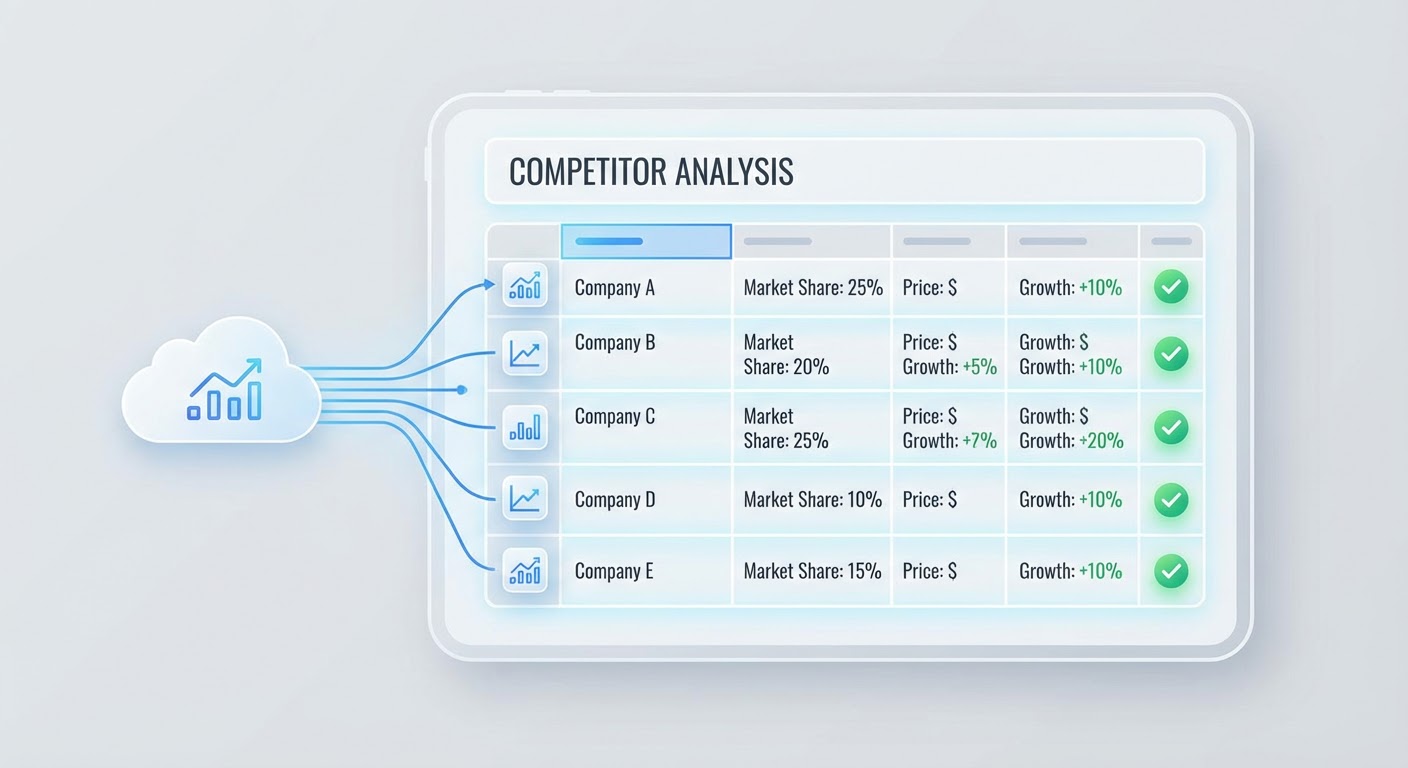
Blank templates are the worst kind of productivity tool. You download a beautiful spreadsheet with color-coded headers and 15 empty columns and then you stare at it. Where does the data come from? How do you fill in "market positioning" for a competitor you've never deeply researched? The template promises structure. It delivers homework.
I've tried maybe eight competitor mapping templates over the years. The ones that worked had three things in common: few columns, obvious data sources, and a way to stay updated without manual re-research every month. The ones that failed were comprehensive but empty. Twenty columns of meticulously labeled nothing.
What Your Template Actually Needs
Here's the template I use now. It has six columns. That's it.
Column 1: Company name. Column 2: What they do (one sentence, in plain English, not their marketing copy). Column 3: How they differ from us (one sentence, from the buyer's perspective). Column 4: Where they win deals against us (be specific — "enterprise security requirements" not "big companies"). Column 5: Where we win deals against them. Column 6: Last updated (date).
That's the whole template. No "founded date." No "employee count." No "technology stack." If you need that information for a specific conversation, look it up then. Don't clutter the template with data you'll reference once a year.
The power of a slim template is that people actually fill it out. I've handed sales teams 20-column competitor matrices and watched the data decay within weeks. Nobody maintains a 20-column spreadsheet alongside their actual job. Six columns? That stays current because it takes two minutes to update.
Filling the Template With AI Instead of Research Marathons
The old way to build a competitor map involved a week of research. Visit each competitor's website. Read their blog. Sign up for trials. Scroll through G2 reviews. Cross-reference pricing pages. Write it all up. By the time you finish researching competitor #5, the data on competitor #1 is already stale.
The faster approach: feed your competitor list to a Crunchbase market mapper and get company profiles, positioning, and market segments in minutes. It won't give you the nuance of a human analysis, but it gives you the factual backbone instantly. You add nuance from your own deal experience on top.
For the "where they win" and "where we win" columns, your CRM is a better source than any AI. Pull your last 20 competitive deals. Group the losses by competitor and read the loss reasons. That data is specific, recent, and based on actual buyer behavior. No template can replace it.
The combination works like this: AI handles the facts (what the company does, how big they are, what they claim to offer). You handle the judgment (where they actually win, how buyers perceive them, what their real weaknesses are). The factual layer takes minutes instead of hours. The judgment layer requires experience that no tool can fake.
The Positioning Map Layer
Once your table is filled, build a visual positioning map on top of it. Pick two axes based on your "where they win" and "where we win" data. Whatever dimensions show up most in your win/loss notes — those are your axes.
Plot each competitor on the map. Include yourself. Then look at the quadrant you occupy and ask: is this where we want to be? If you're in the "easy to use but limited" quadrant and your roadmap is pushing toward "powerful and customizable," your product strategy and your competitive positioning are diverging. The map makes that visible.
The visual map takes maybe 10 minutes to create in Google Slides or any drawing tool. It doesn't need to be pretty. It needs to be accurate and visible — pin it somewhere your sales team sees it regularly, not buried in a strategy document.
Keeping the Template Alive
Templates die when updating them feels like a chore. The fix is building updates into existing workflows.
After every competitive deal (win or loss), the rep updates the relevant row. Not a separate task — it's part of the deal debrief. "Who did we compete against? What was the outcome? What was the deciding factor?" Those answers map directly to columns 4 and 5.
Once a month, run a G2 competitive battlecard generator to refresh the review-based intelligence. It catches sentiment shifts and new complaints that your deal data might not capture. If a competitor's customers are suddenly complaining about a specific issue, that's a selling angle worth adding to your template.
Once a quarter, do the full positioning map refresh. Did anyone move? Did a new competitor emerge? Should anyone be removed? Most quarters nothing changes meaningfully. When something does, you catch it because you looked.
Why Use an Agent for This
The Crunchbase market mapper eliminates the research bottleneck that kills most mapping projects. Feed it your industry and competitor names, and it returns structured profiles you can drop directly into your template. The "what they do" and basic positioning columns get filled in minutes.
The market intelligence agent runs ongoing monitoring so your template doesn't become a snapshot that decays. It watches for the signals that should trigger a template update — product launches, pricing changes, positioning shifts — and surfaces them so you can update the relevant rows without doing a full re-research.
The G2 competitive battlecard generator adds the customer voice to your template. What buyers actually say about each competitor's strengths and weaknesses is different from what competitors say about themselves. The battlecard generator pulls that voice directly from reviews and structures it so you can use it.
Keep your template small. Fill it with real deal data. Let AI handle the research grunt work. Update it as you go, not in quarterly marathons.
Try These Agents
- Crunchbase Market Mapper — Auto-generate competitor profiles from market data
- Market Intelligence Agent — Ongoing monitoring to keep your map current
- G2 Competitive Battlecard Generator — Customer-voice insights for competitive positioning
- Crunchbase Competitor Tracker — Detailed company data for competitor profiles