
Free Competitor Research Tools: What's Worth Using in 2026
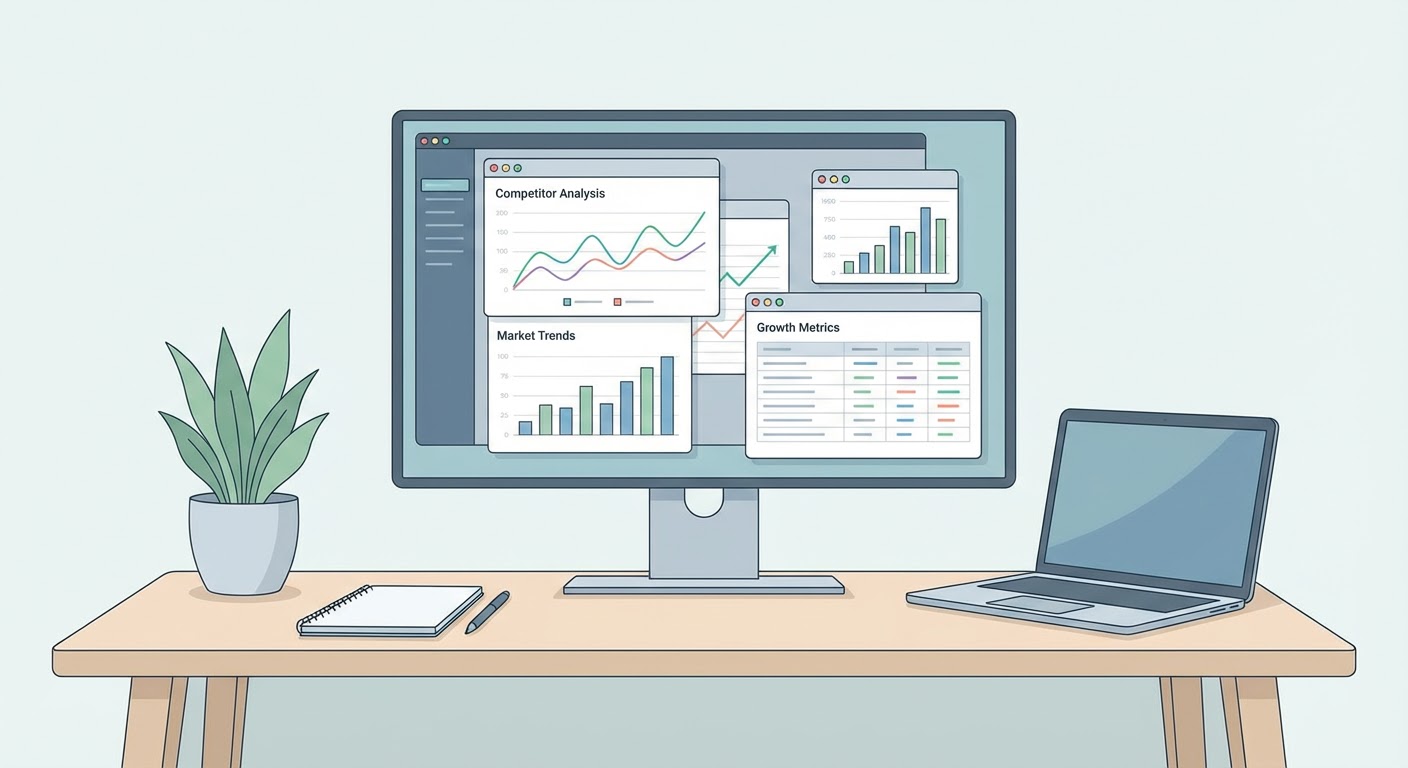
Competitor research is the part nobody budgets for until they're mid-crisis. Someone walks into a strategy meeting and says "wait, what is Competitor B actually doing these days?" and then three people spend a frantic afternoon Googling. I've been that person. Several times, embarrassingly.
The good news: the research itself doesn't require expensive tools. Most of what you need is free. The bad news: free tools are scattered across a dozen places and nobody tells you which ones are actually worth opening. So here's my list, filtered by "did this actually help me learn something I didn't know" rather than "does this tool have a nice landing page."
What You're Trying to Learn
Quick gut check before you start researching. After spending time on a competitor, you should walk away knowing: what they sell and who buys it, what changed recently in their product or pricing, what their customers love and hate about them, and roughly how fast they're growing. That's the useful stuff. Everything beyond those four things is trivia you're collecting because research feels productive.
Data Collection Tools (Free Tier)
Crunchbase's free tier is where I always start. Founding date, funding rounds, rough employee count, and whatever news articles they've been tagged in. The free version caps your searches per month, which is annoying, but if you know what you're looking for you won't hit it. Don't browse. Go in with a competitor name, grab the data, get out.
LinkedIn company pages are free and underrated. Employee count is the most useful metric — it's a proxy for company size that's more current than Crunchbase. Check the "People" tab and note the distribution across departments. A competitor with 40% of employees in engineering and 10% in sales is building product. One with 40% in sales and 10% in engineering is monetizing what they've already built. That split tells you their priorities.
Their own website is the most obvious and most overlooked research tool. Read their pricing page (screenshot it — it'll change). Read their "What's New" or changelog. Read their job postings. Read their case studies, specifically which customer profiles they feature. Those customers are their ideal client profile, whether they say so or not.
SEC filings (for public competitors) contain more competitive intelligence than any SaaS tool. 10-K annual reports describe competitive risks, market sizing, customer concentration, and strategic priorities. 8-K filings announce material changes. All free on sec.gov.
Analysis Tools (Free Tier)
A market intelligence agent does the annoying first pass for you. Give it a company name, and instead of you spending two hours clicking around Crunchbase, LinkedIn, and news sites, it pulls a structured brief together. The output isn't perfect — you'll want to verify anything surprising — but it saves the "open 40 browser tabs" phase of research.
A website traffic checker estimates competitor traffic, traffic sources, and engagement metrics. SimilarWeb's free tier does something similar but with tighter limits. The agent-based version has fewer restrictions and provides more actionable context about what the traffic data means.
A competitor keyword research agent shows you what keywords competitors rank for and where they're investing their content strategy. This used to require Semrush or Ahrefs (both paid). Now an agent handles the same analysis on demand.
Review Mining
G2's comparison feature is free and most people don't know it exists. Search your competitor, click "Compare," and you get side-by-side ratings broken down by ease of use, support, features, and value. Basically pre-made battlecard content. I've pulled exact quotes from G2 comparisons and pasted them into sales decks. Buyers wrote the competitive positioning for me.
Skip the five-star and one-star reviews. Go straight to three stars. That's where the honest people live. "Good product but the reporting drives me crazy" or "Solid for basics, but we've already outgrown it after eight months." Those complaints become your talking points.
Check Capterra and TrustRadius too, not just G2. Some competitors have wildly different ratings across platforms. If Competitor B has 4.6 on G2 and 3.8 on Capterra, something weird is going on — maybe incentivized reviews on one platform, maybe different customer segments using each site. Either way, worth noticing.
Putting It Together
Two hours per competitor. That's my target. First hour is just data collection — Crunchbase, LinkedIn, their website, maybe running a market intelligence agent to grab the stuff I'd otherwise spend 30 minutes clicking around for. Second hour is the actual thinking. Reading reviews. Looking at what they're writing about. Checking if they're hiring aggressively or cutting back.
The output goes into a one-pager. Not a deck. Not a report. One page that answers "what's this competitor doing and what does it mean for us." Share it with whoever needs to know. Refresh it every quarter or whenever something notable happens.
For a company with four competitors, that's 32 hours of research per year. Zero dollars in tool costs. If that doesn't cover your needs, you're either in an unusually competitive market or you're over-researching.
Try These Agents
- Market Intelligence Agent — Structured competitor briefs from public data
- Website Traffic Checker — On-demand traffic analysis for any domain
- Competitor Keyword Research — Keyword strategy analysis without paid tools
- Competitor Traffic Analysis — Deep traffic and content positioning data