
How to Monitor Competitor Prices Automatically
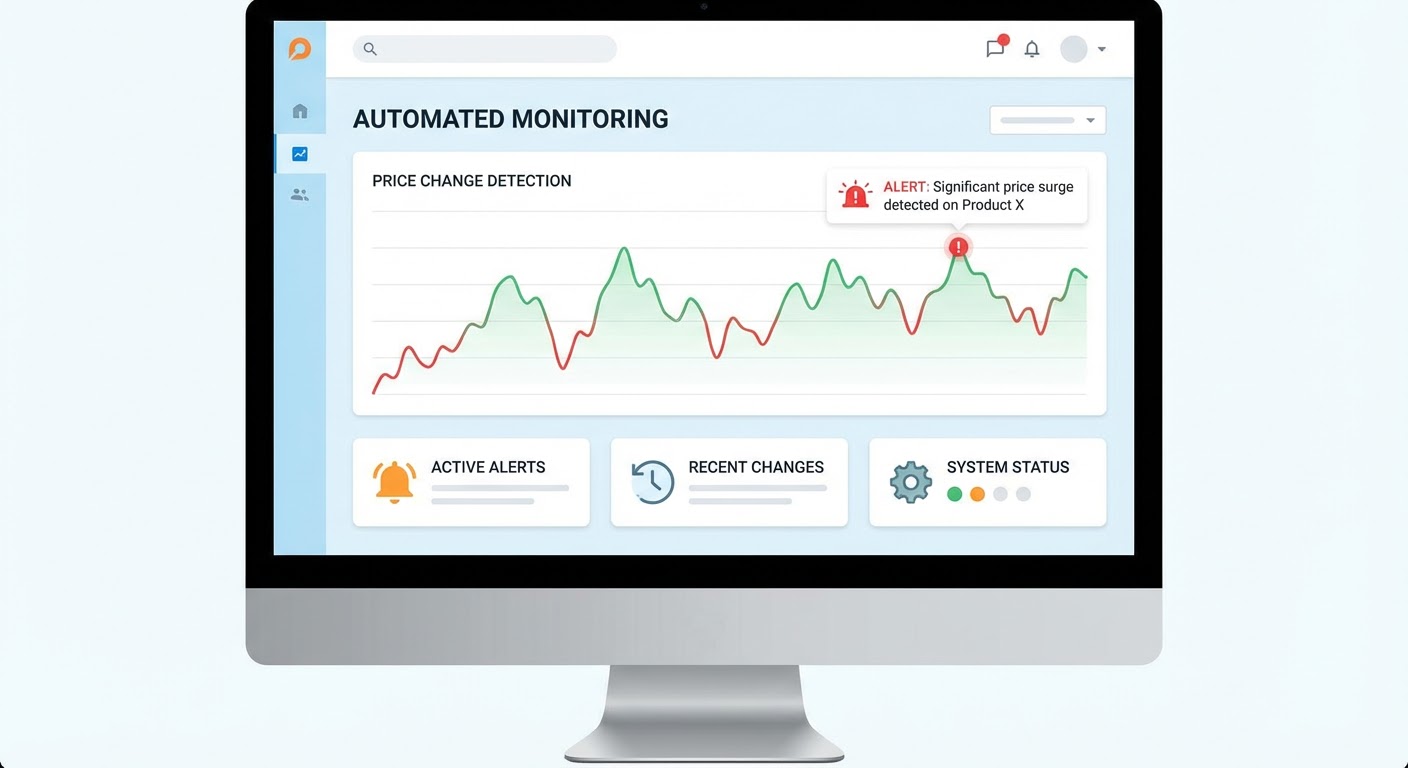
Every month I used to open four browser tabs, navigate to four competitor pricing pages, screenshot each one, compare them to last month's screenshots, and then close the tabs. Total time: about 25 minutes. Which isn't terrible once. But over twelve months, that's five hours of my life spent confirming that nothing changed. Because eleven out of twelve months, nothing changed.
The one month something did change made those five hours feel worth it. But I knew there had to be a better way than a human staring at web pages looking for differences.
I tried three approaches to automate this. Here's what worked, what didn't, and what I'd recommend depending on how technical your team is.
Approach 1: Wayback Machine + Manual Review (Free, Barely Automated)
The Internet Archive's Wayback Machine saves snapshots of web pages. Some competitor pricing pages get archived regularly. You can set up alerts using their API or just bookmark the Wayback Machine URLs for each competitor's pricing page and check periodically.
This technically works. It's free. But it's unreliable because Wayback Machine doesn't archive every page at predictable intervals. I had one competitor whose pricing page hadn't been archived in seven months. By the time a new snapshot appeared, the pricing had changed twice and I missed both changes.
Verdict: better than nothing, but not something I'd rely on for competitive intelligence.
Approach 2: Website Change Monitoring Tools
Services like Visualping, ChangeTower, and Distill.io watch specific URLs and alert you when something on the page changes. You paste in the competitor's pricing page URL, set a monitoring frequency (daily, weekly), and get an email when pixels change.
This is where I landed for about six months. Visualping in particular worked well. I'd set it to monitor each competitor's pricing page weekly and it would email me a side-by-side comparison showing what changed, highlighted in red.
The catch: false positives. These tools detect any change on the page. A rotating testimonial, a seasonal banner, a A/B test variation, a new chat widget — all of these trigger alerts. I got notifications probably three times a month that had nothing to do with pricing. After a while, I started ignoring the alerts, which defeats the entire purpose.
The other catch: these tools show you that something changed but they don't tell you what it means. "Price for the Pro tier went from $99 to $79" requires context. Is this a permanent change or a promotional offer? Did they change what's included in the tier? Did they restructure the entire pricing model? The monitoring tool just says "hey, some CSS moved" and leaves the analysis to you.
Approach 3: AI Agent-Based Monitoring (What I Use Now)
The approach that actually stuck was using an AI agent that understands pricing context, not just pixel differences. Instead of alerting on every visual change, the agent analyzes the page content, identifies the pricing-relevant elements, and only alerts when something substantive changes — a price point, a tier name, a feature inclusion, or a model structure.
When it does alert, it tells me what changed in plain English: "Competitor X moved their analytics feature from the Growth plan ($99/month) to the Enterprise plan ($299/month). The Growth plan price stayed the same but now includes fewer features." That's actionable intelligence. A raw visual diff of a pricing page is a puzzle I have to solve myself.
Setting Up Automatic Monitoring (Regardless of Approach)
Whatever tool you use, here's how to set it up so it works and doesn't become another abandoned system.
Monitor the right URLs. Some competitors have their pricing on a single page. Others spread it across multiple pages — one for each tier, a separate comparison table, a different page for enterprise pricing. You need to identify all the relevant URLs. I missed a pricing change once because the competitor had a separate "/enterprise-pricing" page I wasn't monitoring. Do a thorough crawl of their pricing-related pages before setting up monitoring.
Set realistic alert frequency. Daily monitoring is usually overkill for B2B pricing. Weekly catches changes fast enough. The exception is if you're in a market where pricing changes frequently — like e-commerce, travel, or advertising platforms where pricing can shift daily.
Define your response protocol. An alert is useless without a process. When you get a pricing change notification, who does what? In our team, it works like this: I review the change, write a two-sentence summary of what changed and why it matters, update the competitive battlecard, and Slack the sales team. Total turnaround: 30 minutes from alert to team notification. Before automation, the turnaround was three weeks because I only checked manually once a month.
Keep a changelog. Every pricing change gets logged with the date, what changed, and what we did about it. After a year, this log tells you a story about each competitor's pricing strategy. One competitor changed pricing four times in twelve months — that's instability, and their customers are probably frustrated. Another hasn't changed in eighteen months — they're stable or stagnant. Both patterns are useful intelligence.
What Automatic Monitoring Won't Tell You
No monitoring tool catches unpublished pricing. Enterprise deals, custom quotes, negotiated discounts — these happen behind closed doors. Your best source for this intelligence is your own sales team. When a prospect shares a competitor's quote during a negotiation, log it. When you lose a deal on price, get the specific number. Build an internal database of real-world competitor pricing alongside the published pricing you monitor automatically.
Also, monitoring doesn't catch positioning changes that don't involve price. A competitor might keep the same prices but completely restructure what features are included at each tier. Or they might launch a new bundled package that makes their pricing look different without changing the base numbers. Screen captures catch these but simple price-point monitoring misses them.
Why Use an Agent for This
The competitor pricing analyzer is what I ended up using after the false-positive fatigue of basic monitoring tools. It watches pricing pages, understands what constitutes a meaningful change versus cosmetic noise, and generates summaries in plain language when something moves.
For the broader context around pricing changes, the social listening alerts track public reactions when a competitor changes pricing. If a competitor raises prices and Twitter explodes with complaints, that's a signal you want immediately — those frustrated customers are suddenly very reachable.
The NewsAPI competitor news tracker picks up press coverage of pricing moves. Sometimes you learn about a competitor's pricing change from a TechCrunch article before their pricing page even updates. News monitoring gives you a head start.
The automation isn't about saving 25 minutes a month. It's about not missing the one month that matters because you were busy or forgot or were on vacation when the change happened.
Try These Agents
- Competitor Pricing Analyzer — Intelligent monitoring of competitor pricing pages with change analysis
- Social Listening Alerts — Track public reactions to competitor pricing moves
- NewsAPI Competitor News Tracker — Catch press coverage of competitor pricing changes
- News Intelligence Monitor — Broad competitive news monitoring for strategic context