
How to See Your Competitor's TikTok Ads (and Reverse-Engineer What's Working)
TikTok advertising splits brands into two camps: the ones that get it, and the ones that look like a Fortune 500 company tried to go viral with a committee-approved script. There's almost no middle ground.
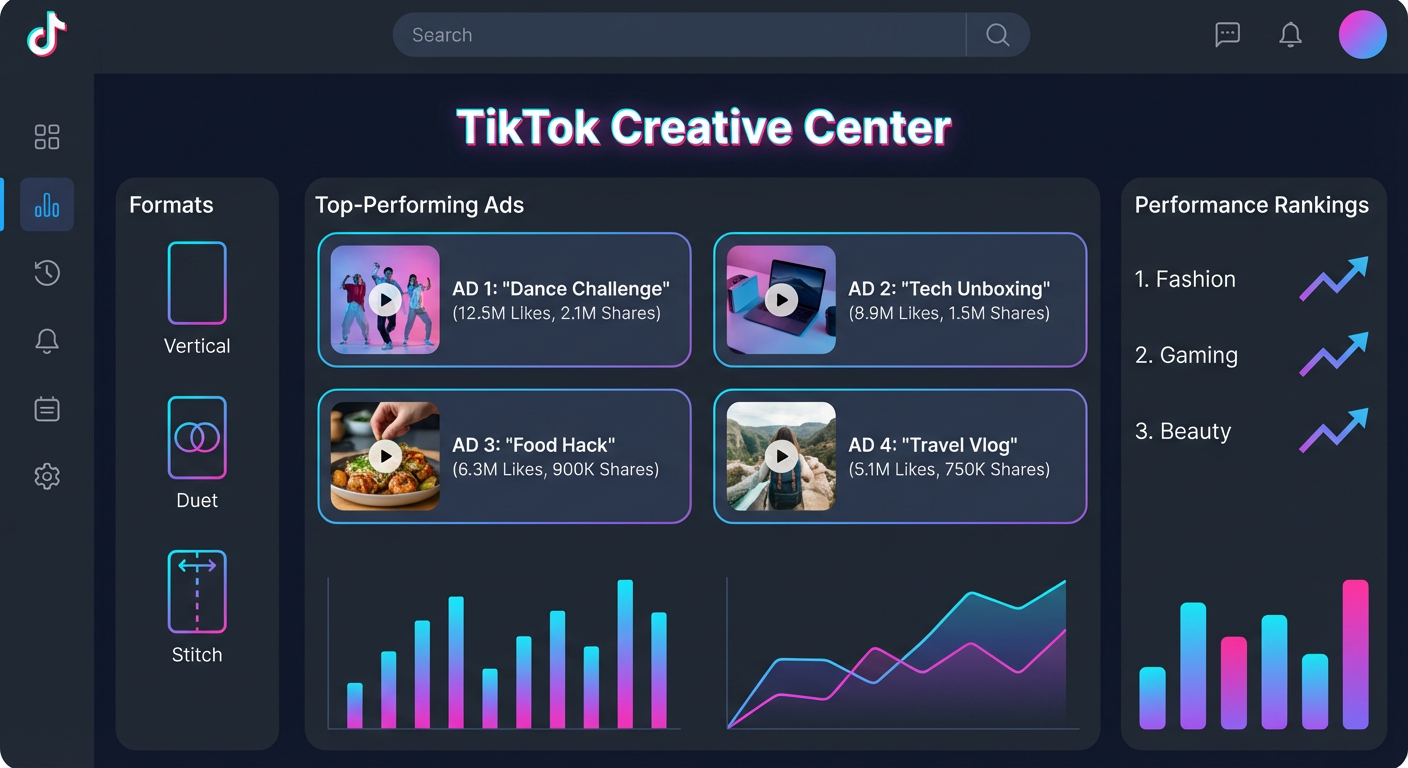
Here's the wild part: all of the hard-won creative knowledge that separates those camps is sitting in a free, publicly accessible tool. TikTok's own ad transparency platform doesn't just show you what competitors are running. It actually surfaces the best performing ads by industry. Meta and Google don't do this. Only TikTok ranks ads by how well they worked.
The TikTok Creative Center (aka the "TikTok Ad Library")
Naming confusion wastes everybody's time here: there's no official "TikTok ad library." Google that phrase and you'll get a wall of third-party tools charging $50/month for something TikTok gives away for free. The tool you want is the Creative Center at ads.tiktok.com/business/creativecenter.
Two sections matter for spying on competitor TikTok ads:
Top Ads Dashboard. The crown jewel. This surfaces top-performing ads filtered by region, industry, objective, format, and time window. You're not seeing every ad a company runs (that's what Meta gives you). You're seeing the ads that actually worked, ranked by performance.
Advertiser Search. When you need ads from one specific competitor, search their name. You get their full active ad inventory. Less fancy but useful when you want to track a particular competitor's creative evolution.
My go-to workflow: start broad with Top Ads to see what's winning in your industry right now. Then zoom into specific competitors to see if they're playing the hits or still running mediocre creative that doesn't crack the top charts.
Working the Top Ads Dashboard
Open it and set these filters:
- Region (wherever your customers are)
- Industry (pick your vertical)
- Campaign objective (Conversions unless you're doing awareness)
- Time period (30 days for current trends, 7 days for the bleeding edge)
Now you're staring at the best-performing TikTok ads in your space. Watch all top 20. Not skim. Watch. With sound on, the way a real user would experience them.
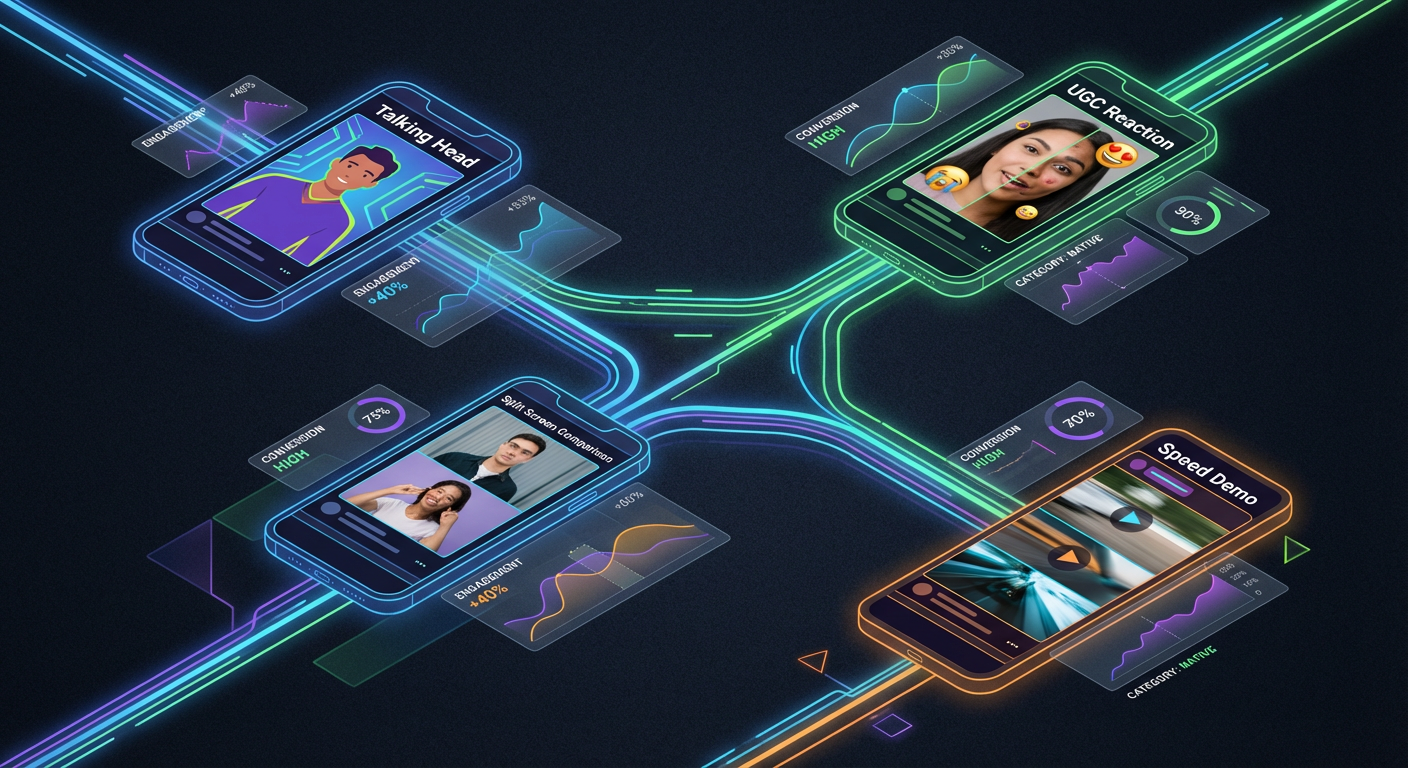
After watching 20, categorize by format. "Talking head with text overlay" is one cluster. "Product demo with voiceover" is another. "UGC reaction," "before-and-after transformation," "green screen explainer." Count instances of each. When 14 of the top 20 use some flavor of talking-head format, the algorithm and your market's audience are both telling you the same thing.
Also clock the runtime. TikTok allows 5 to 60 seconds. But winners in your industry probably cluster around a narrow band. B2B SaaS? Usually 20-35 seconds. E-commerce? 12-20 seconds. The Top Ads dashboard tells you this empirically.
The First-Second Rule
Forget "first three seconds" advice from Facebook playbooks. On TikTok you get one second. Maybe one and a half. Thumb velocity on this platform is brutal, and the stay-or-skip decision happens on autopilot.
Every competitor whose ads survive in the Top Ads chart has optimized their opening frame. Here's how to categorize what you find:
- Controversy opens. "Stop using [popular tool]." TikTok's culture rewards hot takes. When a competitor leads with provocation and the ad performs, their audience would rather fight than scroll.
- Visual disruption. Something physically unexpected in the first frame. Product slammed on a table, hands reaching into frame, a transition that shouldn't be possible. Zero words needed. Your thumb stops because your brain went "wait, what?"
- Relatable pain. "POV: your boss wants a competitor analysis by end of day and you haven't started." This format is TikTok-native to its core.
- Result bait. "We went from 200 to 10,000 users by changing one thing." Dangle an improbable outcome. Make people need to know how.
- Organic camouflage. The ad opens looking exactly like native TikTok content. By second 8, the viewer is invested before they realize they're watching a paid promotion. Hardest to pull off, most effective when it works.
Study the hook distribution across all 20 top ads. Whatever pattern dominates is your starting template.
Sound Strategy Signals
Something Facebook advertisers constantly get wrong on TikTok: they treat audio as optional. On Facebook, sure, 85% of videos watched on mute. On TikTok, audio is load-bearing.
Competitor sound choices are strategy signals. Trending audio means they're gaming the algorithm for distribution. Custom voiceover means they've invested in consistent brand voice (mature TikTok operation). TikTok's built-in text-to-speech means they've discovered that even artificial authenticity wins over polish. And silence? Almost always a recycled Facebook asset. If competitors run silent ads, they're leaving performance on the table, which is a gap you can exploit.
Why Use an Agent for TikTok Ad Research
The Creative Center is great, but manually watching 20 ads, categorizing hooks, logging formats, and cross-referencing with specific competitors takes a real chunk of your afternoon. Do that across TikTok, Meta, Google, and LinkedIn and you've lost a full day.
A PPC competitor analysis agent pulls ad intelligence across all these platforms in one pass. It can categorize hook types, map format distributions, and flag when competitors shift their creative strategy between weeks. You get a structured report instead of scattered notes. Combine it with SEO competitor analysis to see the full picture of where competitors invest across paid and organic.
Your competitors already did the expensive creative experimentation. The Creative Center published the results. Go read them.
Try These Agents
- PPC Competitor Analysis Tool — Spy on competitor ads across Google, Meta, TikTok, LinkedIn, and Reddit in minutes
- Market Intelligence Agent — Full-spectrum competitor research covering hiring, reviews, keywords, and news
- Landing Page Teardown — Rip apart competitor landing pages for conversion and messaging patterns
- SEO Competitor Analyzer — Uncover what keywords competitors rank for and where the content gaps live