New · Multi-Player Chat
Bring your team into the chat
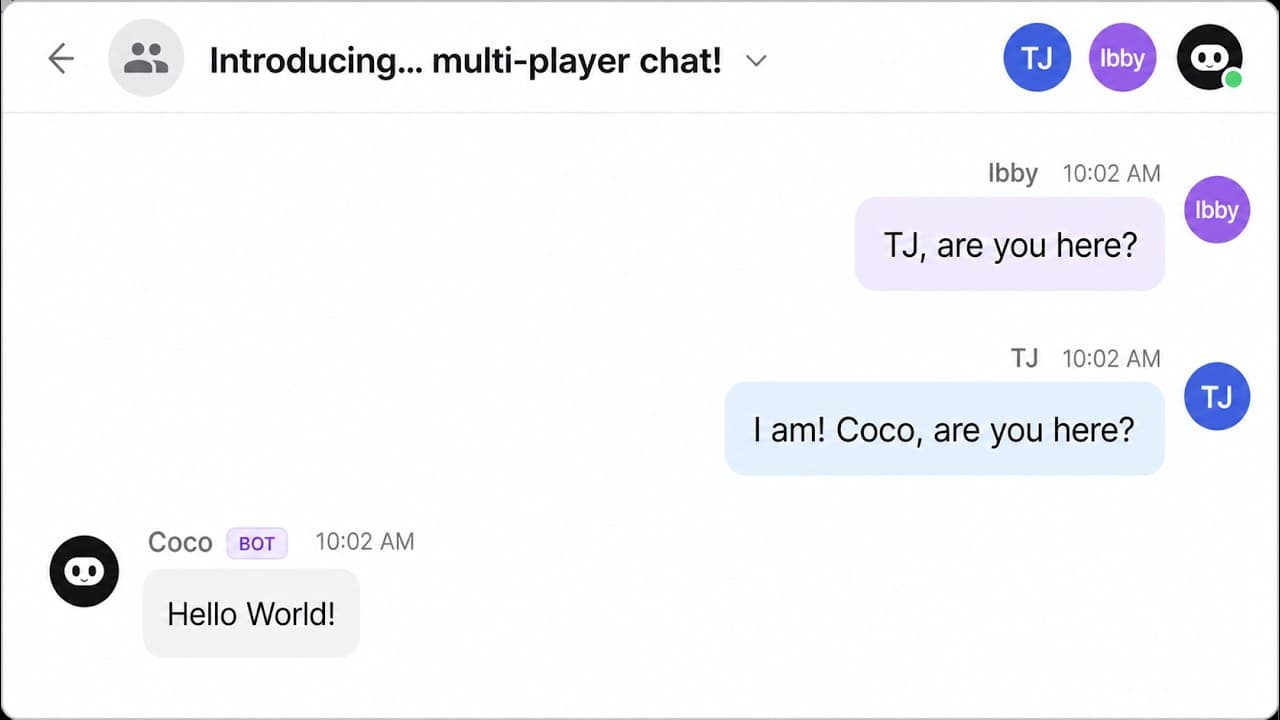
Invite your teammates into any Cotera chat and collaborate in real time. Share a link, and everyone works together in the same session. No more copy-pasting outputs back and forth.
What you can do together
Multi-Player Chat turns Cotera into a shared workspace. Three things get a lot easier when your team is in the same session.
Collaborate on research
Work with your team to explore topics, analyze data, and get answers together using AI. Watch each other's prompts and responses live.
Build agents together
Develop and refine agents as a team, then turn them into shared automations with one click. Stop maintaining the same agent in five different chats.
Ship an agent in one session
Refine the chat together, then save it as an automation that runs every day. No separate setup, no rebuilding. The conversation becomes the agent.
Start any chat in Cotera
Open Cotera, hit New chat, and prompt away. Multi-Player Chat works on every chat. Nothing special to enable up front.
Hit Share and turn on collaborative mode
Open the share menu and toggle on collaborative mode. Cotera generates a link your teammates can use to jump straight in.
Send the link. Your team is in.
Drop the link into Slack or DM. Teammates land in the same session and start typing alongside you in real time. Try it →

Hey, welcome! 👋 What can we help you with today?
Stop chatting alone
Multi-Player Chat is available now on every Cotera plan. Bring your team in.