
Competitive SWOT Analysis Template (That People Actually Fill Out)
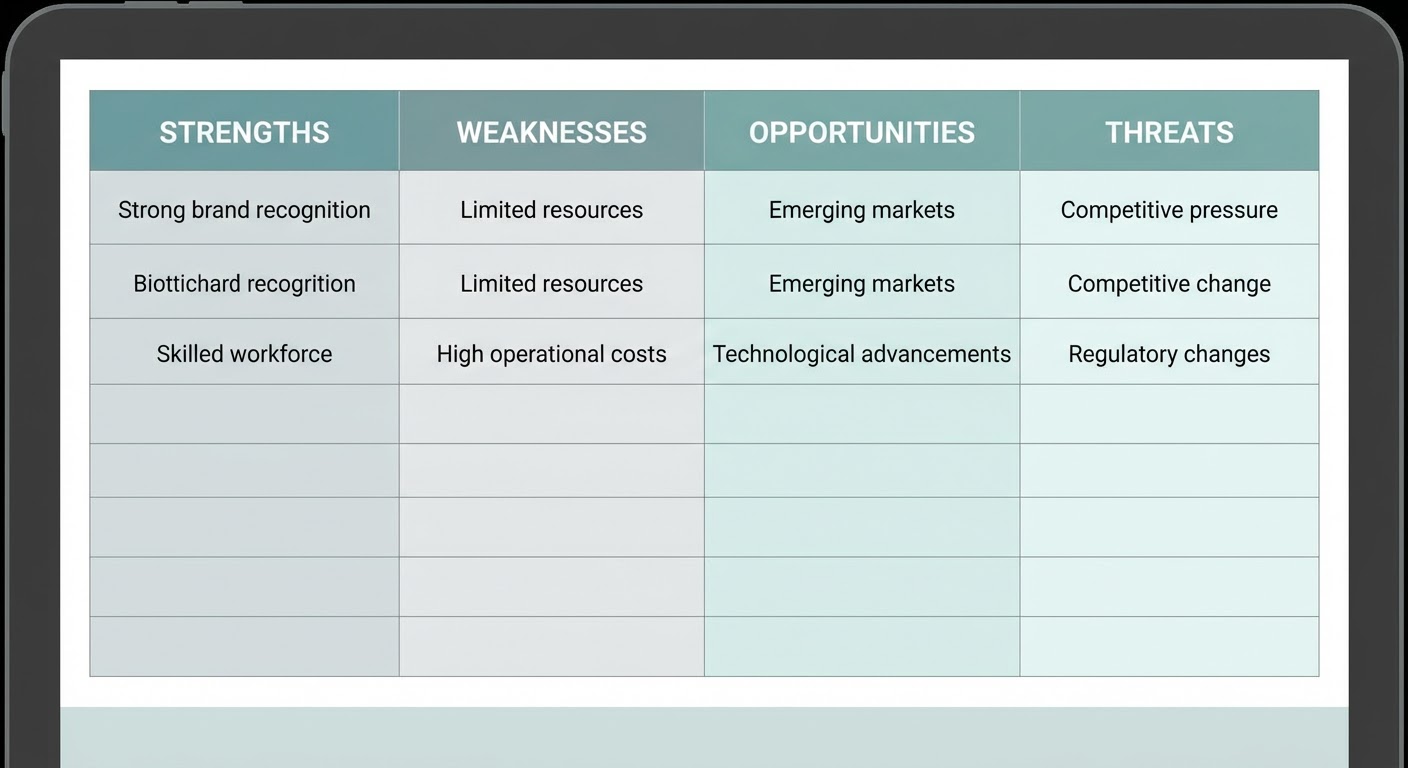
Templates are supposed to make work easier. Most competitive SWOT analysis templates do the opposite. They're overbuilt monstrosities with 30 rows per quadrant, conditional formatting that breaks when you edit it, and a "methodology" tab that nobody reads. You spend more time figuring out the template than doing the analysis.
I've tried about a dozen of these. Downloaded them from HubSpot, Smartsheet, Miro, a few consulting firm blogs. Every single one was designed to look impressive in a screenshot, not to actually be used by a real person doing real competitive research.
Here's the template I settled on after years of iteration. It fits on one sheet, it takes about two hours to fill in the first time, and it has exactly zero decorative formatting.
The Template (Copy This)
One Google Sheet. One tab per competitor. Maximum four competitor tabs. Across the top, four column headers: Finding, Evidence, Source, Action.
Down the left side, eight rows total. Three for strengths (S1, S2, S3). Three for weaknesses (W1, W2, W3). One for their biggest opportunity relative to you. One for their most urgent threat to you.
That's it. Eight rows, four columns. Thirty-two cells per competitor. You can fill in every cell with real data, or leave a cell blank and accept the gap. But you can't put "strong brand" in the Finding column without something in the Evidence column next to it. That's the only rule, and it's the rule that makes this template different from every other SWOT template you've downloaded and abandoned.
I deliberately cut from three items each for opportunities and threats down to one each. Why? Because most teams can't even act on three strengths and three weaknesses, let alone a full twelve-item SWOT. One opportunity and one threat keeps the output focused enough that someone might actually do something about it.
Where Each Cell Gets Its Data
Strengths evidence: G2 and Capterra reviews, your CRM win/loss notes, and direct feedback from prospects who chose the competitor over you. When a prospect says "we picked them because of X," that's strength evidence gold. Pull the three themes that show up most in positive reviews and in your loss reasons.
Weaknesses evidence: Negative reviews (G2, Capterra, TrustRadius), your CRM win reasons (why did deals you won against them come your way?), and Glassdoor employee reviews if you want insight into internal problems. The three most common complaints from negative reviews become W1, W2, W3.
Opportunity evidence: Look for the gap between what their customers want and what they provide. This comes from their feature request forums (if public), their negative review themes, and any channels or segments where they have weak presence. SimilarWeb channel data can show you traffic sources they're ignoring.
Threat evidence: Recent announcements, funding news, product launches, executive hires. Check Crunchbase for funding, their blog for product news, LinkedIn for team changes. The threat should be something that happened in the last 90 days, not a hypothetical worry.
Source column: URL or description of where the evidence came from. "G2 reviews, Feb 2026" or "CRM closed-lost analysis Q1" or "LinkedIn careers page, 2/15/26." This makes refreshing the template possible because the next person knows where to look.
Action column: What you're going to do about this finding. "Update battlecard with counter-positioning" or "Build comparison landing page" or "Brief sales team on new feature launch." No action = why are you tracking this?
Filling It In: The Two-Hour Drill
Block two hours. Seriously, calendar block it. Here's the flow.
Minutes 1-30: Reviews. Open G2 for the competitor. Read the 10 most recent positive reviews and 10 most recent negative reviews. Write down every specific praise and complaint in a scratch doc. Don't try to categorize yet — just dump everything.
Minutes 30-45: Traffic and distribution. Open SimilarWeb. Note their traffic trend (up/down/flat), primary channel, and any notable channel gaps. Check what keywords they rank for that you don't, and vice versa.
Minutes 45-60: Product and company signals. Check their changelog for recent releases. Check their careers page for open positions. Check Crunchbase for any news. LinkedIn for executive changes. Note everything in the scratch doc.
Minutes 60-90: Categorize and rank. Go through your scratch doc and sort items into S, W, O, T. Pick the top three strengths and weaknesses by frequency — the things that came up most across sources. Pick the single biggest opportunity and threat.
Minutes 90-120: Fill in the template. Write the finding, add the evidence, cite the source, define the action. Review the whole thing. Does it tell a story? Could someone who hasn't done the research look at this sheet and understand the competitive picture? If yes, you're done.
Keeping It Alive (The Part Everyone Skips)
The template is worthless if it stays frozen after the first fill. Set a quarterly refresh. Same calendar block, same two hours. But the refresh goes faster because you're only updating what changed.
Walk through each row: "Is this still true?" Most items won't change quarter to quarter. The two or three that do are the most interesting part of the refresh. When a strength you identified six months ago has disappeared — maybe they lost key engineers, maybe their support quality dropped — that shift tells you something about their trajectory.
Keep the old data. Don't overwrite. Add a date column or archive the previous version in a separate tab. The history of changes is where the real competitive insight builds up over time. Watching a competitor's weakness list evolve from "limited API" to "pricing backlash" to "high churn" tells a story no single snapshot can capture.
Why Use an Agent for This
The two-hour drill works, but it's two hours of fundamentally boring work — reading reviews, clicking through websites, checking LinkedIn. That's the kind of work people cancel when something urgent comes up, which is how SWOT templates die.
The G2 competitive battlecard generator handles the review analysis portion. Instead of reading 20 reviews and categorizing by hand, the agent processes the full review corpus and gives you the top themes with frequency data. Your S1-S3 and W1-W3 rows populate in minutes instead of an hour.
The competitor traffic analysis agent covers the distribution and channel analysis. Traffic trends, channel breakdowns, keyword gaps — all the SimilarWeb data formatted for easy template entry.
For the broader competitive signals — funding news, product launches, executive moves — the market intelligence agent monitors continuously and surfaces changes. Your opportunity and threat rows get updated based on real events rather than quarterly guessing about what might have happened.
The template still requires your judgment. The agent can tell you that 40% of negative reviews mention "customer support." You decide whether that's W1, W2, or W3 based on how much it matters in your competitive deals. You decide the action. But the data gathering that makes people give up on the template? That's automated.
Try These Agents
- G2 Competitive Battlecard Generator — Analyze review data for competitive strengths, weaknesses, and positioning
- Competitor Traffic Analysis — Traffic trends, channel breakdowns, and keyword analysis for competitors
- Market Intelligence Agent — Continuous monitoring of competitor moves, funding, and strategic signals
- Competitor Review Analysis — Deep review sentiment analysis across G2, Capterra, and TrustRadius