
Competitor Price Monitoring: How to Track Without Losing Your Mind
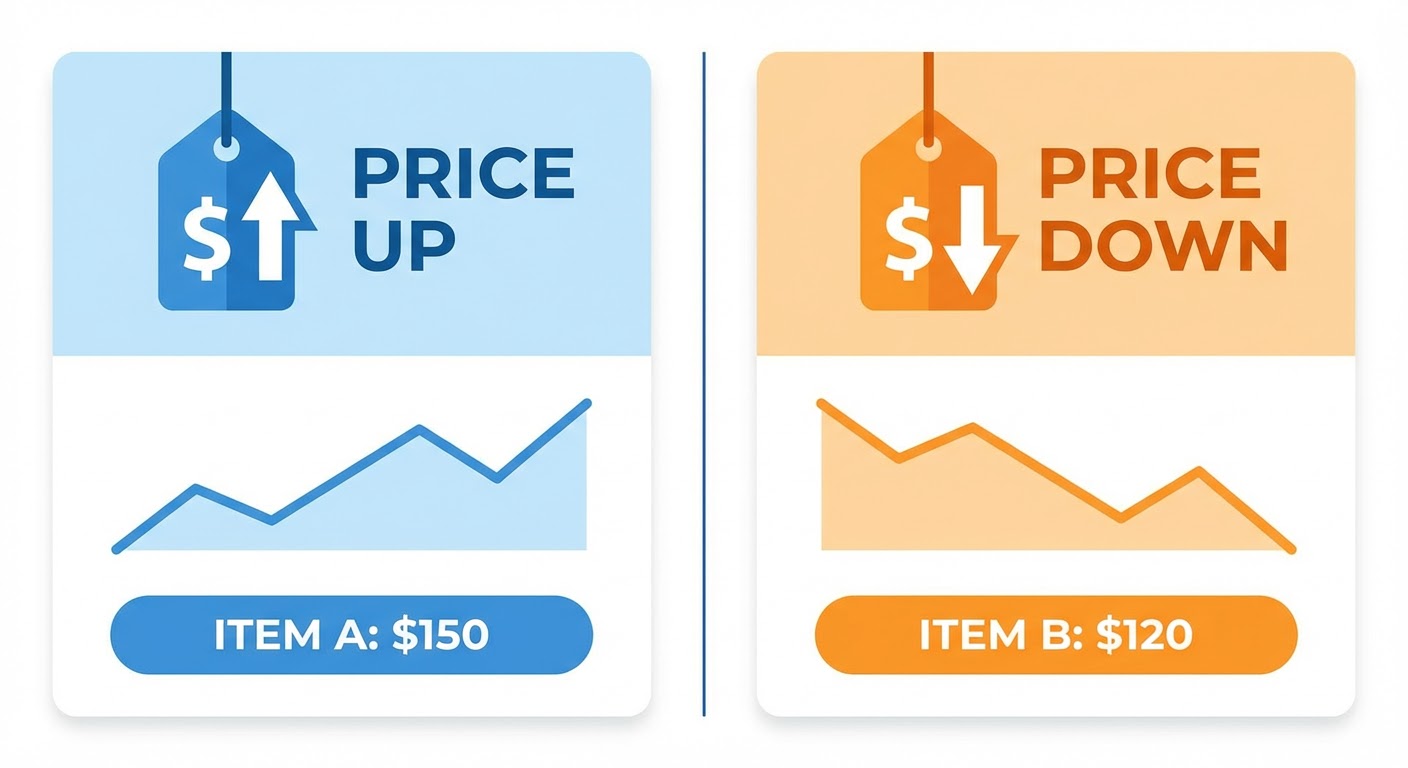
A prospect told us during a sales call that our biggest competitor had dropped their price by 40%. Our rep hadn't heard about this. Neither had I. Neither had anyone on the team. We checked. The prospect was right. The competitor had changed their pricing page three weeks earlier and nobody noticed.
That deal was already rocky and the pricing surprise killed it. But the worst part wasn't losing the deal. The worst part was that for three weeks, every rep on our team had been walking into competitive situations with stale pricing data. We have no idea how many other conversations went sideways because we were quoting against a price point that no longer existed.
That's when I set up competitor price monitoring. Not because I'm obsessed with competitor pricing. Because I was tired of being surprised.
What to Actually Monitor
I see people building elaborate spreadsheets with 25 columns tracking per-user costs, add-on fees, overage charges, contract discounts, bundling combos. Nobody maintains that. It rots after the first month. Keep it simple.
Four things are worth tracking:
The entry price. The absolute cheapest plan. Prospects compare this number first, even when they'll obviously outgrow it. If a competitor drops from $49/month to $29/month, your SDRs are going to hear about it mid-call.
The "most popular" tier. Whatever plan the competitor highlights or badges. This shows up in 80% of competitive deals because it's the plan most similar companies actually buy. Track the dollar amount, track what's included.
The pricing model structure. Per-user? Per-seat? Usage-based? Platform fee plus usage? A competitor switching from per-seat to usage-based pricing flips the entire competitive conversation. Half your prospects will pay less under the new model, half will pay more. Your reps have to do the math on the fly if they're not prepared.
Whether a free tier exists. A competitor launching or removing a free tier is a strategic move. Launching one means they're competing on volume and trying to build a pipeline from self-serve users. Removing one means they're moving upmarket and cutting unprofitable customers. Both affect how you sell against them.
How Often to Check
Monthly is the right cadence for most B2B companies. Pricing doesn't change that fast. I used to check weekly and it was a waste of time — the same pricing page sat there unchanged for months on end. Monthly catches changes fast enough that your team isn't working with stale data for long.
The exception is during fundraising seasons or after a competitor makes a big announcement. If your competitor just raised a Series C or launched a major new product, check their pricing page within a week. Companies often adjust pricing alongside big announcements because the news overshadows the price change. It's a cover move and it's smart on their part.
Throw it on your calendar. First business day of the month, open the pricing pages, take screenshots, compare to last month. If nothing moved, you're done in ten minutes per competitor. If something moved, block 30 minutes to figure out what it means for your team.
The Screenshot Method
This sounds primitive and it is. It's also the most reliable method I've found.
Every month, I screenshot each competitor's pricing page and save it to a shared folder with the date in the filename. When I need to know what changed, I open this month's screenshot and last month's screenshot side by side. Any visual difference jumps out immediately.
Why screenshots instead of a spreadsheet? Because pricing pages contain more than numbers. They contain positioning. The way tiers are named ("Starter" vs "Professional" vs "Enterprise"), the features included at each level, the calls-to-action, the comparison tables — all of this tells you something about how the competitor is positioning against the market.
When Competitor X renamed their mid-tier from "Growth" to "Team" and moved the analytics features from mid-tier to top-tier, the price didn't change but the positioning did. They were pushing analytics-heavy users toward a more expensive plan. A spreadsheet tracking the dollar amount would have shown "no change." The screenshot showed a repositioning move that affected how we should sell against them.
Turning Price Changes Into Actions
Finding out that a competitor changed pricing is step one. The harder question is: what do you do about it?
Price drop? Before you freak out, figure out why. Maybe they're bleeding customers and getting desperate. Maybe a cheaper startup forced their hand. Maybe they want to show growth numbers before a funding round. Your response depends on the reason. Struggling competitor? Stay the course. Market pressure? You might need to adjust too.
Whatever the reason, update your battlecard immediately and Slack the sales team that day. Old price, new price, what to say when a prospect mentions it. Your reps might be walking into calls in an hour. Don't save it for the next team meeting.
Price increase? This is usually good news for you. It means they're moving upmarket or they think they have enough leverage to charge more. Your sales team can position your product as the "comparable quality, better value" option for mid-market buyers who don't want to pay enterprise pricing. But verify that the increase is real — sometimes companies raise list prices while quietly offering bigger discounts in negotiation.
New packaging or model change? This requires more analysis. Run the math with a few of your typical customer profiles. "If our average customer has 50 users and uses X amount of data, what would they pay under the competitor's new model versus ours?" Sometimes a model change looks like a price drop but is actually a price increase for certain customer segments. Your reps need to understand the nuance, not just the headline.
Why Use an Agent for This
I checked competitor pricing pages manually for about eight months. Most months, nothing changed. I'd spend 30 minutes confirming that everything was the same as last month and move on with my day. It felt like paying an insurance premium — boring but necessary.
The competitor pricing analyzer does the boring part. It monitors pricing pages, detects changes, and alerts you when something moves. The 30-minute monthly ritual compresses to a 2-minute review of "anything change? Nope." And on the month something does change, you find out days later instead of weeks.
For the broader competitive context around pricing changes, the news intelligence monitor catches funding announcements, product launches, and press releases that often accompany pricing moves. When you see both "Competitor X raised $80M" and "Competitor X dropped prices by 25%" in the same week, you understand the strategy better than if you only saw one signal.
The Trustpilot competitor benchmark adds customer sentiment to the pricing picture. If a competitor raises prices and their review sentiment tanks simultaneously, their customers are unhappy about it — and those unhappy customers might be open to switching. That's a prospecting list that writes itself.
Try These Agents
- Competitor Pricing Analyzer — Monitor competitor pricing pages and detect changes automatically
- News Intelligence Monitor — Track funding, launches, and announcements that affect competitive pricing
- Trustpilot Competitor Benchmark — Customer sentiment tracking alongside pricing changes
- G2 Competitive Battlecard Generator — Build competitive battlecards with current pricing positioning