
How to Automate CRM Data Entry
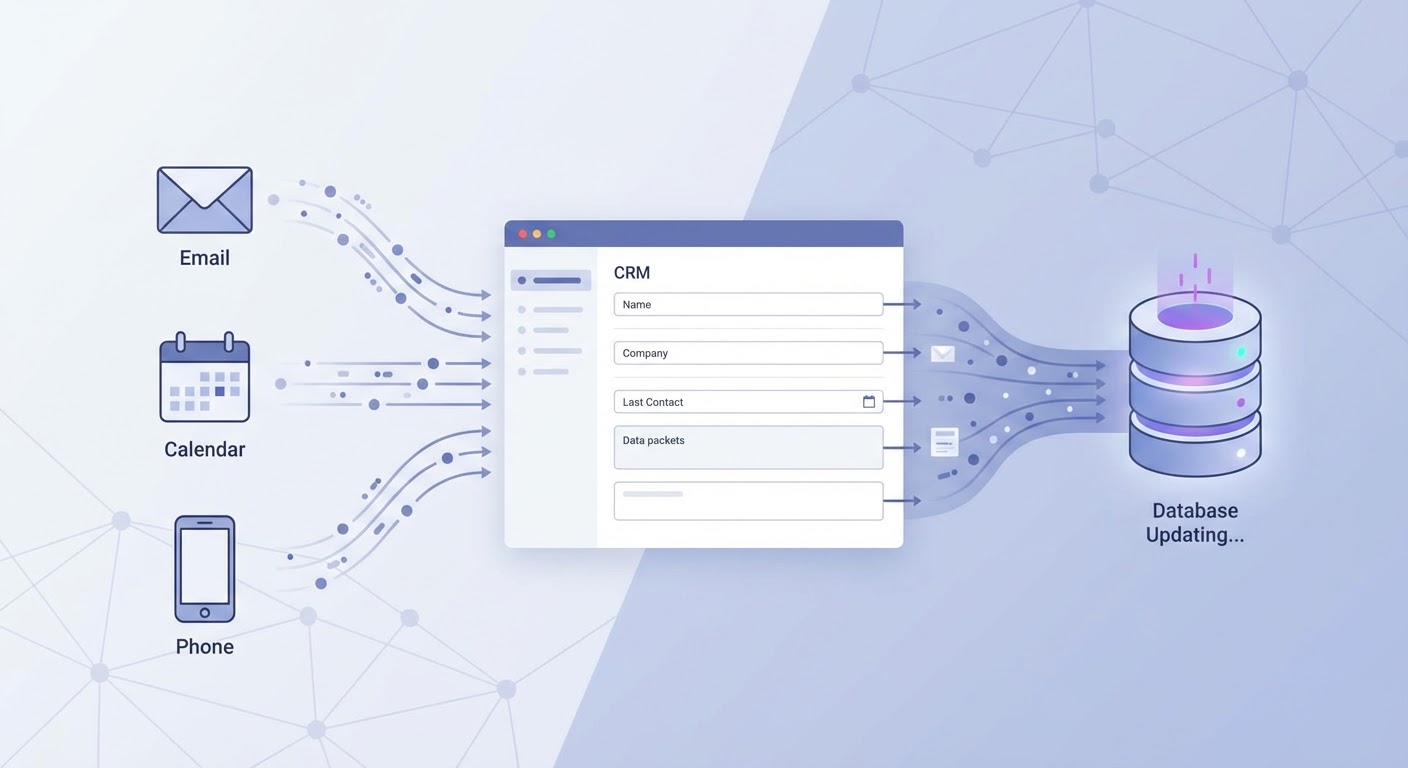
A sales rep at my company once told me they spent Friday afternoons doing "CRM catch-up" — updating contact records, logging activities, moving deals to the right stage, adding notes from calls they'd had throughout the week. Two to three hours every Friday. That's 10% of their work week spent on data entry instead of selling.
And here's the kicker: even after those Friday sessions, the data was still wrong. They'd misremember call details from Tuesday, forget to update a deal that moved stages on Wednesday, and skip logging emails entirely because who has time for that. We had a CRM full of stale data updated by resentful reps. Not exactly the foundation for good forecasting.
Why Reps Don't Update the CRM
Let's be honest about the incentive problem. Reps get paid to close deals, not to maintain a database. Every minute spent updating Salesforce is a minute not spent prospecting, following up, or negotiating. The rep who meticulously updates every field after every interaction is also the rep who makes fewer calls per day. Managers want both perfect data and maximum activity. That math doesn't work.
The answer isn't "make reps care more about CRM hygiene." They won't. The answer is to remove them from the data entry loop entirely, or at least minimize what they have to do manually.
What Can Actually Be Automated
Contact creation and enrichment: when a rep connects with someone new (via email, call, or meeting), that contact should automatically appear in the CRM with their title, company, phone number, and LinkedIn profile filled in. A Salesforce data cleaner handles the deduplication problem — making sure you don't create three records for the same person because they emailed from different addresses.
Activity logging: emails sent through your email platform should automatically log to the CRM. Calendar events with external participants should create activity records. Call recordings from Gong or similar tools should link to the relevant contact and deal. Most CRM platforms have native email and calendar sync. Turn it on if you haven't. It's embarrassing how many teams still log activities manually.
Deal stage updates: this one requires a bit more intelligence. A Gong Salesforce deal updater can listen to call recordings and suggest deal stage changes based on what was discussed. If a prospect said "let's schedule a pilot," the deal should move to "evaluation" without the rep remembering to update it three days later. The agent identifies buying signals and nudges deals forward.
Contact enrichment over time: people change jobs, get promoted, switch phone numbers. A HubSpot contact enrichment agent keeps contact records fresh by checking for updates and filling in missing fields. The alternative is manually checking LinkedIn profiles for every contact before you call them. Nobody does that consistently.
The Data Quality Problem
Automation solves the "data exists" problem but you still need to handle data quality. Auto-logged activities can create noise if every internal email accidentally gets logged to a deal. Auto-created contacts might include recruiters and vendors who emailed your reps. Auto-suggested deal stages might not match your specific pipeline definitions.
Set up filters. Only log external emails. Only create contacts for domains that match your ICP. Only suggest deal stage changes after calls that lasted more than five minutes. The filtering layer is what turns raw automation into clean data.
I screwed this up initially. We turned on automatic email logging without any filters and our CRM filled up with thousands of activity records from newsletters, spam, and internal threads. It took a weekend to clean up. Learn from my mistake and set the filters before you turn on the firehose.
What Changes When CRM Data Is Good
Forecasting stops being a guessing game. When deal stages are current and activities are logged, your pipeline report actually reflects reality. I went from forecasting accuracy of about 40% (basically useless) to 75% after we automated CRM updates. Not because we got better at predicting — because the underlying data was finally accurate.
Manager one-on-ones change too. Instead of spending half the meeting asking "what's happening with the Acme deal?" because the CRM says it's been in the same stage for six weeks, managers can see activity and engagement data and ask smarter questions. The rep-manager relationship improves when neither person has to play data interrogation games.
Rep ramp time also drops. New reps inherit CRM records that are actually current, with recent activity history and accurate contact information. Instead of their first month being partly about "cleaning up the accounts I inherited," they can start selling immediately with real context.
Try These Agents
- Salesforce Data Cleaner — Deduplicate and clean CRM records
- Gong Salesforce Deal Updater — Auto-update deal stages from call intelligence
- HubSpot Contact Enrichment — Keep contact records fresh and complete
- Attio Contact Enrichment — Contact enrichment for Attio CRM users