
Best AI Tools for Attio in 2026: 9 Integrations That Work
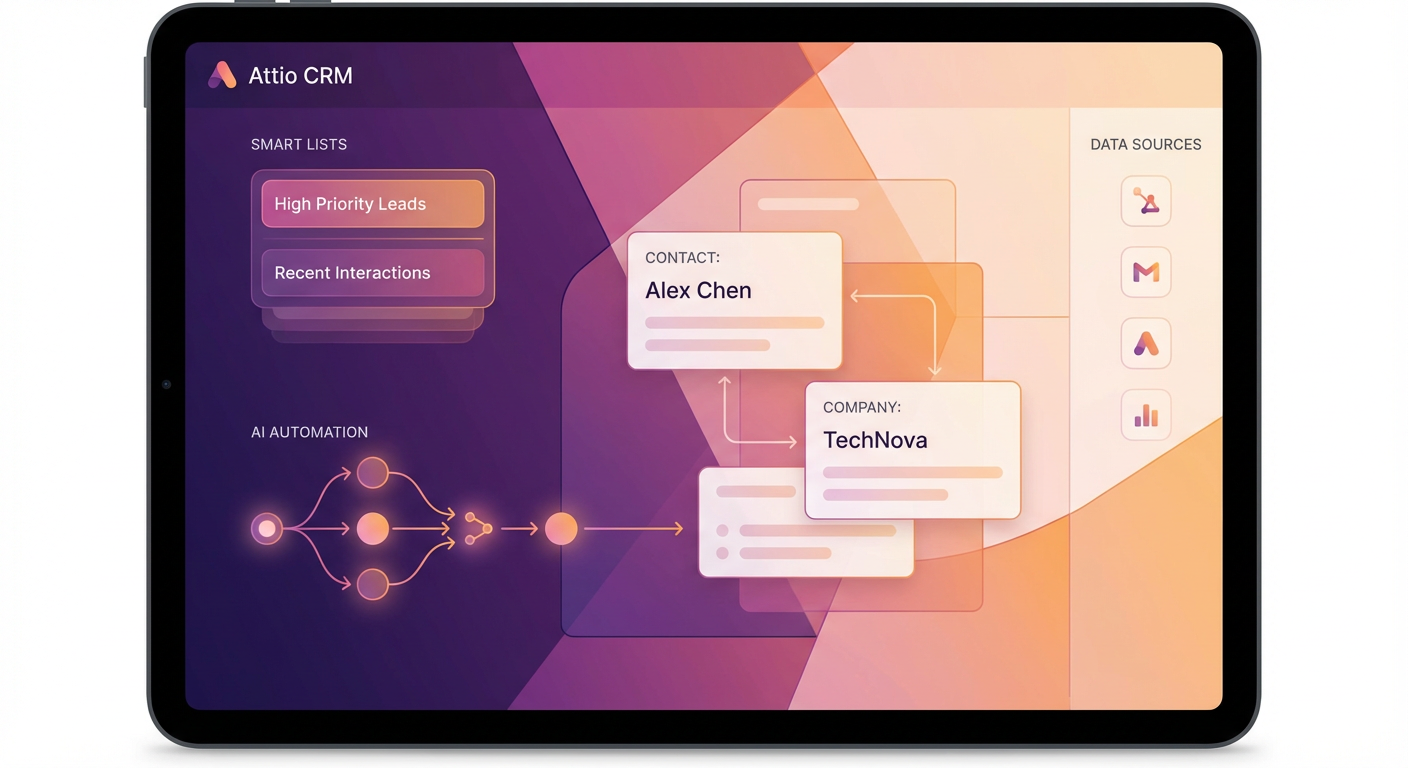
Attio's whole pitch is that it's the CRM for teams that have outgrown spreadsheets but don't want to deal with Salesforce's configuration overhead. And it delivers on that. The data model is flexible, the UI is fast, and the API is well-documented enough that integrations actually work. But Attio's integration ecosystem is still young compared to HubSpot or Salesforce. You don't have 500 apps on a marketplace. You have maybe 30 native integrations and an API that lets you build the rest.
That's where AI tools come in. The right combination fills the gaps Attio hasn't built natively yet — enrichment, deal intelligence, prospecting automation. The Attio Contact Enrichment agent is a good example: it pulls company data, social profiles, and technographics into Attio contact and company records automatically. Attio doesn't have a built-in enrichment feature, so this fills a real hole.
Here's what's worth using alongside Attio right now.
| # | Tool | Best For | Pricing |
|---|---|---|---|
| 1 | Cotera | AI agent platform for CRM automation | Free tier available |
| 2 | Clay | Data enrichment & waterfall lookups | From $149/mo |
| 3 | Apollo | Prospecting & contact data | Free tier, paid from $49/mo |
| 4 | Clearbit | Real-time company enrichment | Custom pricing |
| 5 | Zapier | Workflow automation between tools | Free tier, paid from $19/mo |
| 6 | Grain | Meeting recording & CRM notes | Free tier, paid from $19/mo |
| 7 | Lusha | Quick contact lookups | Free tier, paid from $49/mo |
| 8 | Folk | Lightweight CRM companion | Free tier, paid from $20/mo |
| 9 | Streak | Gmail-native pipeline tracking | Free tier, paid from $49/mo |
1. Cotera
Free tier available
- AI agents that read and write Attio data directly
- Contact and company enrichment with 50+ sources
- Deal pipeline analysis and risk scoring
- Custom agent builder — no code required
- Smart list building based on dynamic criteria
Cotera plugs into Attio through AI agents that read your CRM data, run workflows, and write results back. It's not a single feature — it's a platform where you pick the agents that match your workflow. The Attio Deal Pipeline Tracker agent reviews every deal in a stage, checks activity recency, flags stalls, and writes a summary back to the deal record. The Attio Smart List Builder creates dynamic contact lists based on criteria like "companies that raised Series B in the last 6 months with fewer than 200 employees."
The Attio Customer 360 Builder is particularly useful because Attio's flexible data model means your customer data often lives across multiple objects. The agent pulls together contacts, companies, deals, and activity into a single unified view, which is something Attio doesn't do natively.
The free tier handles real work. I've been running enrichment and pipeline review agents regularly without paying. For teams that picked Attio specifically because they didn't want the complexity of Salesforce, Cotera adds the power features without adding the complexity. The agents are configured once and run on their own.
2. Clay
From $149/mo
- Waterfall enrichment across 75+ data providers
- Spreadsheet-style workflow builder
- Push enriched data to Attio via API
- AI research agent for custom data collection
Clay is the most powerful enrichment tool you can pair with Attio. The waterfall approach — checking multiple data providers sequentially until it finds a match — produces higher fill rates than any single source. Need a VP of Engineering's email? Clay checks Clearbit, then Apollo, then Hunter, then three more providers. You end up with data that no individual tool would have found alone.
The Attio integration isn't native — you'll use Clay's API output or a Zapier connector to push enriched data back. That's an extra setup step, but once configured it runs automatically. Clay also has an AI research agent that can answer custom questions about each company in your list ("What CRM do they use?" "Have they been in the news this quarter?"), which is data you won't find in any standard enrichment provider.
At $149/mo for 2,000 credits, Clay is an investment. Waterfall lookups consume multiple credits per record, so enriching a list of 1,000 contacts might cost several hundred credits depending on how many fields you're filling. The interface has a learning curve that'll take a couple hours to get through. But if enrichment quality directly impacts your close rate, Clay produces better data than anything else I've tested.
3. Apollo
Free tier, paid from $49/mo
- 275M+ contact database with email and phone
- Buying intent signals and job change alerts
- Sequence builder for outreach campaigns
- Chrome extension for LinkedIn prospecting
Apollo gives Attio users access to a massive contact database without paying enterprise prices. The 275 million contacts are searchable by every filter you'd want — title, seniority, industry, company size, tech stack, location. Find your targets in Apollo, export them, and import into Attio. The Chrome extension also lets you prospect directly from LinkedIn and push contacts into your outreach sequences.
The built-in sequence builder means you can run prospecting campaigns from Apollo without needing a separate outreach tool. Emails, calls, and LinkedIn tasks are all managed in one flow. The engagement data syncs to Apollo's platform, and you can push results back to Attio through integrations or CSV imports.
The lack of a native Attio integration is the main friction point. HubSpot and Salesforce get bidirectional sync. Attio users get CSV exports and API workarounds. It's workable — I've set up Zapier automations that push new Apollo sequences to Attio records — but it's not seamless. Apollo's data quality is also mid-tier: good enough for initial prospecting, not good enough to skip verification before loading into your CRM.
4. Clearbit (now part of HubSpot)
Custom pricing
- Real-time company and person enrichment
- Reveal anonymous website visitors
- Enrichment API for custom integrations
- Accurate firmographic and technographic data
Clearbit specializes in real-time company enrichment. Feed it an email address or domain, and it returns firmographics (industry, employee count, revenue), technographics (what tools they use), and person data (title, seniority, social profiles). The data quality on the company side is excellent — Clearbit is consistently the most accurate source for company size, industry classification, and tech stack data.
Since HubSpot acquired Clearbit, the standalone product's future is uncertain. But the API still works, and for Attio users it's the cleanest way to enrich records in real time. Set up an API integration that enriches new contacts as they enter Attio, and every record gets filled with company context automatically. No manual lookups, no batch processing.
The pricing is custom and was already expensive before the HubSpot acquisition. The API-based approach also means you need some technical ability to set it up with Attio — there's no native integration. For teams with a developer who can spend an afternoon on the integration, Clearbit's data quality is hard to beat for company-level enrichment. For teams that need a plug-and-play solution, Cotera or Apollo are easier starting points.
5. Zapier
Free tier, paid from $19/mo
- Connect Attio to 6,000+ apps
- Automated data sync between tools
- Multi-step workflows with conditional logic
- No-code setup for non-technical teams
Zapier isn't an AI tool, but it's the glue that makes Attio work with everything else. Attio's native integration list is short. Zapier extends it to 6,000+ apps. New form submission in Typeform? Create an Attio contact. Deal closed in Attio? Post to Slack. Contact enriched in Clay? Update the Attio record. These automations are table stakes for any CRM, and Zapier is how Attio users get them.
The Attio triggers and actions in Zapier are well-built. You can trigger on new records, updated records, and stage changes, then map fields to any downstream app. Multi-step Zaps let you chain actions — create a contact, enrich it, notify a channel, assign a task — in a single workflow. For teams that live in Attio, Zapier is probably the first integration you set up.
The free tier handles basic automations (5 Zaps, 100 tasks/month). Real usage requires the $19/mo Starter plan or higher. The main limitation is that Zapier workflows are triggered by events, not schedules or complex conditions. If you need "every Monday, pull all deals with no activity in the last two weeks and post a summary," you need something more flexible than Zapier — and that's where Cotera's agents fill the gap.
6. Grain
Free tier, paid from $19/mo
- AI meeting recording and transcription
- Automatic highlights and key moments
- Share clips directly to Attio deal records
- Integration with Zoom, Google Meet, and Teams
Grain records your sales calls, transcribes them, and uses AI to extract key moments — objections, pricing discussions, next steps, competitor mentions. The Attio integration pushes meeting summaries and highlights directly to the deal or contact record, which means your call notes are actually accurate and attached to the right record without anyone typing anything.
The clip-sharing feature is what makes Grain different from a basic transcription tool. You can highlight a 30-second moment from a call — the prospect saying "our contract with [competitor] renews in March" — and attach it as a clip to the Attio deal record. When your manager reviews the deal, they can watch the relevant 30 seconds instead of reading through a wall of notes.
At $19/mo per user for the Business plan, Grain is cheaper than Gong or Fireflies. The tradeoff is fewer analytics — Grain doesn't give you aggregate conversation intelligence across your team or AI coaching recommendations. It's a recording and note-taking tool, not a conversation intelligence platform. For small teams that need call notes in Attio without the enterprise price tag, it's the right choice.
7. Lusha
Free tier, paid from $49/mo
- Simple contact finder with email and phone
- Chrome extension for LinkedIn and web
- Push contacts to CRM with one click
- GDPR and CCPA compliant data
Lusha is the fastest way to get a contact's email and phone number when you need it right now. Chrome extension, find the person, get the data, move on. For Attio users who prospect on LinkedIn and need contact info pushed to their CRM quickly, Lusha handles that workflow without any complexity.
The Attio integration is basic — you'll export from Lusha and import to Attio, or use the API for a more automated setup. It's not the bidirectional sync you'd get with HubSpot, but the lookup-and-import workflow takes maybe 30 seconds per contact. For individual reps who find 5-10 contacts per day, that's fine.
Lusha's limitation is the same as always: it's just a lookup tool. No enrichment workflows, no prospecting automation, no intent data. But at $49/mo for 480 credits, it's cheap insurance for those moments when you're on a call, someone mentions a name, and you need the email before you forget. Many Attio teams use Lusha as a complement to a larger prospecting tool, not a replacement for one.
8. Folk
Free tier, paid from $20/mo
- Contact management with a simple UI
- Chrome extension for importing from anywhere
- Pipeline views for deals and projects
- Mail merge and basic email sequences
Folk isn't really an Attio integration — it's more of a complement for teams that use Attio as their primary CRM but need a lighter tool for specific workflows. Some teams use Attio for deal management and Folk for managing personal networks, investor relations, or partnership contacts. The Chrome extension lets you import contacts from any website with a click, which is handy for building lists outside your main CRM.
The mail merge feature is basic but functional. Write a template, personalize with merge fields, and send to a contact list. No sequence automation, no A/B testing, no advanced scheduling. For one-off outreach to a curated list — investor updates, partnership intros, event follow-ups — it works without the overhead of a full engagement platform.
Folk is best for teams of 1-5 people who manage multiple relationship types. If you're running a proper sales motion with pipeline stages, reporting, and team workflows, Attio is the better tool. Folk fills the gap for the relationship management that lives outside your sales pipeline.
9. Streak
Free tier, paid from $49/mo
- Pipeline management inside Gmail
- Email tracking with open and click notifications
- Mail merge from Gmail directly
- Shared pipelines for team collaboration
Streak lives inside Gmail, which means it captures relationship context that other CRMs miss. Every email thread is automatically linked to the relevant deal or contact. You never leave your inbox to update the pipeline, log a touchpoint, or check deal status. For teams that use Attio as the system of record but live in Gmail for day-to-day work, Streak bridges the gap.
The email tracking is genuinely useful for prospecting. You send a cold email and get notified when the prospect opens it. Open it three times? They're interested. Forward it to a colleague? Even better. That signal, combined with Attio's deal tracking, gives you a more complete picture of prospect engagement than either tool provides alone.
Streak's limitation is that it only works in Gmail. If your team uses Outlook or another email client, Streak isn't an option. And the pipeline management, while convenient, doesn't replace Attio for complex deal workflows with custom objects and multiple pipeline stages. Streak is a supplementary tool — it makes Gmail smarter, and the engagement data feeds into your broader Attio workflow.
How to Choose
Attio gives you a fast, flexible CRM. These tools fill the gaps it hasn't built yet.
Contacts and companies are missing basic data? Start with enrichment. Cotera's Attio Contact Enrichment for an agent-based approach, Clay for maximum data coverage, or Apollo if you need prospecting and enrichment in one tool on a budget.
Meeting notes never make it into the CRM? Grain pushes AI summaries and clips directly to Attio records at $19/mo. Cheaper and simpler than Gong.
Need to connect Attio to the rest of your stack? Zapier is the starting point. It won't replace dedicated integrations, but it makes Attio work with 6,000 apps until native integrations catch up.
Pipeline reviews take too long and deals slip through the cracks? Cotera's Attio Deal Pipeline Tracker reviews every deal, flags risks, and writes summaries. It's the kind of analysis that Attio's native reporting can't do yet.
Attio's ecosystem will grow. In the meantime, two or three of these tools cover the gaps. Pick the ones that match the workflow problems you're actually experiencing, not the ones you might need someday.
Try These Agents
- Attio Contact Enrichment — Enrich contact records with company data, technographics, and social profiles
- Attio Deal Pipeline Tracker — Review deal health, flag stalled opportunities, and surface risks
- Attio Smart List Builder — Create dynamic contact lists based on company signals and engagement
- Attio Customer 360 Builder — Unified view of contacts, companies, deals, and activity