Kick off from a webhook
The best trigger is the event itself. Instead of polling on a schedule, have the other system tell Cotera the moment something happens: a contact is created in HubSpot, a payment lands in Stripe, an issue opens in GitHub. Your workflow runs with that event as its input.
Set it up
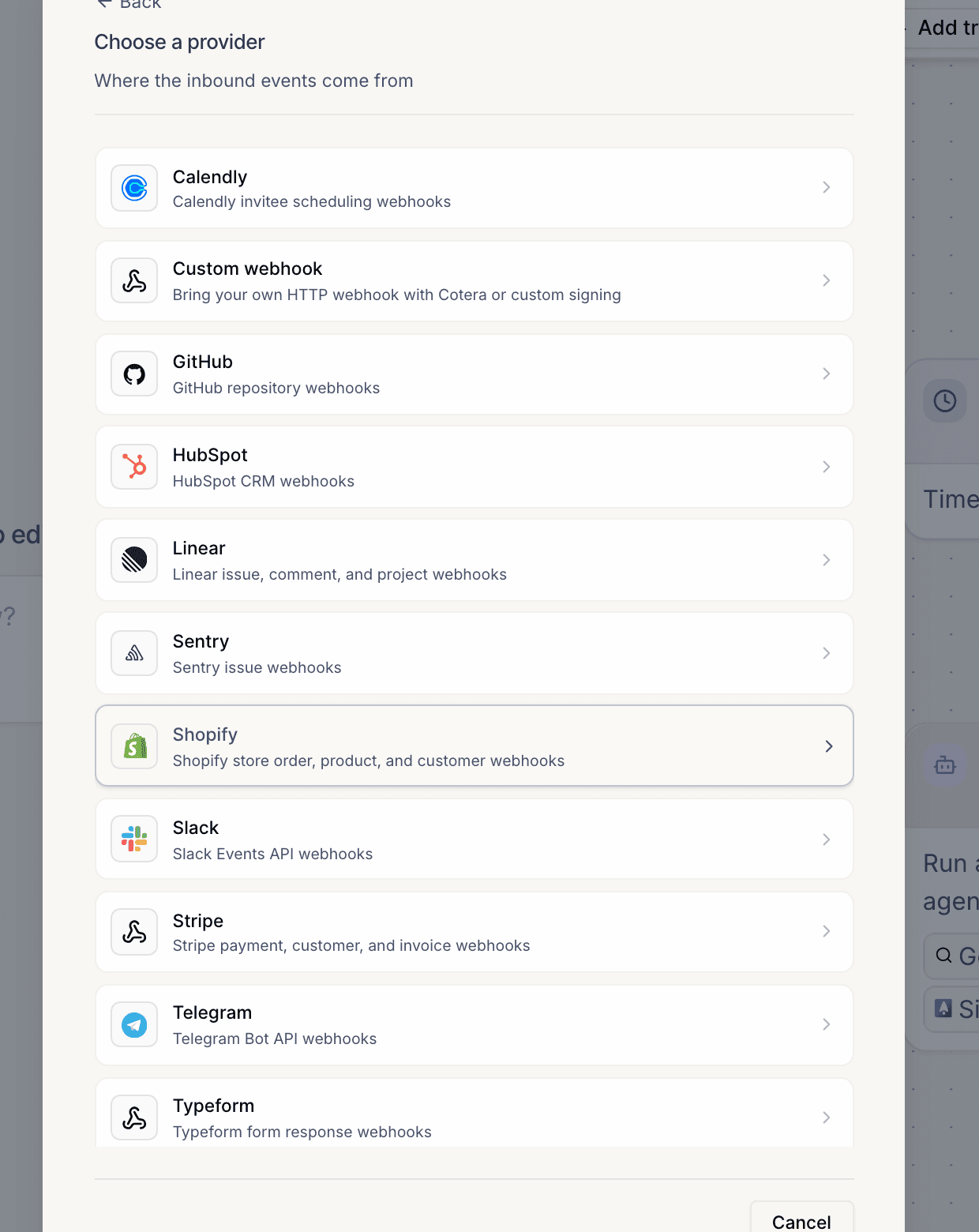
- Open your workflow, click Add trigger, and choose From an app.
- Pick the app the events come from. For anything not in the list, Custom webhook accepts any HTTP POST.
- Pick the event type you care about (for example
contact.created). - Cotera generates a unique webhook URL for the trigger. For providers Cotera can configure directly, the webhook is registered for you; otherwise, paste the URL into the other system's webhook settings.
- Save. The event payload is delivered to your workflow as input, so downstream nodes (and your agent) can use its fields directly.
Things to know
- Each trigger gets its own URL. Treat it like a secret. Deliveries are signature-verified per provider.
- Events are filtered before they run anything. Only events matching the trigger's configured type start a run, and a delivery identical to one already seen for that trigger in the last hour is skipped.
- Test with a custom webhook. While building, a Custom webhook trigger plus
curl -X POST <your-url> -d '{"test": true}'is the fastest way to see your workflow handle a payload end to end. - No webhook available? If the source system can only email you, point that mail at an email trigger instead. Same run, same payload binding, no integration required.