Run on a schedule
An agent that runs every morning before you sit down beats ten you have to remember to invoke. Schedules attach to a workflow containing your agent, and Cotera creates that wrapper for you.
Set it up
- Open your agent (or a workflow containing it) and click Add trigger.
- Choose On a schedule.
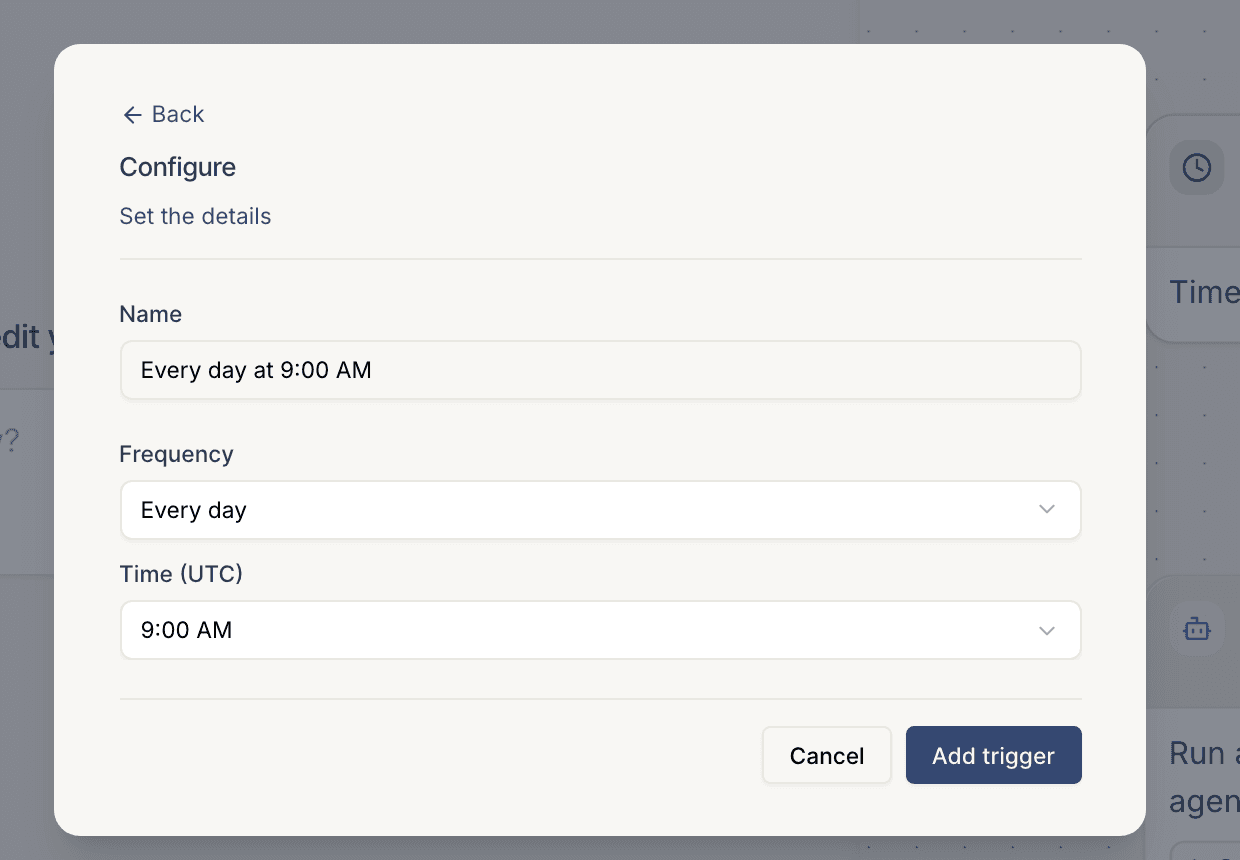
- Pick a name, a frequency, and a time. Presets cover hourly, daily, and weekly; a cron expression covers anything else (
0 9 * * 1-5is weekdays at 9:00). - Click Add trigger. The next run times appear on the trigger card, and every run's full transcript lands in the run history.
Or skip the clicking: tell Coco "run this agent every weekday at 9am" and it creates the workflow, the trigger, and the wiring in one go.
Things to know
- Check the timezone. Times in the picker are UTC; the trigger card shows the resolved timezone, so glance at it before you trust a 9:00 AM.
- Give scheduled runs a default input. The agent runs unattended, so bake the target into the trigger's input or the agent's instructions ("check Stripe").
- Read the first run. The run history is the fastest way to catch a missing tool connection or a prompt that assumed a human was watching.