Run over a dataset
Chat runs one task at a time. A dataset runs your agent at scale: one run per row, results landing in columns next to your data. Classify ten thousand tickets, enrich every account, score each lead.
Dataset work lives in the Enterprise workspace, the classic data side of Cotera. Same account, same org, same agents; a different surface, built for tables.
Switch to the Enterprise workspace
- Press
Cmd+K(orCtrl+K) anywhere in Coco and type "switch". - Choose Switch App Version.
- Pick Enterprise and click Switch Version. The app reloads into the classic workspace.
- Switch back the same way at any time. Nothing is lost in either direction.
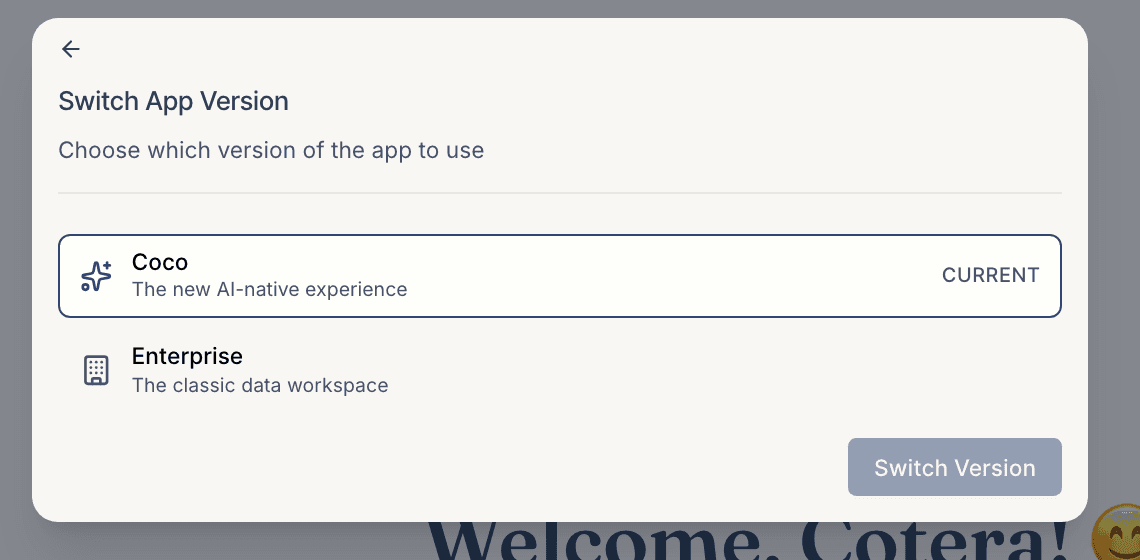
If you don't see the option, the classic workspace isn't enabled for your org yet. Ask us and we'll turn it on.
Work with datasets
The Enterprise workspace organizes around Datasets, Agents, and Documents:
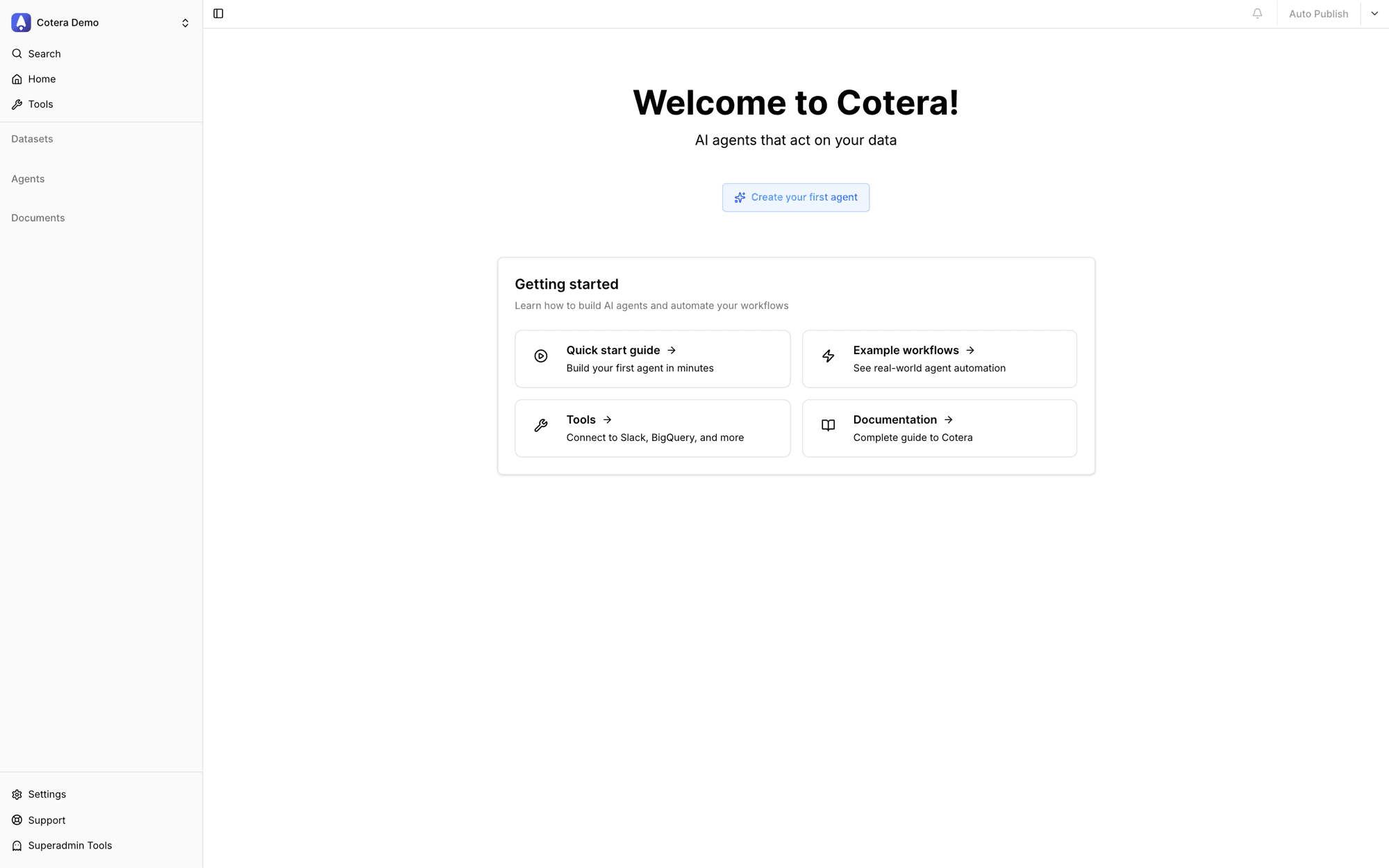
- Create a dataset: from a CSV upload, a warehouse connection (Snowflake, BigQuery), or EraQL.
- Add an intelligent column: an LLM column runs a prompt per row; agents in datasets run a full agent (tools and all) per row.
- Run it. Each row becomes one run, and results fill the column. Start with a handful of rows before running thousands.
When to use which surface
- A question, a task, a build: chat with Coco.
- The same job across many records: a dataset.
- Your data already lives in Snowflake: run from Snowflake and skip the import entirely.