Create a workflow
Workflows turn a one-off chat into a process your org can rely on: defined steps, defined inputs, a run history you can audit. Build them on the canvas, or describe the process to Coco and edit what it drafts.
The pieces
- Nodes are steps. A tool node performs one action directly (append a row, send a message, fetch a URL). An agent node brings judgment (read, decide, write). Control nodes (filters, branches, delays) route the flow.
- Edges carry data. Each node's output is available to the nodes after it, which is why structured outputs on agents matter: downstream steps address fields, not prose.
- Triggers decide when it runs: on a schedule, from a webhook, or manually.
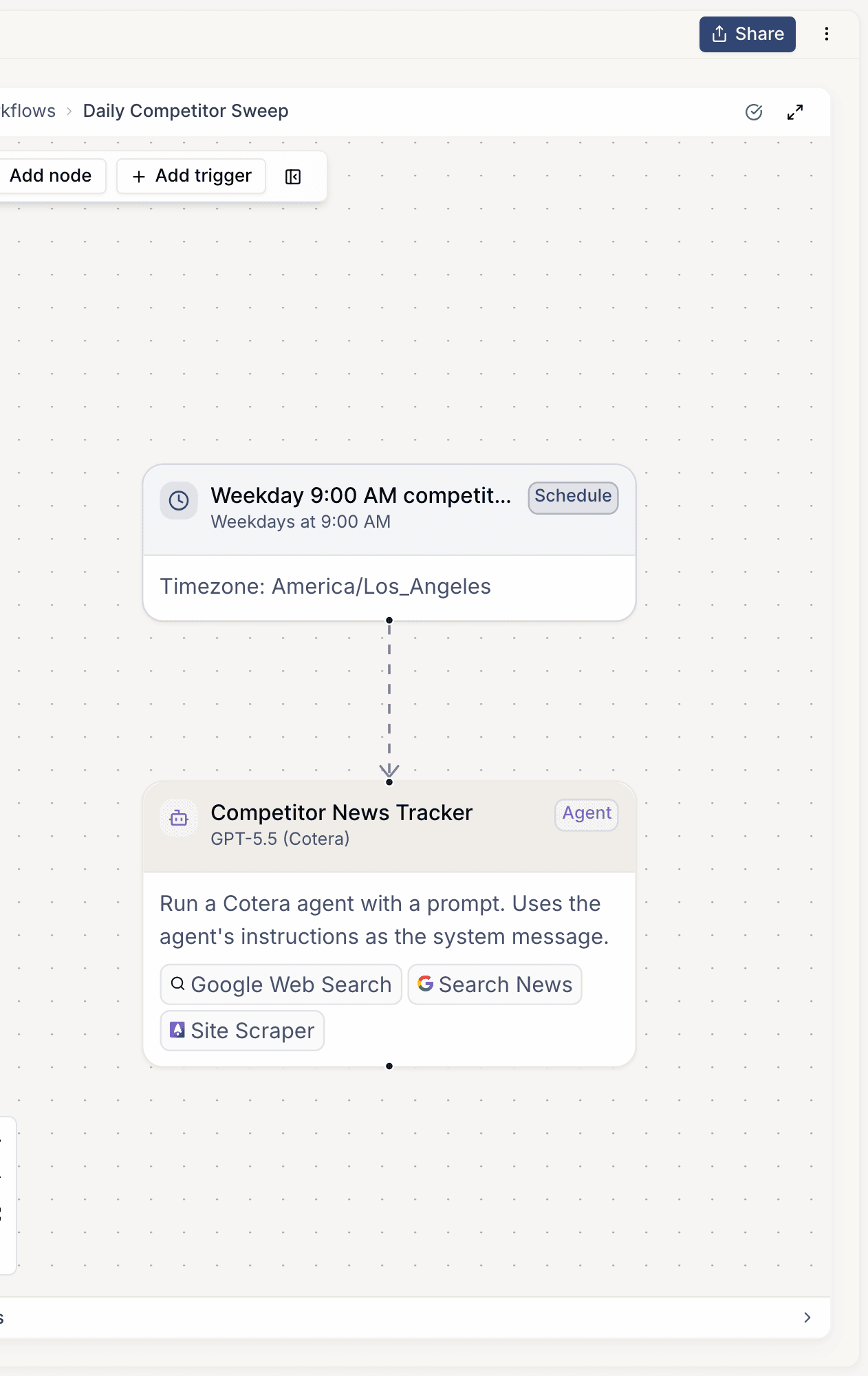
Build one
- Go to Workflows, create a workflow, and name the job it does (a workflow should do one job).
- Add the trigger first: knowing the input shape (a webhook payload, a schedule with defaults) keeps every downstream step honest.
- Add nodes for each step. Prefer tool nodes wherever the step is deterministic; use agent nodes only where the step genuinely needs to think. Most good workflows are mostly tool nodes.
- Run it manually a few times from the editor and watch the run detail view: every node's input, output, and timing is recorded.
- Turn on the real trigger when the manual runs look right.
Iterating
Runs are the feedback loop. When a workflow misbehaves, open the run, find the node whose output surprised you, and fix that node: the run history makes regressions visible immediately.