Triggers
A trigger is what starts a workflow. There are four kinds, and most workflows graduate through them: manual while you build, then a schedule, a webhook, or an address for real.
1. Manual
Run the workflow yourself from the editor, with input you type in. This is the build-and-debug mode: run, inspect the run detail, adjust, repeat. Keep a workflow manual until its runs stop surprising you.
2. Schedule (cron)
Runs at fixed times. Presets cover hourly, daily, and weekly; a cron expression covers everything else (0 9 * * 1-5 is weekdays at 9:00). Check the timezone shown on the trigger card. Best for digest-shaped work: summarize, report, sweep, sync.
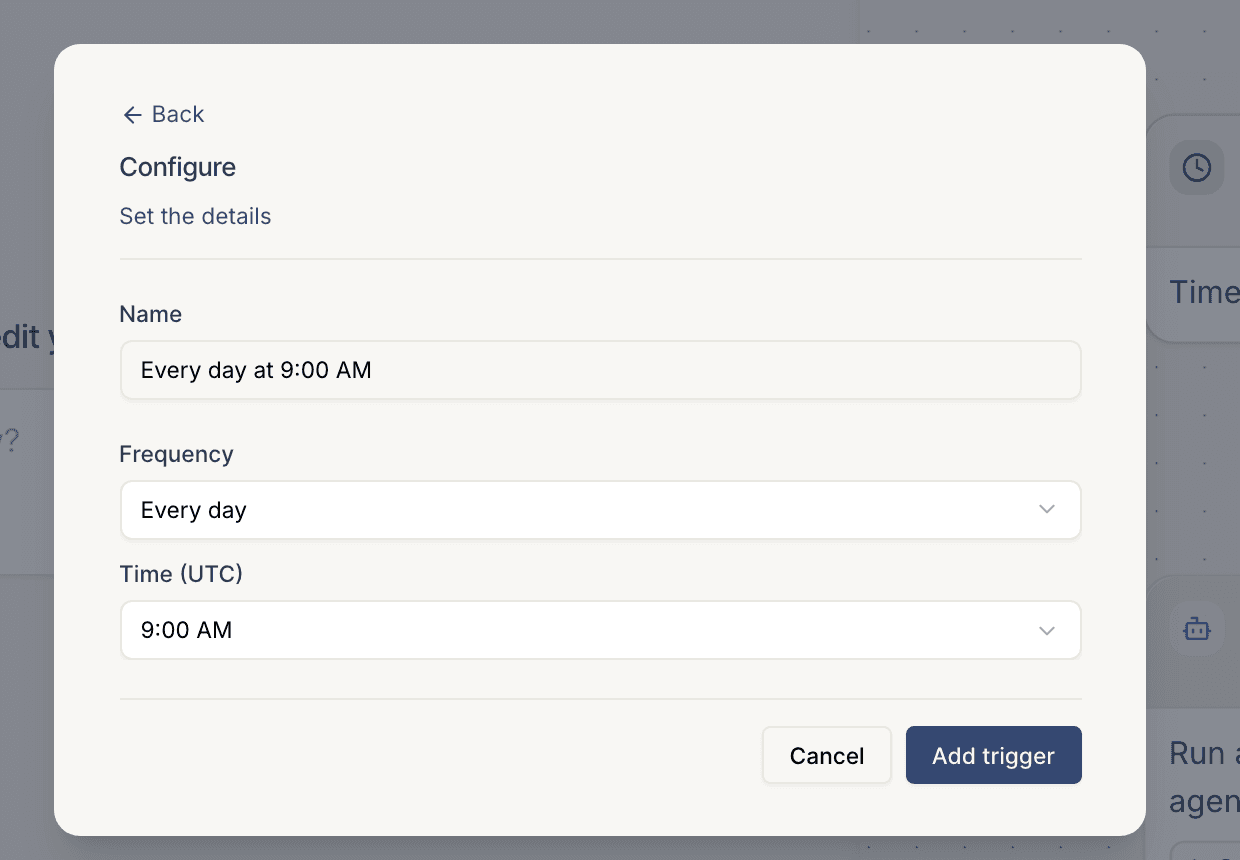
Full guide: Run on a schedule.
3. Webhook (from an app)
Runs when another system sends an event. Pick the app the events come from, with per-event filtering, or use a Custom webhook for any HTTP endpoint. The event payload becomes the workflow's input. Best for react-shaped work: enrich the new signup, triage the new ticket, respond to the payment.
Full guide: Kick off from a webhook.
4. Email
Runs when mail arrives at an address Cotera mints for the trigger, like deals-k3f9x2@inbound.cotera.ai. The normalized message (sender, subject, both bodies, attachment names, auth results) becomes the workflow's input. Best when the person starting the work is outside your systems: a customer, a vendor, a candidate. Also the quickest way to wire up a source you have no webhook for, by pointing an inbox rule at the address.
Full guide: Email your agent.
Choosing
Ask one question: does the work follow the clock, or follow an event?
- Clock: use a schedule.
- Event from a system you integrate with: use a webhook. It fires in seconds, while a schedule polls too late or too often.
- Event from a person, not a system: use email. Nobody outside your org can call your API, but everybody can send mail.
- Can't get an event out of the source system? Schedule a short-interval sweep as the fallback, or forward the notification mail it already sends you to an email trigger.